



Your long term dedication to improvements and tweaks to this game is really cool to see!
A member registered Jun 08, 2019 · View creator page →
Creator of
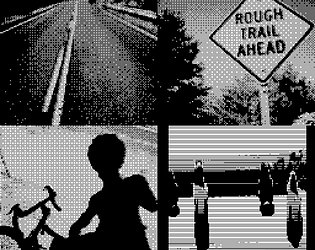
Game Boy Camera photos for GB Camera Jam 2026
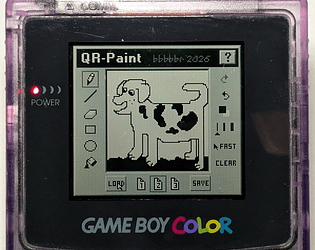
Draw on the Game Boy and share it direct to your phone using a QRCode! (without the internet!)
Educational
Play in browser
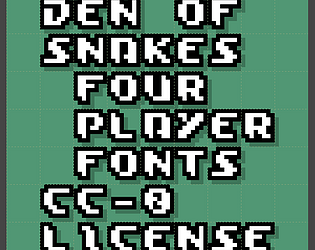
A pixel font from the Den of Snakes four player game for the Game Boy
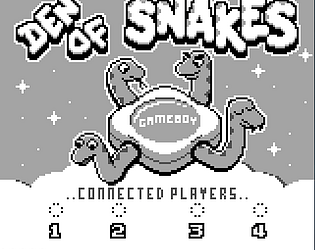
A four player snake game for the Game Boy using the DMG-07 Four Player Adapter
Action
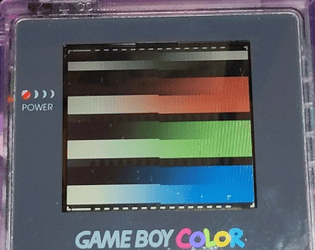
Game Boy Color Bar and Wheel Test ROM
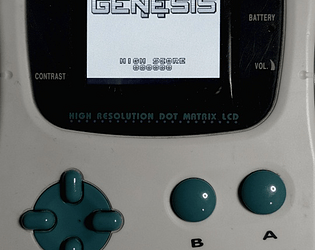
A ROM patch for Genesis 2 (Game Boy) so it can run on the Mega Duck
Shooter
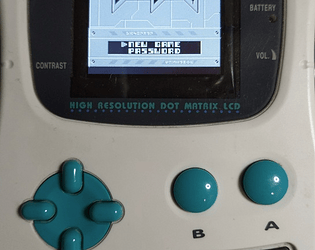
A ROM patch for Lunar Lancer (Game Boy) so it can run on the Mega Duck
Shooter
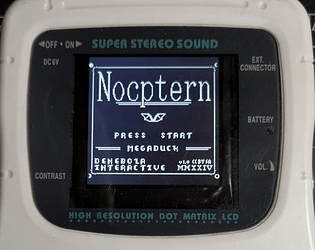
A ROM patch for Nocptern (Game Boy) so it can run on the Mega Duck
Shooter
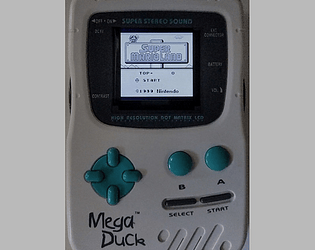
A ROM patch for Super Mario Land (Game Boy) so it can run on the Mega Duck
Action
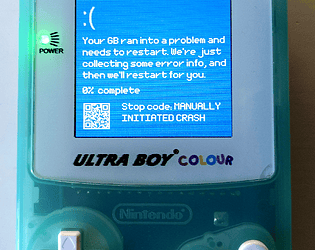
Blue Screen of Death simulator for the Game Boy with various versions
Simulation
Play in browser
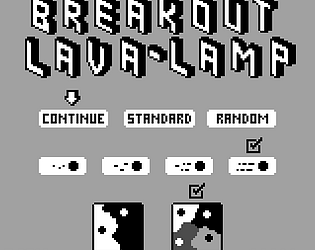
A Multi-Ball Breakout Lava Lamp for the Game Boy
Simulation
Play in browser
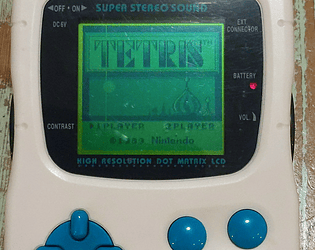
A ROM patch for classic Tetris (Game Boy) so it can run on the Mega Duck
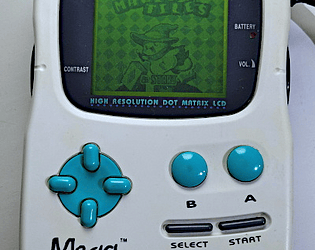
A ROM patch for Fydo's Magic Tiles (Game Boy) so it can run on the Mega Duck
Puzzle

Pixel Fonts from the Canyon Racer Game Boy Demo
Game Boy Racing Demo with Vertical Parallax Effect for the Game Boy and Mega Duck)
Racing
Play in browser
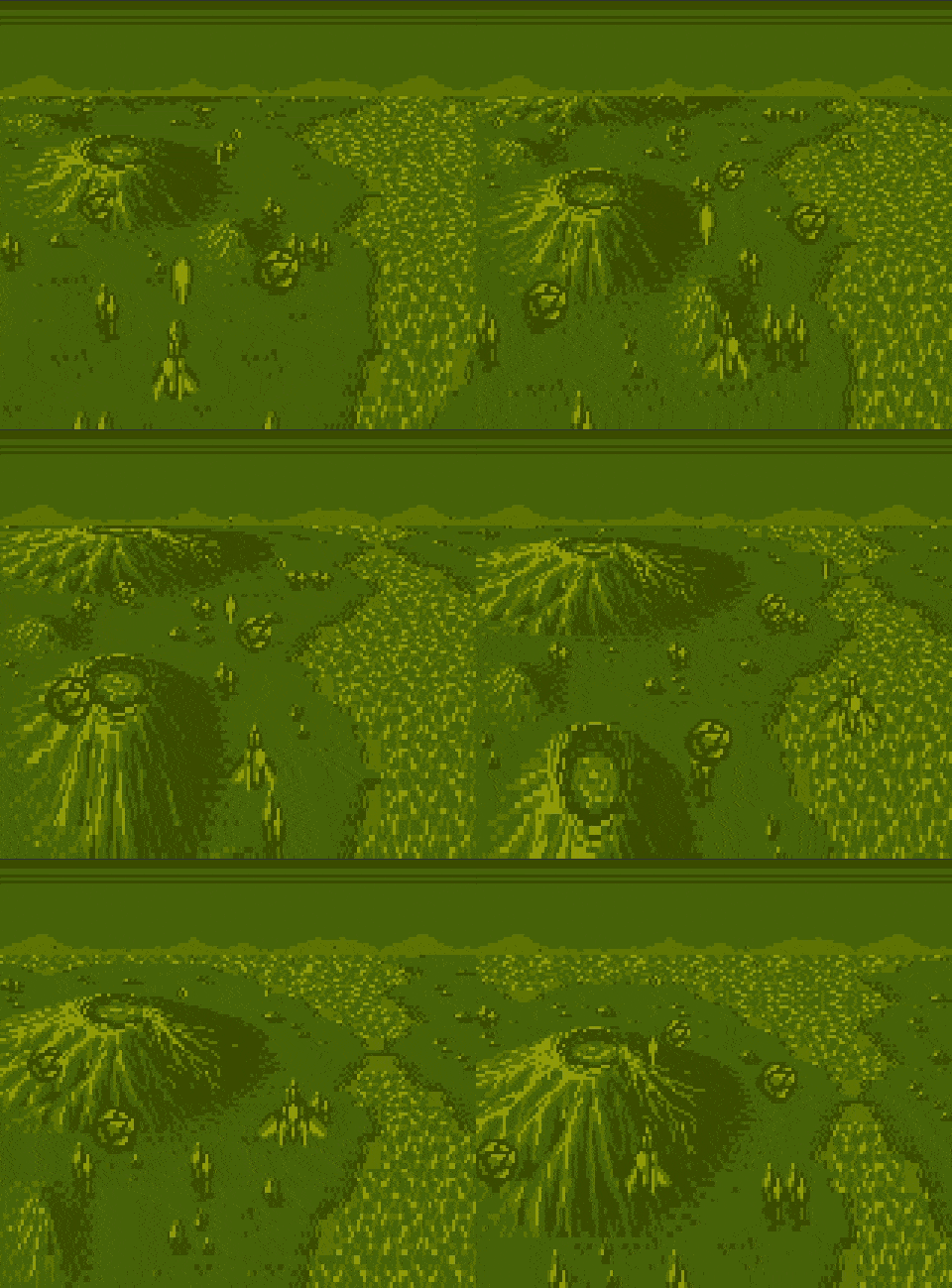
A Game Boy demake of a NES demake of the SNES game Axelay
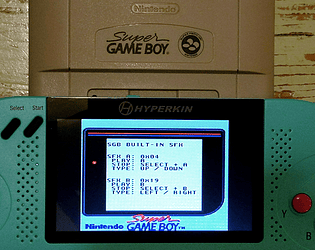
A small ROM for testing the built-in Sound Effects of the Super Game Boy

A Cornish Language word game for the Nintendo Game Boy (& Color) / Color and Analogue Pocket
Play in browser
A word game for the Nintendo Game Boy (& Color) / Color and Analogue Pocket / MegaDuck
Puzzle
Play in browser
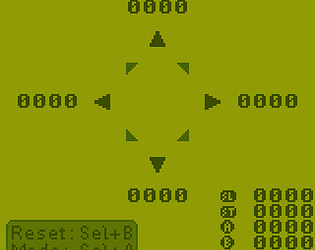
A small ROM for testing the D-Pad and Buttons on Game Boy and Analogue Pocket
A Game Boy Color puzzle game of shapely pets
Puzzle
Play in browser
Recent community posts
GB Camera Jam '26 community · Created a new topic Photos in Portrait orientation - leave unrotated for 1x version?
There’s one photo in my submission (the slitscan image) that is in portrait orientation. (They’re captured in portrait since that’s more efficient on the GB for technical reasons).
I’ve rotated the preview since it looks very abstract and is oddly hard to recognize when not-rotated. However I’ve left the 1x submitted image non-rotated for now (since the rules say 160x144 and no modifications).
Should I leave it that way, or should I rotate the 128 x 112 submission within the 160x144 image?
Non-rotated:

Rotated:

OK, sort of related question: Are slit-scan photos generated entirely on the Game Boy permissible? (ones which adhere to all the usual gb camera image size and color palette limits)
There’s a fork of Photo! I made a few years ago that allows it to capture these kinds of images. https://github.com/bbbbbr/gb-photo
Edit: And to clarify, it builds the slit-scan photo as the image frames comes in to the camera (as opposed to assembling something from standalone stills after they are taken).


Was listening to the New Game Old Flame podcast about this game and realized I never posted my updated high score here.
I made it up to at least 1750 but could only find this photo showing 1424. What I realized over time was some block sequences that seemed unfair or impossible could actually be finessed with more skill and a little luck.
I did eventually rom-patch it so that pressing A wouldn’t restart the game after dying. That makes it easier to avoid accidental game restarts before taking a high-score screenshot.
Anyhow, there’s my update for others who might be playing.

Hopefully it’s ok to post the rom patch input changes here in case others would like them:
-
Change so A button doesn’t restart
- (295d9 -> 295dA) 20 1B -> 00 00
- (2966a -> 2966b) 20 1E -> 00 00
-
Use SELECT to restart game (to avoid restarts when accidentally trying to use non-available Pause)
- 0ac4 40 -> 80
The shortcuts do seem to work so far.
I noticed a glitchy issue when importing the title screen graphic from Den of Snakes (with gb studio limits turned off in a new project). After importing a second time the image was ok.


But now a problem after closing and restarting the app… it seems unable to open and stuck with some kind of minimal electron (or whatever the ui platform is) base window. It has a web dev tools, etc. Can’t seem to get it to run normally anymore.

Deleting the chromium temp files it had made in /tmp didn’t work. Deleting it’s entire folder in (my user home)/.config/tessarium didn’t work.
Have a system restart I need to do anyway soon, so maybe I’ll see if it’s ok after that.
QR-Paint 0.91: Game Boy Printer, .pocket, etc comments · Replied to Valkristh in QR-Paint 0.91: Game Boy Printer, .pocket, etc comments
