Cookies essentiels
Nécessaires au bon fonctionnement du site et ne peuvent pas être désactivés, car ils permettent les fonctionnalités de base du site


Éditeur: Pochemu Ltd
Développeur: Pochemu Ltd


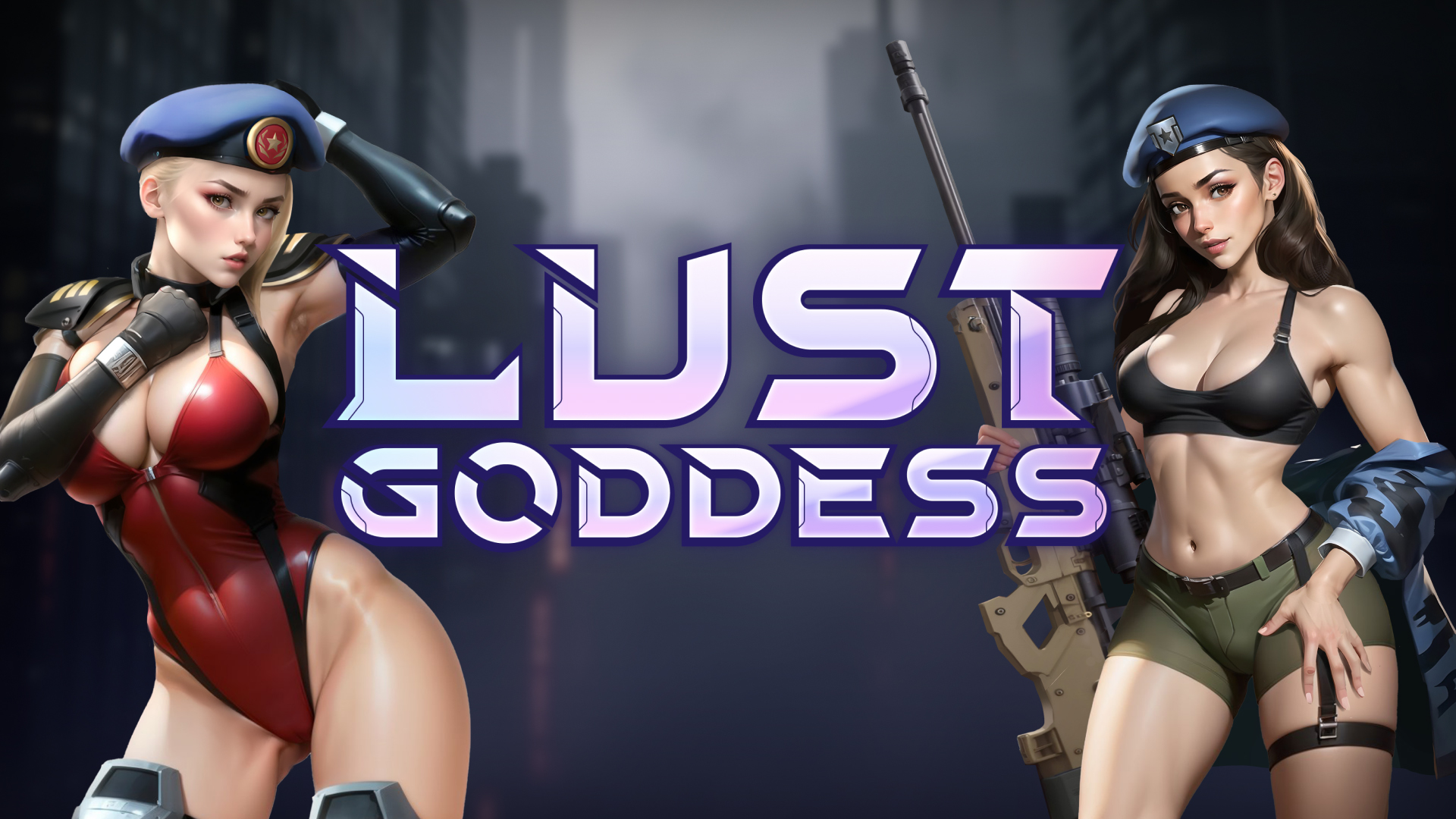


Lust Goddess est un jeu de cartes à collectionner torride et palpitant, dans lequel vous allez former votre escouade unique de mercenaires... qui se trouvent être des filles sexy. Gagnez leur amour et leur confiance, et elles vous montreront toute leur gratitude en donnant vie à vos fantasmes les plus sauvages et les plus lubriques !
* Les jeux gratuits peuvent inclure des achats intégrés.
Vous êtes devenu le capitaine d'une escouade de mercenaires prêtes à tout pour vous servir. Serez-vous à la hauteur des défis qui se dresseront sur votre chemin ? Alors, prouvez que ces mercenaires n'ont jamais obéi aux ordres d'un capitaine aussi chevronné !

Disputez des combats au tour par tour tout aussi passionnants que hauts en couleur. La ville est infestée de bandits qui transforment les filles en esclaves sexuelles. Sauvez les pauvres demoiselles pour qu'elles rejoignent votre escouade... et vous montrent toute leur gratitude !

Participez à des discussions juteuses avec vos filles et recevez leurs photos torrides. Chacune d'entre elles possède sa personnalité, ses goûts et ses aversions, et, bien sûr, ses fétiches... Elles seront plus qu'heureuses de tout vous dévoiler !


-eb9.avif?t=1783675108)

Download Requires a Computer
The files can only be downloaded using a computer.
Please switch to your desktop or laptop to continue the download process. Check the Video or Text Instruction tab for more details.
Text Instruction
What is SideStore and system requirements
The SideStore enables non-jailbroken iOS devices the ability to install apps manually, giving you access to NSFW games that aren’t available in the app store.
The following sections will guide you on the required files that need to be downloaded and installed, as well as step-by-step instructions on how to set up the SideStore and how to install apps on your device. Note that once you have completely set up the SideStore, future installations will only require you to download the Game Installation File (.IPA) and to carry out the game installation steps.
Please note that in order to follow this guide you will need access to a macOS (10.14 or higher) or Windows (10 or higher) computer.
Install iTunes and iCloud

Connect your device to your computer and enable Developer Mode

Install and Launch the SideStore on your device

Create and Import the Pairing File

Download and connect to SideStore’s VPN (LocalDevVPN)

Installing Nutaku Games Via the SideStore

Download Requires a Computer
The files can only be downloaded using a computer.
Please switch to your desktop or laptop to continue the download process. Check the Video or Text Instruction tab for more details.
Text Instruction
What is SideStore and system requirements
The SideStore enables non-jailbroken iOS devices the ability to install apps manually, giving you access to NSFW games that aren’t available in the app store.
The following sections will guide you on the required files that need to be downloaded and installed, as well as step-by-step instructions on how to set up the SideStore and how to install apps on your device. Note that once you have completely set up the SideStore, future installations will only require you to download the Game Installation File (.IPA) and to carry out the game installation steps.
Please note that in order to follow this guide you will need access to a macOS (10.14 or higher) or Windows (10 or higher) computer.
Install AltServer on your Computer

Connect your device to your computer and enable Developer Mode
Install and Launch the SideStore on your device
Create and Import the Pairing File

Download and connect to SideStore’s VPN (LocalDevVPN)
Installing Nutaku Games Via the SideStore
FAQs: Installing Games with SideStore
Download Requires a Computer
The files can only be downloaded using a computer.
Please switch to your desktop or laptop to continue the download process. Check the Video or Text Instruction tab for more details.
Text Instruction
What is AltStore and system requirements
The AltStore enables non-jailbroken iOS devices the ability to install apps manually, giving you access to NSFW games that aren’t available in the app store.
The following sections will guide you on the required files that need to be downloaded and installed, as well as step-by-step instructions on how to set up the AltStore and how to install apps on your device. Note that once you have completely set up the AltStore, future installations will only require you to download the Game Installation File (.IPA) and to carry out the game installation steps.
Please note that in order to follow this guide you will need access to a macOS (10.14 or higher) or Windows (10 or higher) computer.
Install iTunes and iCloud
Connect your device to your computer and enable Developer Mode
Install and Launch the AltStore on your device
Installing Nutaku Games Via the AltStore

Download Requires a Computer
The files can only be downloaded using a computer.
Please switch to your desktop or laptop to continue the download process. Check the Video or Text Instruction tab for more details.
Text Instruction
What is AltStore and system requirements
The AltStore enables non-jailbroken iOS devices the ability to install apps manually, giving you access to NSFW games that aren’t available in the app store.
The following sections will guide you on the required files that need to be downloaded and installed, as well as step-by-step instructions on how to set up the AltStore and how to install apps on your device. Note that once you have completely set up the AltStore, future installations will only require you to download the Game Installation File (.IPA) and to carry out the game installation steps.
Please note that in order to follow this guide you will need access to a macOS (10.14 or higher) or Windows (10 or higher) computer.
Install AltServer on your Computer
Connect your device to your computer and enable Developer Mode
Install and Launch the AltStore on your device

Installing Nutaku Games Via the AltStore
FAQs: Installing Games with AltStore
Download Requires a Computer
The files can only be downloaded using a computer.
Please switch to your desktop or laptop to continue the download process. Check the Video or Text Instruction tab for more details.
Text Instruction
What is Sideloadly and system requirements
Sideloadly is a tool that facilitates sideloading on iOS devices. It enables non-jailbroken iOS devices the ability to install apps manually, without having to rely on Apple’s App Store, giving you access to NSFW games that aren’t available in the app store.
The following sections will guide you on the required files that need to be downloaded and installed, as well as step-by-step instructions on how to set up the Sideloadly and how to install apps on your device. Note that once you have completely set up the AltStore, future installations will only require you to download the Game Installation File (.IPA) and to carry out the game installation steps.
Please note that in order to follow this guide you will need access to a macOS (10.14 or higher) or Windows (10 or higher) computer.
Install iTunes and iCloud
Connect your device to your computer and enable Developer Mode
Install Sideloadly on your Computer
Installing Nutaku Games Via Sideloadly

Download Requires a Computer
The files can only be downloaded using a computer.
Please switch to your desktop or laptop to continue the download process. Check the Video or Text Instruction tab for more details.
Text Instruction
What is Sideloadly and system requirements
Sideloadly is a tool that facilitates sideloading on iOS devices. It enables non-jailbroken iOS devices the ability to install apps manually, without having to rely on Apple’s App Store, giving you access to NSFW games that aren’t available in the app store.
The following sections will guide you on the required files that need to be downloaded and installed, as well as step-by-step instructions on how to set up the Sideloadly and how to install apps on your device. Note that once you have completely set up the AltStore, future installations will only require you to download the Game Installation File (.IPA) and to carry out the game installation steps.
Please note that in order to follow this guide you will need access to a macOS (10.14 or higher) or Windows (10 or higher) computer.
Install Sideloadly on your Computer

Connect your device to your computer and enable Developer Mode
Installing Nutaku Games Via Sideloadly
FAQs: Installing Games with Sideloadly
Une erreur s'est produite!
Nous sommes désolés, mais une erreur inconnue s'est produite. Veuillez réessayer plus tard ou contacter le support si le problème persiste.
Nous sommes désolés, mais il y a eu une erreur dans la soumission de votre rapport. Veuillez soumettre à nouveau votre signalement et si cela persiste, veuillez contacter notre équipe d'assistance.
Continue the Download with our Nutaku Android Store App
Mettez a jour vos jeux en un seul clic
Parcourez toute notre bibliotheque de jeux pour Android
Jouez a l'ensemble de vos jeux preferes a partir d'une seule application
ERREUR LORS DU TÉLÉCHARGEMENTUn problème est survenu lors du téléchargement.Veuillez rafraichir la page, ou reessayez ulterieurement.
Si le probleme persiste, veuillez contacter le service client
ERREUR LORS DU TÉLÉCHARGEMENTFichier introuvable.Veuillez rafraichir la page, ou reessayez ulterieurement.
Si le probleme persiste, veuillez contacter le service client
Authentification à deux facteurs activée
Pour plus d'informations sur l'authentification à deux facteurs, veuillez contacter le support.
Personnaliser les cookies