Essential Cookies
Are necessary for the website to function and cannot be switched off in our systems as they enable core website functionality


Publisher: Naughty Girls
Developer: Naughty Girls


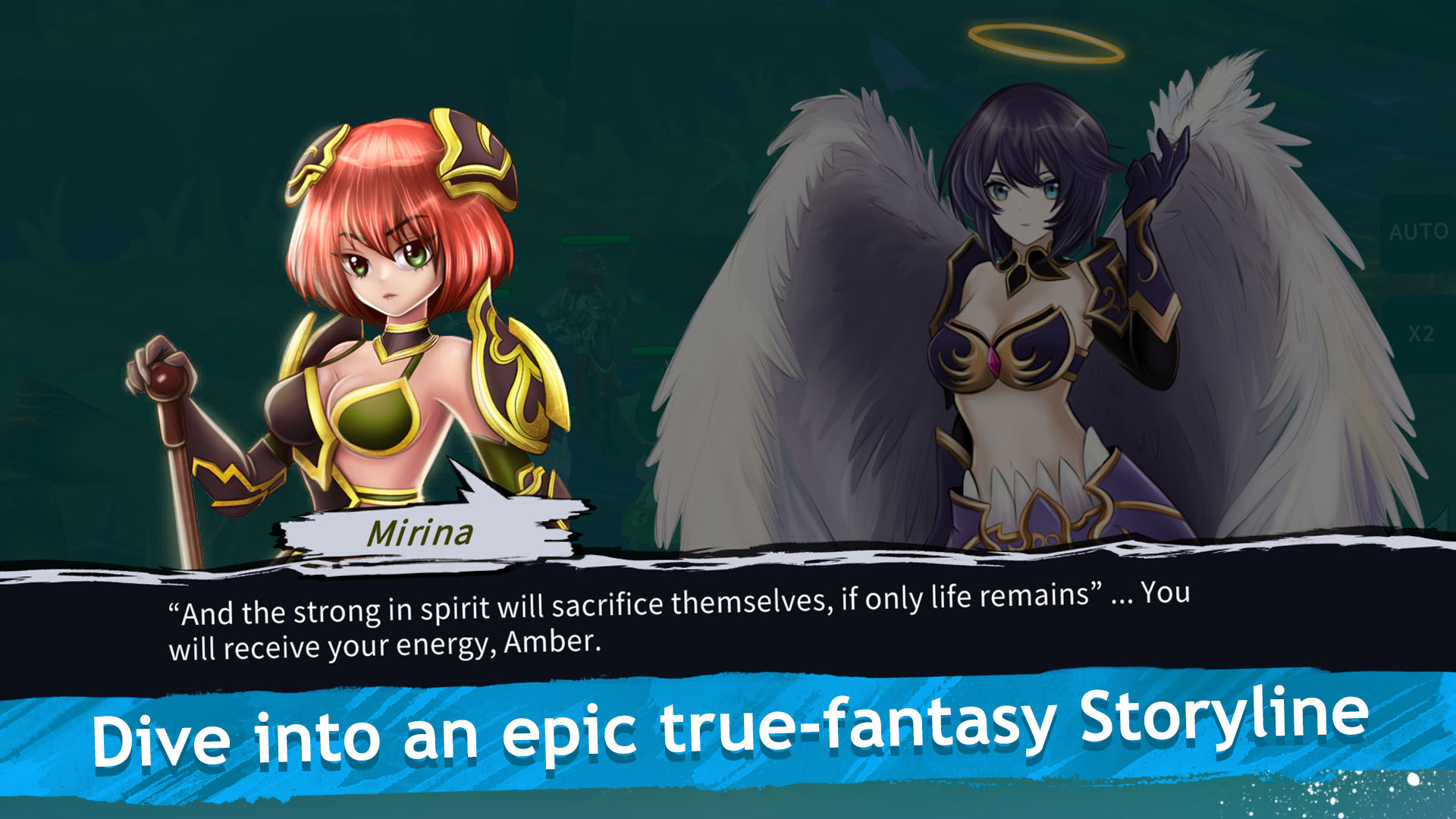





Epic fantasy story campaign. Horny Waifu: Kaiju Strike delivers an unforgettable anime-fantasy adventure packed with sharp humor, clever references, and a surprising amount of heart. Get ready for real heroism, bold sacrifice, and a story that’ll keep you hooked!

Many Waifu to choose from - build your ultimate Waifu squad! Discover a wide variety of Waifu from different races, rarities, elements, and classes. Each one brings something unique to your journey. Collect them all, grow your dream harem, enjoy their affection - and don’t forget, the world still needs saving!
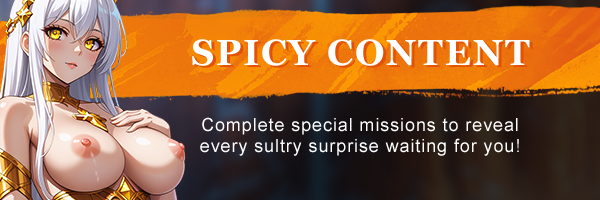
Unlock a steamy collection of H-Scenes and Nudes as you deepen your relationships with your Waifu. Complete special missions and progress through the story to reveal every sultry surprise waiting for you!

Pick the right team and strategy for each encounter and crush your enemies in action-packed battles. Timing, tactics, and team synergy are the keys to victory!

Players vs. Players RPG battles. Assemble your strongest Waifu squad and dominate your rivals in the Arena and Tournament battles. Climb the global leaderboards and prove you're the ultimate Waifu master!

Join Guilds and participate in Raids. In Horny Waifu: Kaiju Strike, brilliant tacticians and fearless leaders join guilds to take down colossal raid bosses. Prepare for the toughest challenges and the sweetest rewards.

Download Requires a Computer
The files can only be downloaded using a computer.
Please switch to your desktop or laptop to continue the download process. Check the Video or Text Instruction tab for more details.
Text Instruction
What is SideStore and system requirements
The SideStore enables non-jailbroken iOS devices the ability to install apps manually, giving you access to NSFW games that aren’t available in the app store.
The following sections will guide you on the required files that need to be downloaded and installed, as well as step-by-step instructions on how to set up the SideStore and how to install apps on your device. Note that once you have completely set up the SideStore, future installations will only require you to download the Game Installation File (.IPA) and to carry out the game installation steps.
Please note that in order to follow this guide you will need access to a macOS (10.14 or higher) or Windows (10 or higher) computer.
Install iTunes and iCloud

Connect your device to your computer and enable Developer Mode

Install and Launch the SideStore on your device

Create and Import the Pairing File

Download and connect to SideStore’s VPN (LocalDevVPN)

Installing Nutaku Games Via the SideStore

Download Requires a Computer
The files can only be downloaded using a computer.
Please switch to your desktop or laptop to continue the download process. Check the Video or Text Instruction tab for more details.
Text Instruction
What is SideStore and system requirements
The SideStore enables non-jailbroken iOS devices the ability to install apps manually, giving you access to NSFW games that aren’t available in the app store.
The following sections will guide you on the required files that need to be downloaded and installed, as well as step-by-step instructions on how to set up the SideStore and how to install apps on your device. Note that once you have completely set up the SideStore, future installations will only require you to download the Game Installation File (.IPA) and to carry out the game installation steps.
Please note that in order to follow this guide you will need access to a macOS (10.14 or higher) or Windows (10 or higher) computer.
Install AltServer on your Computer

Connect your device to your computer and enable Developer Mode
Install and Launch the SideStore on your device
Create and Import the Pairing File

Download and connect to SideStore’s VPN (LocalDevVPN)
Installing Nutaku Games Via the SideStore
FAQs: Installing Games with SideStore
Download Requires a Computer
The files can only be downloaded using a computer.
Please switch to your desktop or laptop to continue the download process. Check the Video or Text Instruction tab for more details.
Text Instruction
What is AltStore and system requirements
The AltStore enables non-jailbroken iOS devices the ability to install apps manually, giving you access to NSFW games that aren’t available in the app store.
The following sections will guide you on the required files that need to be downloaded and installed, as well as step-by-step instructions on how to set up the AltStore and how to install apps on your device. Note that once you have completely set up the AltStore, future installations will only require you to download the Game Installation File (.IPA) and to carry out the game installation steps.
Please note that in order to follow this guide you will need access to a macOS (10.14 or higher) or Windows (10 or higher) computer.
Install iTunes and iCloud
Connect your device to your computer and enable Developer Mode
Install and Launch the AltStore on your device
Installing Nutaku Games Via the AltStore

Download Requires a Computer
The files can only be downloaded using a computer.
Please switch to your desktop or laptop to continue the download process. Check the Video or Text Instruction tab for more details.
Text Instruction
What is AltStore and system requirements
The AltStore enables non-jailbroken iOS devices the ability to install apps manually, giving you access to NSFW games that aren’t available in the app store.
The following sections will guide you on the required files that need to be downloaded and installed, as well as step-by-step instructions on how to set up the AltStore and how to install apps on your device. Note that once you have completely set up the AltStore, future installations will only require you to download the Game Installation File (.IPA) and to carry out the game installation steps.
Please note that in order to follow this guide you will need access to a macOS (10.14 or higher) or Windows (10 or higher) computer.
Install AltServer on your Computer
Connect your device to your computer and enable Developer Mode
Install and Launch the AltStore on your device

Installing Nutaku Games Via the AltStore
FAQs: Installing Games with AltStore
Download Requires a Computer
The files can only be downloaded using a computer.
Please switch to your desktop or laptop to continue the download process. Check the Video or Text Instruction tab for more details.
Text Instruction
What is Sideloadly and system requirements
Sideloadly is a tool that facilitates sideloading on iOS devices. It enables non-jailbroken iOS devices the ability to install apps manually, without having to rely on Apple’s App Store, giving you access to NSFW games that aren’t available in the app store.
The following sections will guide you on the required files that need to be downloaded and installed, as well as step-by-step instructions on how to set up the Sideloadly and how to install apps on your device. Note that once you have completely set up the AltStore, future installations will only require you to download the Game Installation File (.IPA) and to carry out the game installation steps.
Please note that in order to follow this guide you will need access to a macOS (10.14 or higher) or Windows (10 or higher) computer.
Install iTunes and iCloud
Connect your device to your computer and enable Developer Mode
Install Sideloadly on your Computer
Installing Nutaku Games Via Sideloadly

Download Requires a Computer
The files can only be downloaded using a computer.
Please switch to your desktop or laptop to continue the download process. Check the Video or Text Instruction tab for more details.
Text Instruction
What is Sideloadly and system requirements
Sideloadly is a tool that facilitates sideloading on iOS devices. It enables non-jailbroken iOS devices the ability to install apps manually, without having to rely on Apple’s App Store, giving you access to NSFW games that aren’t available in the app store.
The following sections will guide you on the required files that need to be downloaded and installed, as well as step-by-step instructions on how to set up the Sideloadly and how to install apps on your device. Note that once you have completely set up the AltStore, future installations will only require you to download the Game Installation File (.IPA) and to carry out the game installation steps.
Please note that in order to follow this guide you will need access to a macOS (10.14 or higher) or Windows (10 or higher) computer.
Install Sideloadly on your Computer

Connect your device to your computer and enable Developer Mode
Installing Nutaku Games Via Sideloadly
FAQs: Installing Games with Sideloadly
Oops, something went wrong!
We are sorry, but an unknown error has occurred. Please try again later or contact support if the problem persists.
We are sorry, but there was an error in submitting your report. Please submit your report again and if it persist please contact our support team.
Windows

Continue the Download with our Nutaku Android Store App
Update your games with one tap
Explore our library of Android Games
Play and manage your games from one place
Download Error!Your game files are unavailable for download at this time.Please refresh the page or try again later.
If the problem persists, please contact customer support
Download Error!File not found.Please refresh the page or try again later.
If the problem persists, please contact customer support
Unable to Login Because This Email Address is Already Associated With Another Nutaku Account
It seems that you have recently changed the email for your xvideos account which is also associated with your xvideos Powered by Nutaku account.
This new email address is already linked to another Nutaku account and can’t be used on xvideos.nutaku.net because two accounts can’t have the same email address. For this reason you are currently unable to login into the website with your new email.
In order to login again and access your account, please go to xvideos and change your email address to a different one.
Alternatively, you can contact our support team for assistance.
Two-Factor Authentication Enabled
For more information about Two-Factor Authentication please visit the XVIDEOS FAQ or contact support.
Customize Cookies