必要なクッキー
ウェブサイトの基本機能を有効にするために必要であり、無効にすることはできません


パブリッシャー: Pochemu Ltd
デベロッパー: Pochemu Ltd
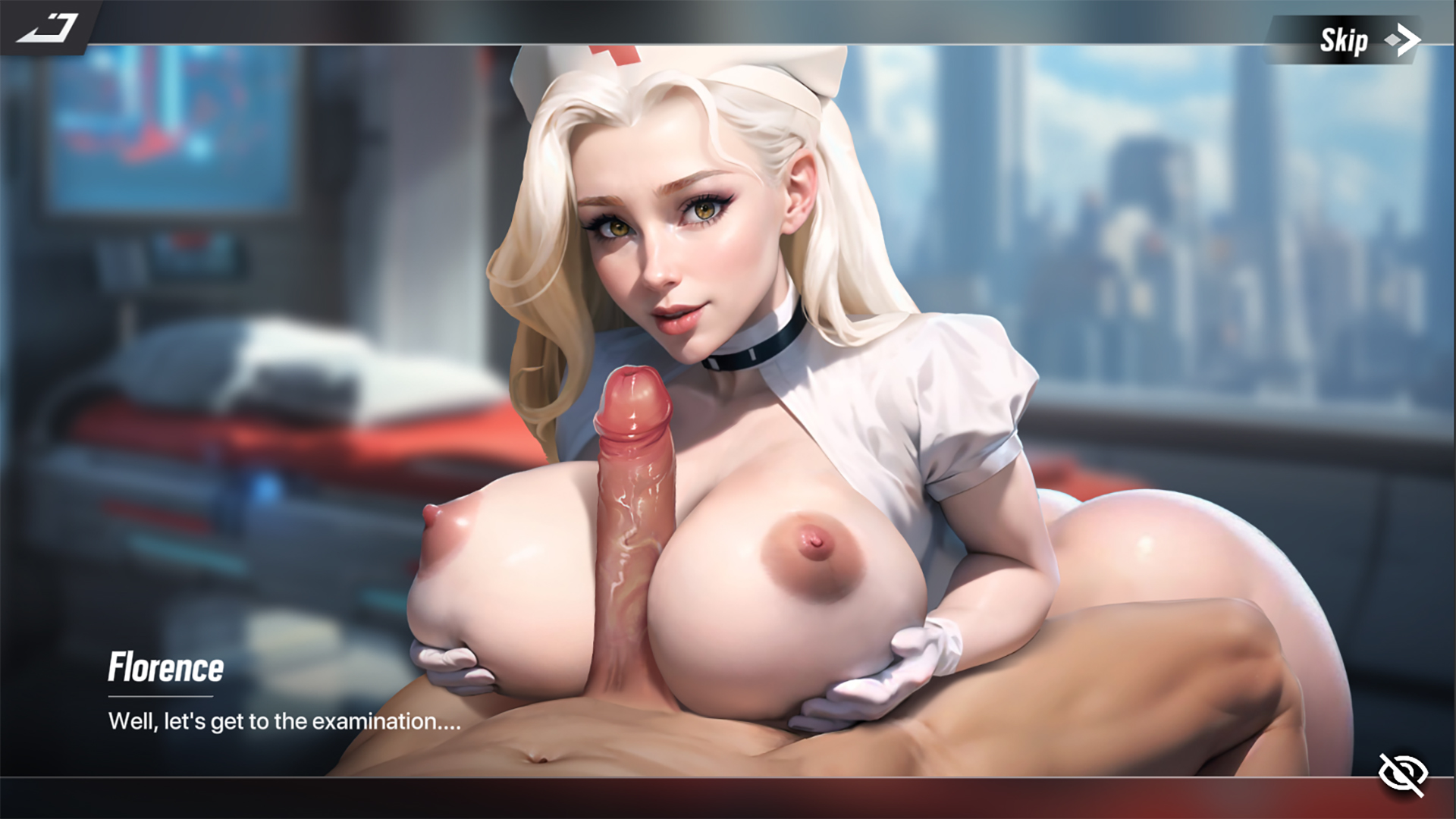
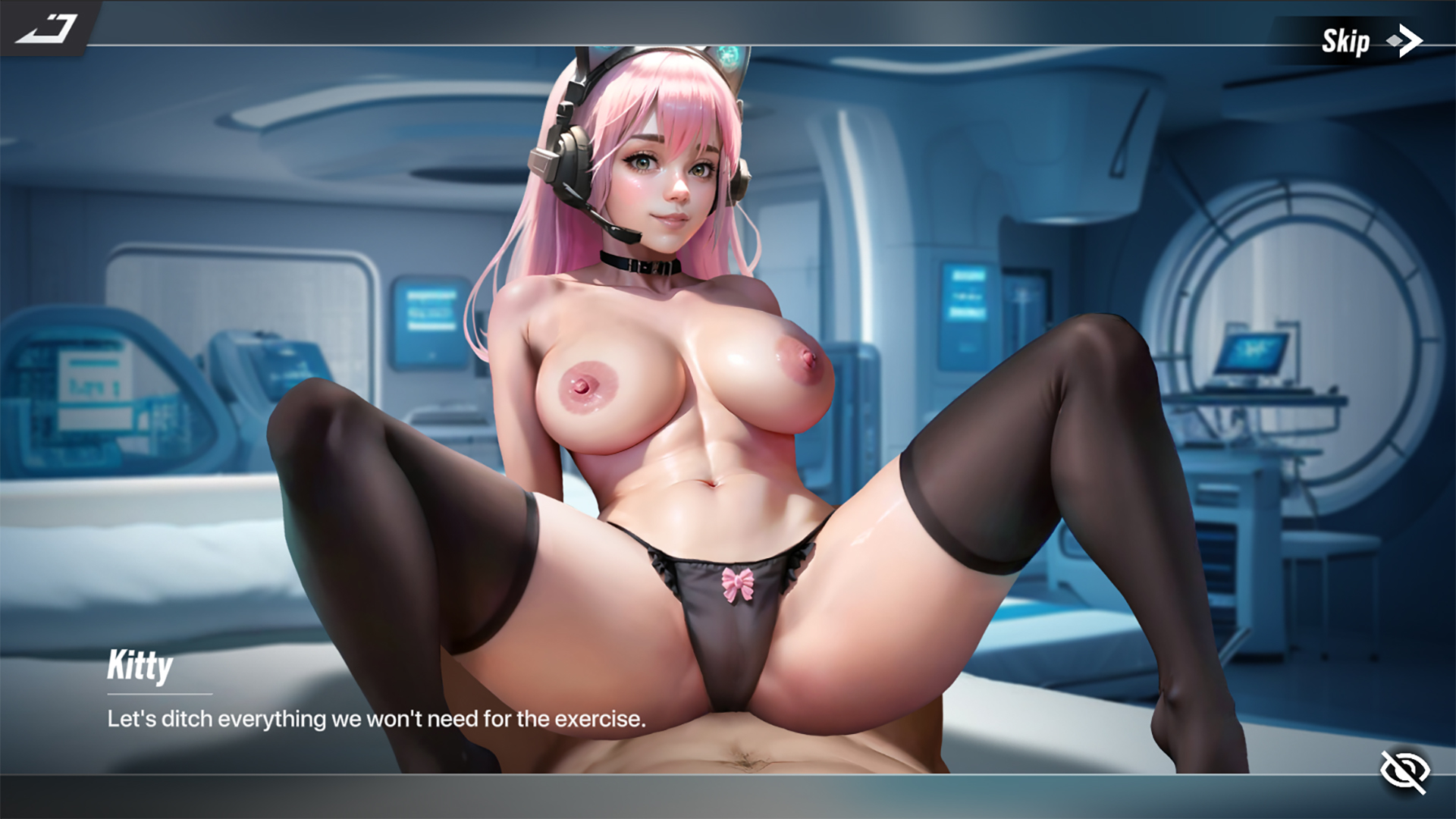
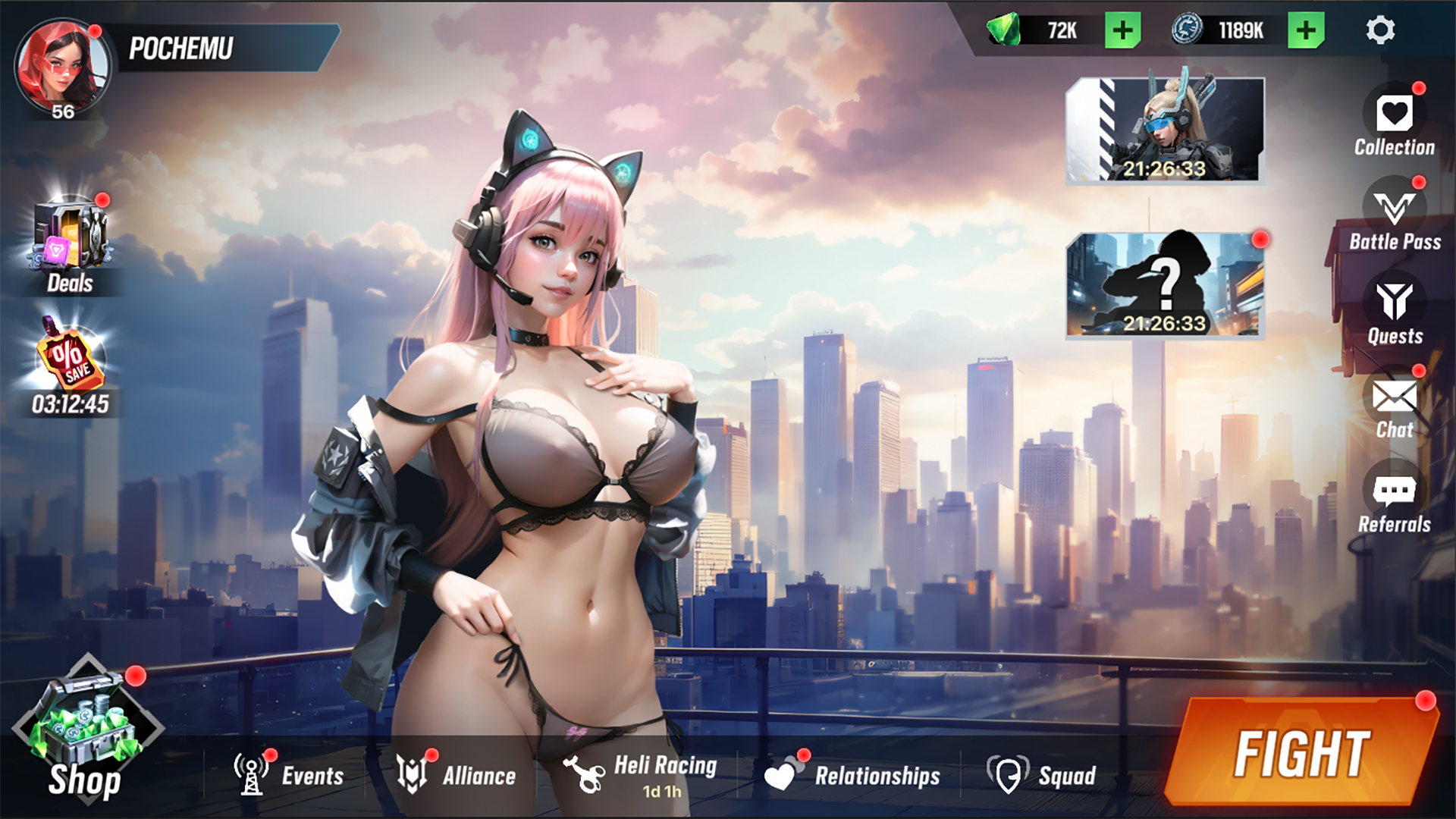
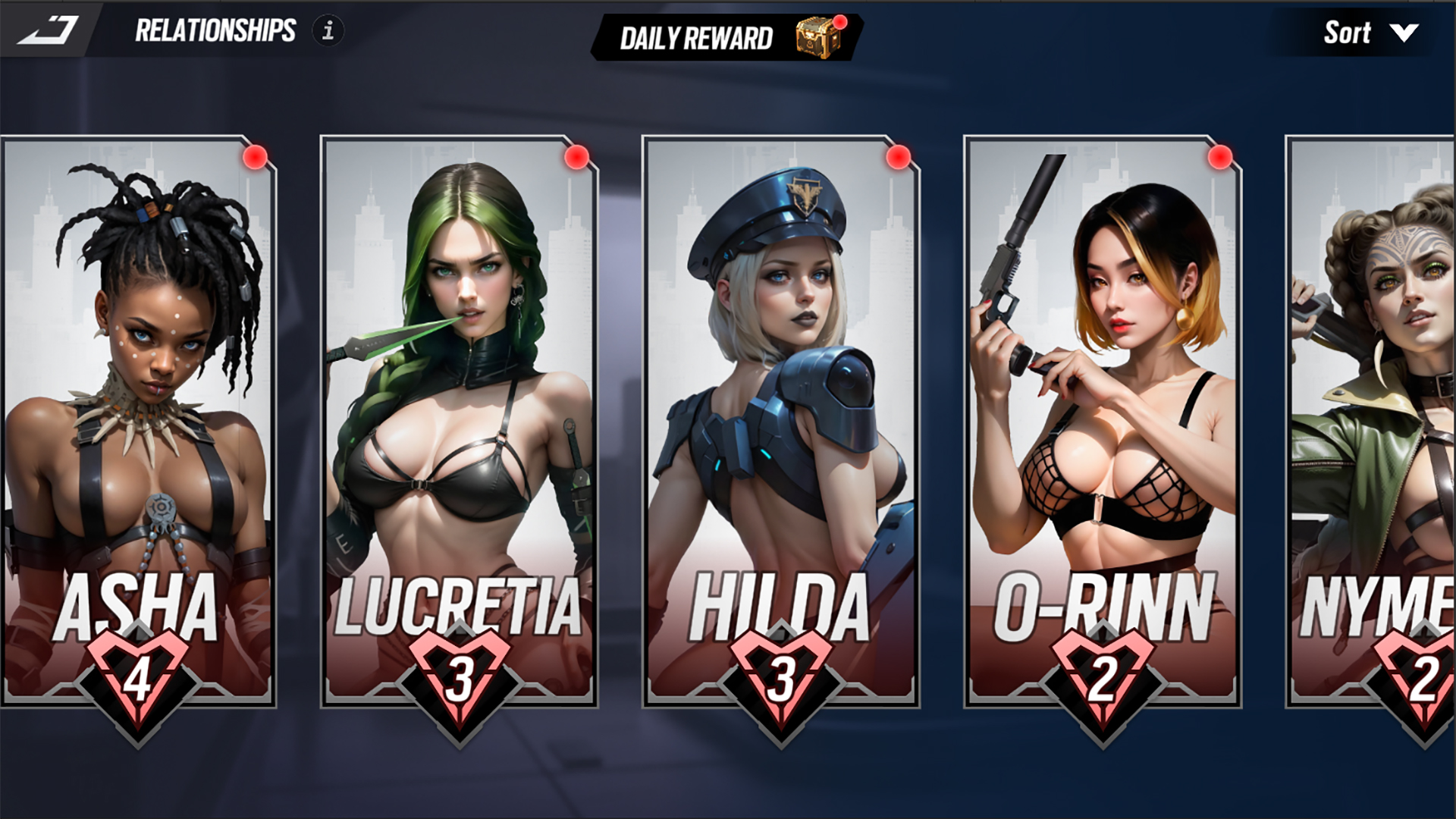
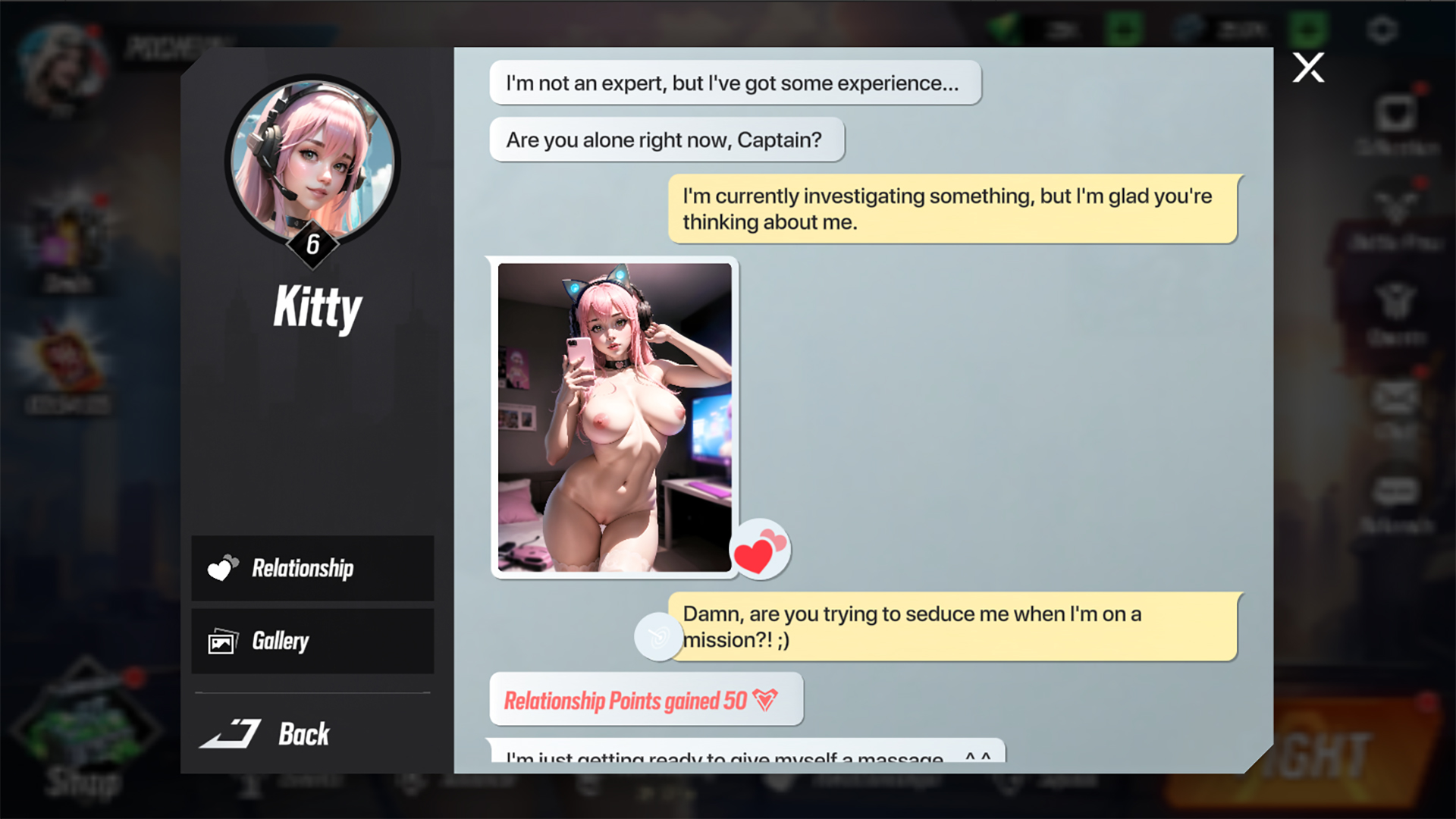
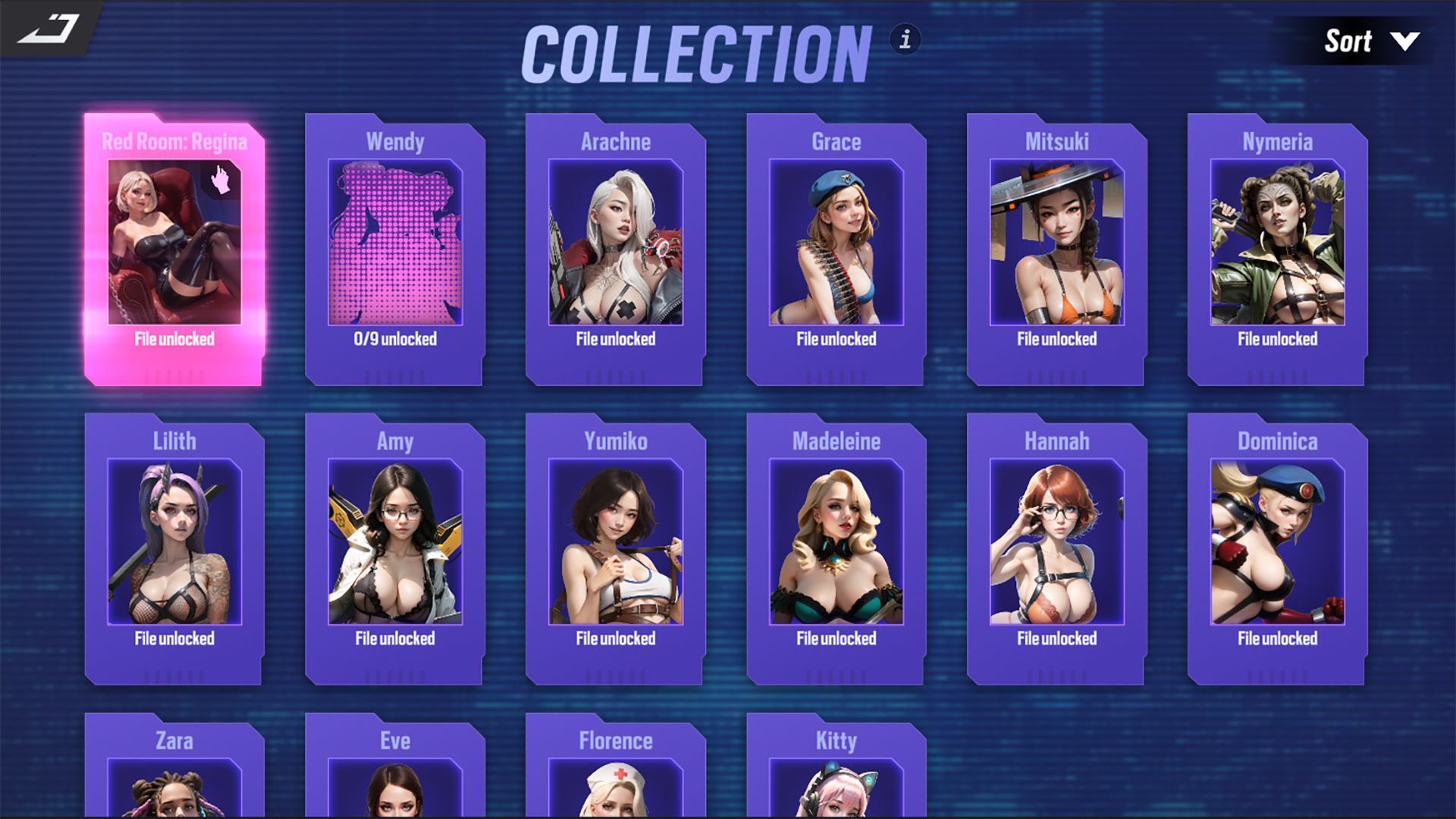
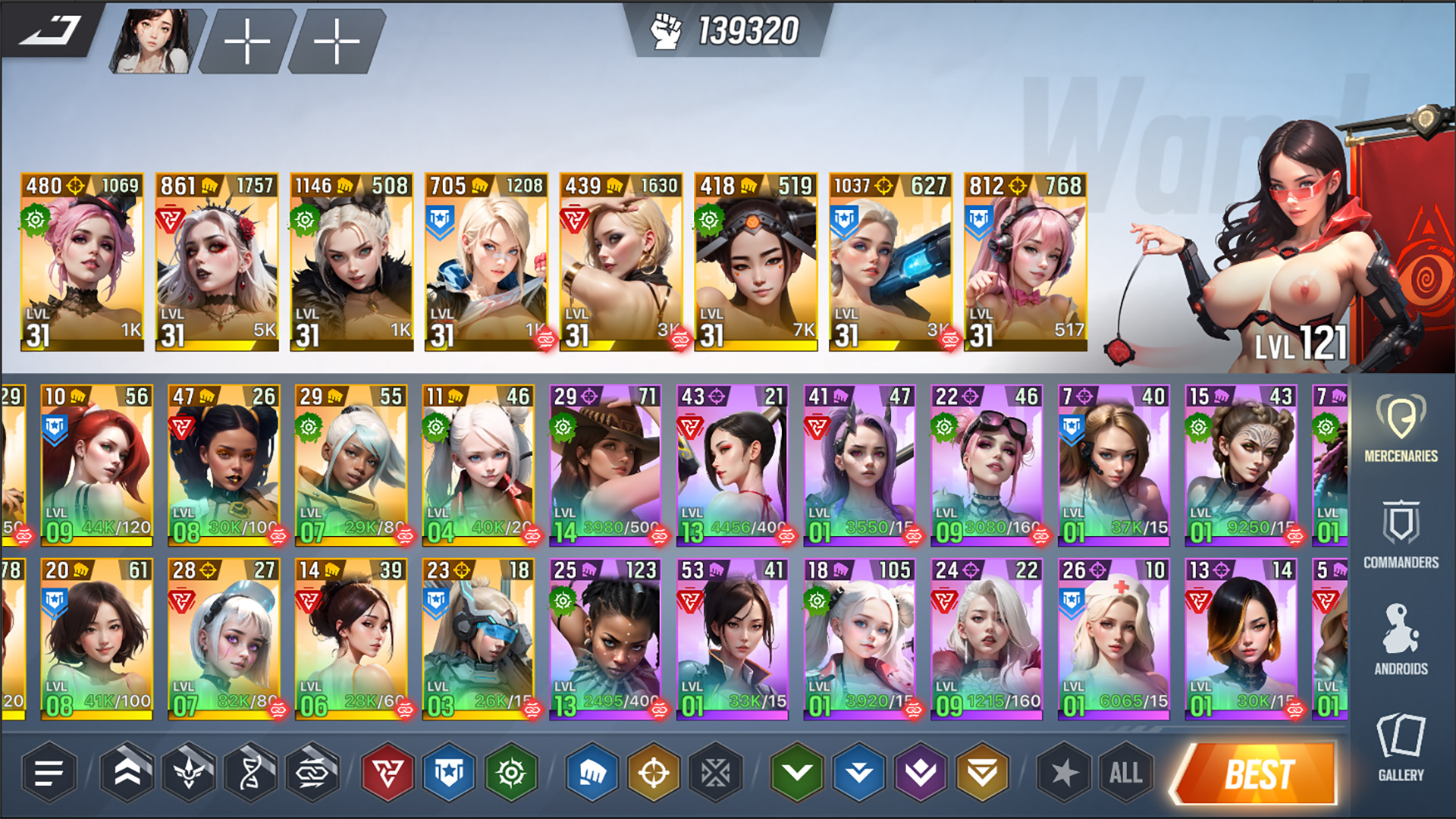
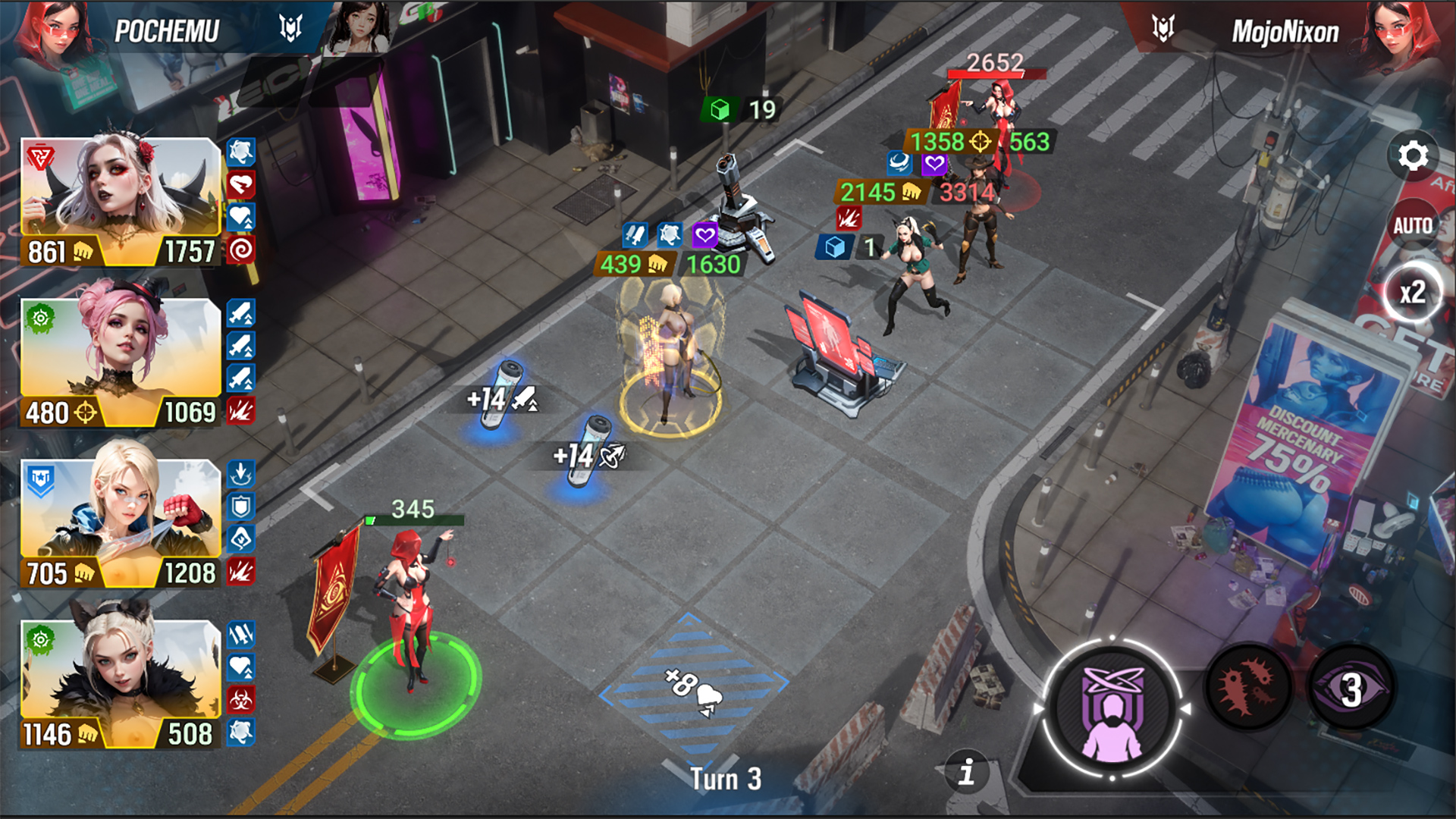



『Lust Goddess』はカゲキでドキドキのカードコレクションゲーム。プレイヤーはセクシーな傭兵の女の子たちで、自分だけの部隊を組み上げることができます。女の子たちからの愛と信頼を勝ち取れば、夢にまで見たあんなことやこんなことをシてもらえちゃうかもしれません!
* 無料ゲームにはアプリ内購入が含まれる場合があります。
そしてあなたは傭兵部隊の指揮官です。女の子たちは指示を心待ちにしています。待ち受ける試練に挑む準備はできていますか?それなら、戦場に飛び込んで史上最高の指揮官であることを証明してみせましょう!

スリル満点でカラフルなターンベースバトルで戦いを繰り広げましょう。街には女性を性奴隷にする無法者がうごめいています。苦境に立たされた女の子たちを救えば部隊に加わり、恩返しまでしてくれます!

女の子たちとのそそられるチャットに没頭して、セクシーな写真を受け取りましょう。すべてのキャラクターは個性豊かで、好き嫌いがあり、そしてもちろん、それぞれのフェチがあるんです…あなたの前でなら、喜んでさらけ出してくれるでしょう!


Download Requires a Computer
The files can only be downloaded using a computer.
Please switch to your desktop or laptop to continue the download process. Check the Video or Text Instruction tab for more details.
Text Instruction
What is SideStore and system requirements
The SideStore enables non-jailbroken iOS devices the ability to install apps manually, giving you access to NSFW games that aren’t available in the app store.
The following sections will guide you on the required files that need to be downloaded and installed, as well as step-by-step instructions on how to set up the SideStore and how to install apps on your device. Note that once you have completely set up the SideStore, future installations will only require you to download the Game Installation File (.IPA) and to carry out the game installation steps.
Please note that in order to follow this guide you will need access to a macOS (10.14 or higher) or Windows (10 or higher) computer.
Install iTunes and iCloud

Connect your device to your computer and enable Developer Mode

Install and Launch the SideStore on your device

Create and Import the Pairing File

Download and connect to SideStore’s VPN (LocalDevVPN)

Installing Nutaku Games Via the SideStore

Download Requires a Computer
The files can only be downloaded using a computer.
Please switch to your desktop or laptop to continue the download process. Check the Video or Text Instruction tab for more details.
Text Instruction
What is SideStore and system requirements
The SideStore enables non-jailbroken iOS devices the ability to install apps manually, giving you access to NSFW games that aren’t available in the app store.
The following sections will guide you on the required files that need to be downloaded and installed, as well as step-by-step instructions on how to set up the SideStore and how to install apps on your device. Note that once you have completely set up the SideStore, future installations will only require you to download the Game Installation File (.IPA) and to carry out the game installation steps.
Please note that in order to follow this guide you will need access to a macOS (10.14 or higher) or Windows (10 or higher) computer.
Install AltServer on your Computer

Connect your device to your computer and enable Developer Mode
Install and Launch the SideStore on your device
Create and Import the Pairing File

Download and connect to SideStore’s VPN (LocalDevVPN)
Installing Nutaku Games Via the SideStore
FAQs: Installing Games with SideStore
Download Requires a Computer
The files can only be downloaded using a computer.
Please switch to your desktop or laptop to continue the download process. Check the Video or Text Instruction tab for more details.
Text Instruction
What is AltStore and system requirements
The AltStore enables non-jailbroken iOS devices the ability to install apps manually, giving you access to NSFW games that aren’t available in the app store.
The following sections will guide you on the required files that need to be downloaded and installed, as well as step-by-step instructions on how to set up the AltStore and how to install apps on your device. Note that once you have completely set up the AltStore, future installations will only require you to download the Game Installation File (.IPA) and to carry out the game installation steps.
Please note that in order to follow this guide you will need access to a macOS (10.14 or higher) or Windows (10 or higher) computer.
Install iTunes and iCloud
Connect your device to your computer and enable Developer Mode
Install and Launch the AltStore on your device
Installing Nutaku Games Via the AltStore

Download Requires a Computer
The files can only be downloaded using a computer.
Please switch to your desktop or laptop to continue the download process. Check the Video or Text Instruction tab for more details.
Text Instruction
What is AltStore and system requirements
The AltStore enables non-jailbroken iOS devices the ability to install apps manually, giving you access to NSFW games that aren’t available in the app store.
The following sections will guide you on the required files that need to be downloaded and installed, as well as step-by-step instructions on how to set up the AltStore and how to install apps on your device. Note that once you have completely set up the AltStore, future installations will only require you to download the Game Installation File (.IPA) and to carry out the game installation steps.
Please note that in order to follow this guide you will need access to a macOS (10.14 or higher) or Windows (10 or higher) computer.
Install AltServer on your Computer
Connect your device to your computer and enable Developer Mode
Install and Launch the AltStore on your device

Installing Nutaku Games Via the AltStore
FAQs: Installing Games with AltStore
Download Requires a Computer
The files can only be downloaded using a computer.
Please switch to your desktop or laptop to continue the download process. Check the Video or Text Instruction tab for more details.
Text Instruction
What is Sideloadly and system requirements
Sideloadly is a tool that facilitates sideloading on iOS devices. It enables non-jailbroken iOS devices the ability to install apps manually, without having to rely on Apple’s App Store, giving you access to NSFW games that aren’t available in the app store.
The following sections will guide you on the required files that need to be downloaded and installed, as well as step-by-step instructions on how to set up the Sideloadly and how to install apps on your device. Note that once you have completely set up the AltStore, future installations will only require you to download the Game Installation File (.IPA) and to carry out the game installation steps.
Please note that in order to follow this guide you will need access to a macOS (10.14 or higher) or Windows (10 or higher) computer.
Install iTunes and iCloud
Connect your device to your computer and enable Developer Mode
Install Sideloadly on your Computer
Installing Nutaku Games Via Sideloadly

Download Requires a Computer
The files can only be downloaded using a computer.
Please switch to your desktop or laptop to continue the download process. Check the Video or Text Instruction tab for more details.
Text Instruction
What is Sideloadly and system requirements
Sideloadly is a tool that facilitates sideloading on iOS devices. It enables non-jailbroken iOS devices the ability to install apps manually, without having to rely on Apple’s App Store, giving you access to NSFW games that aren’t available in the app store.
The following sections will guide you on the required files that need to be downloaded and installed, as well as step-by-step instructions on how to set up the Sideloadly and how to install apps on your device. Note that once you have completely set up the AltStore, future installations will only require you to download the Game Installation File (.IPA) and to carry out the game installation steps.
Please note that in order to follow this guide you will need access to a macOS (10.14 or higher) or Windows (10 or higher) computer.
Install Sideloadly on your Computer

Connect your device to your computer and enable Developer Mode
Installing Nutaku Games Via Sideloadly
FAQs: Installing Games with Sideloadly
問題が発生しました。
申し訳ありませんが、不明なエラーが発生しました。問題が解決しない場合は、後でもう一度試すか、 サポートにお問い合わせください。
申し訳ありません。レポートの送信にエラーが発生しました。レポートをもう一度送信してください。この現象が何度も起こる場合は、サポートチームにお問い合わせください。

Continue the Download with our Nutaku Android Store App
ワンタップでゲームをアップデート
Androidゲームのライブラリを閲覧
1つのアプリですべてのゲームをプレイ
このメールアドレスはすでに別のNutakuアカウントに紐づいているためログインできません
お客様は、Nutakuアカウント運営のxvideos に紐付いたxvideosアカウントのメールを最近変更しているようです。
この新しいメールアドレスはすでに別のNutakuアカウントに紐付いており、同じメールアドレスを2つのアカウントで登録できないので、xvideos.nutaku.netでこちらを使用することはできません。そのため現在、新しいメールアドレスでウェブサイトにログインできません。
もう一度ログインしてアカウントにアクセスするには、xvideosにアクセスして、メールアドレスを別のものに変更してください。
または、サポートチームまでお問い合わせください。
2要素認証が有効になっています
2要素認証の詳細については、XVIDEOS FAQまたは連絡先サポートをご覧ください。
クッキーのカスタマイズ