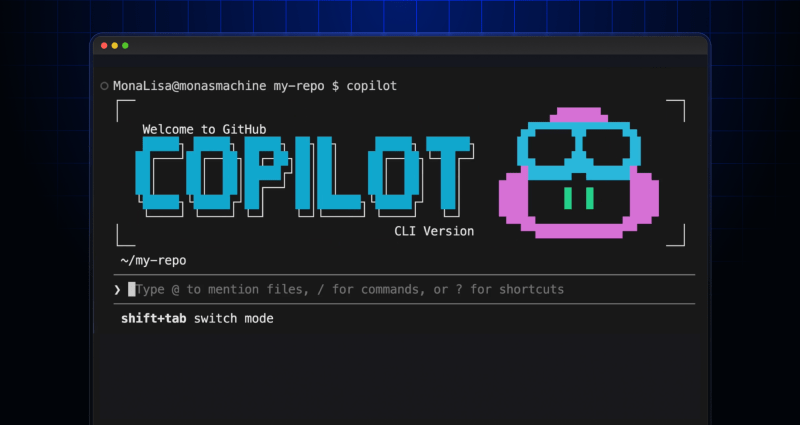
Building an emoji list generator with the GitHub Copilot CLI
See how we created an emoji list generator during the Rubber Duck Thursday stream.
GitHub engineers and industry thought leaders offer tips, best practices, and practical explainers about various aspects of AI and ML, ranging from fundamental concepts to advanced techniques and real-world applications. For more detailed documentation and practical guides on GitHub’s own AI coding tool, GitHub Copilot, check out GitHub’s official documentation.
See how we created an emoji list generator during the Rubber Duck Thursday stream.
Learn about the productivity tool one GitHub engineer built, and how AI supported the development process.

Learn to find and exploit real-world agentic AI vulnerabilities through five progressive challenges in this free, open source game that over 10,000 developers have already used to sharpen their security skills.
GitHub for Beginners: Getting started with the GitHub Copilot CLI, a step-by-step tutorial.

Discover how Rubber Duck provides a different perspective to GitHub Copilot CLI.
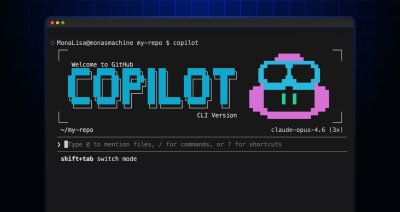
/fleet lets Copilot CLI dispatch multiple agents in parallel. Learn how to write prompts that split work across files, declare dependencies, and avoid common pitfalls.

I used coding agents to build agents that automated part of my job. Here’s what I learned about working better with coding agents.
Learn how to integrate the Copilot SDK into a React Native app to generate AI-powered issue summaries, with production patterns for graceful degradation and caching.

An inside look at repository-native orchestration with GitHub Copilot and the design patterns behind multi-agent workflows that stay inspectable, predictable, and collaborative.

AI automates triage for accessibility feedback, allowing us to focus on fixing barriers—turning a chaotic backlog into continuous, rapid resolutions.

AI is shifting from prompt-response interactions to programmable execution. See how the GitHub Copilot SDK enables agentic workflows directly inside your applications.

GitHub Agentic Workflows are built with isolation, constrained outputs, and comprehensive logging. Learn how our threat model and security architecture help teams run agents safely in GitHub Actions.

GitHub Security Lab Taskflow Agent is very effective at finding Auth Bypasses, IDORs, Token Leaks, and other high-impact vulnerabilities.

How Copilot code review helps teams keep up with AI-accelerated code changes.
GitHub Copilot Dev Days is a global series of hands-on, in-person, community-led events designed to help developers explore real-world, AI-assisted coding.
A hands-on guide to using GitHub Copilot CLI to move from intent to reviewable changes, and how that work flows naturally into your IDE and GitHub.
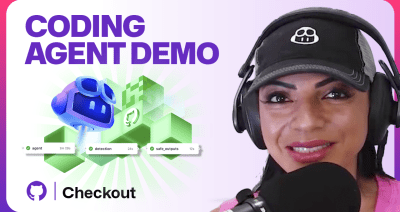
GitHub Copilot coding agent now includes a model picker, self-review, built-in security scanning, custom agents, and CLI handoff. Here’s what’s new and how to use it.

Most multi-agent workflow failures come down to missing structure, not model capability. Learn the three engineering patterns that make agent systems reliable.

AI is rewiring developer preferences through convenience loops. Octoverse 2025 reveals how AI compatibility is becoming the new standard for technology choice.

Build what’s next on GitHub, the place for anyone from anywhere to build anything.

Catch up on the GitHub podcast, a show dedicated to the topics, trends, stories and culture in and around the open source developer community on GitHub.

