必要的 Cookie
这些是网站运行所必需的Cookies,它们应用于于启用网站的核心功能,无法在系统中关闭。


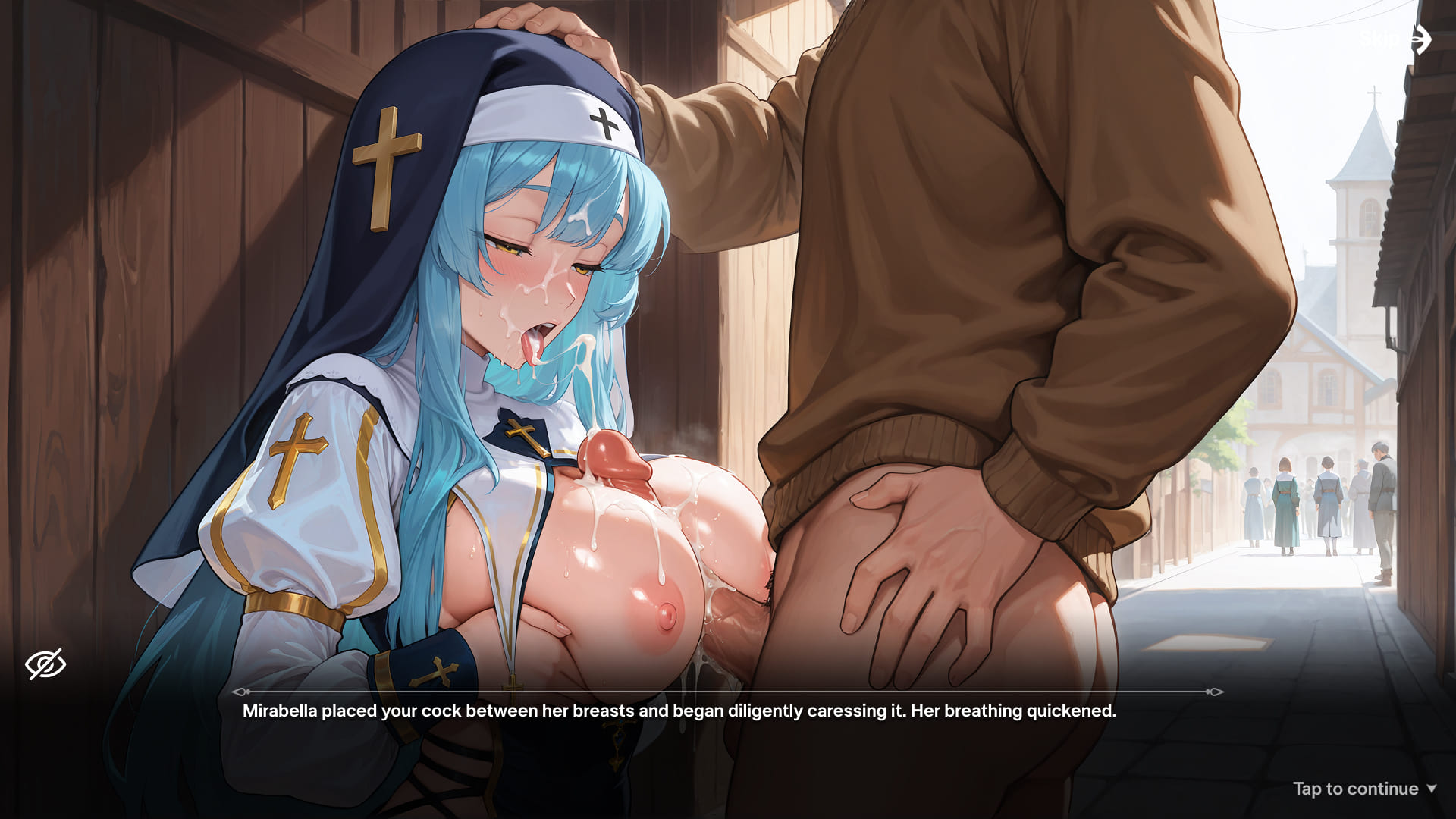






是时候拯救这个腐朽的世界了!荣耀、财富、冒险,还有工人们美艳的胴体,都在等着你!
女神选中了你这位成功的商人,去重建异世界的一个废弃村庄(你无法拒绝)。现在你需要提振经济、招募美女,并查明笼罩这个世界的威胁究竟是什么。
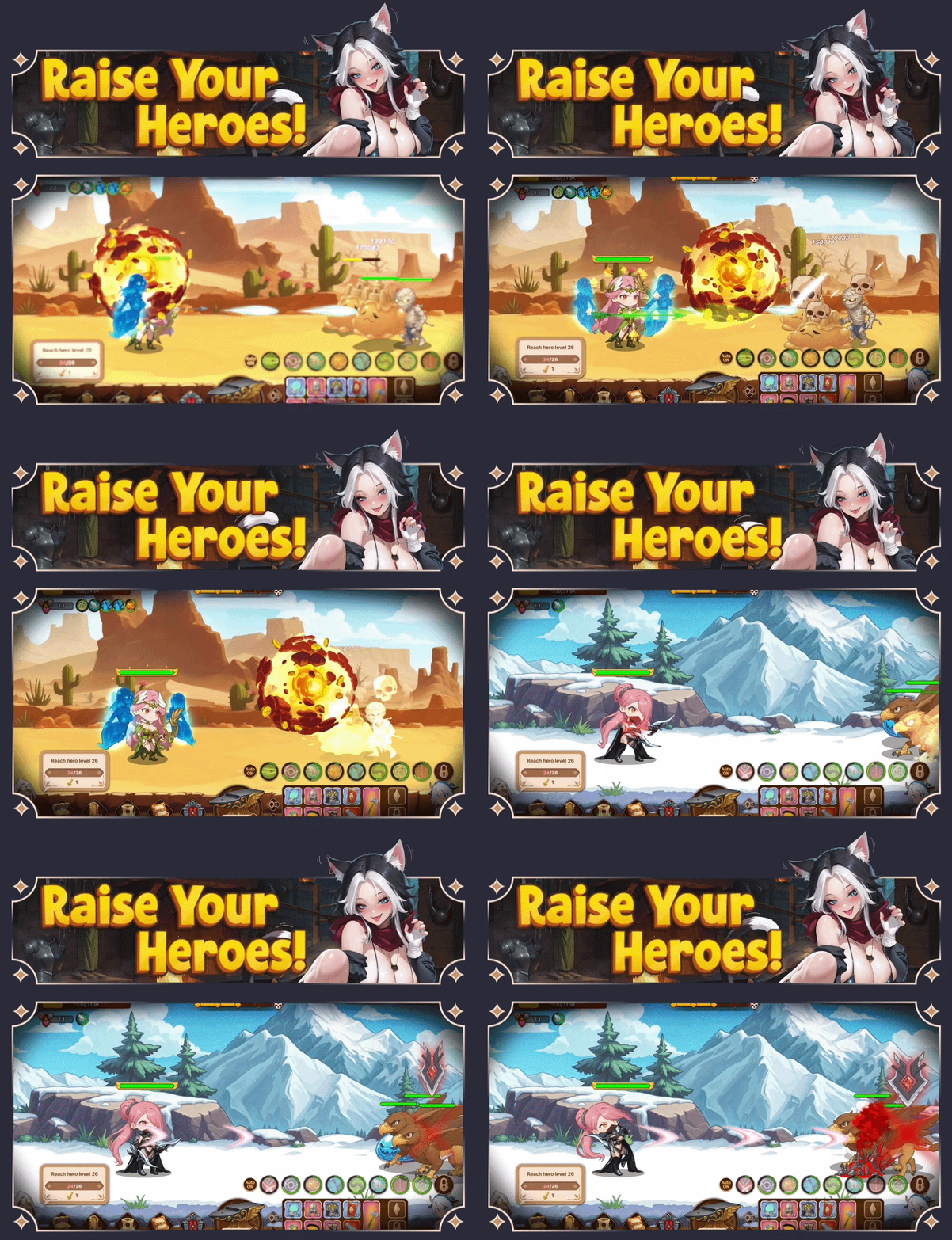
通过战斗变得更强
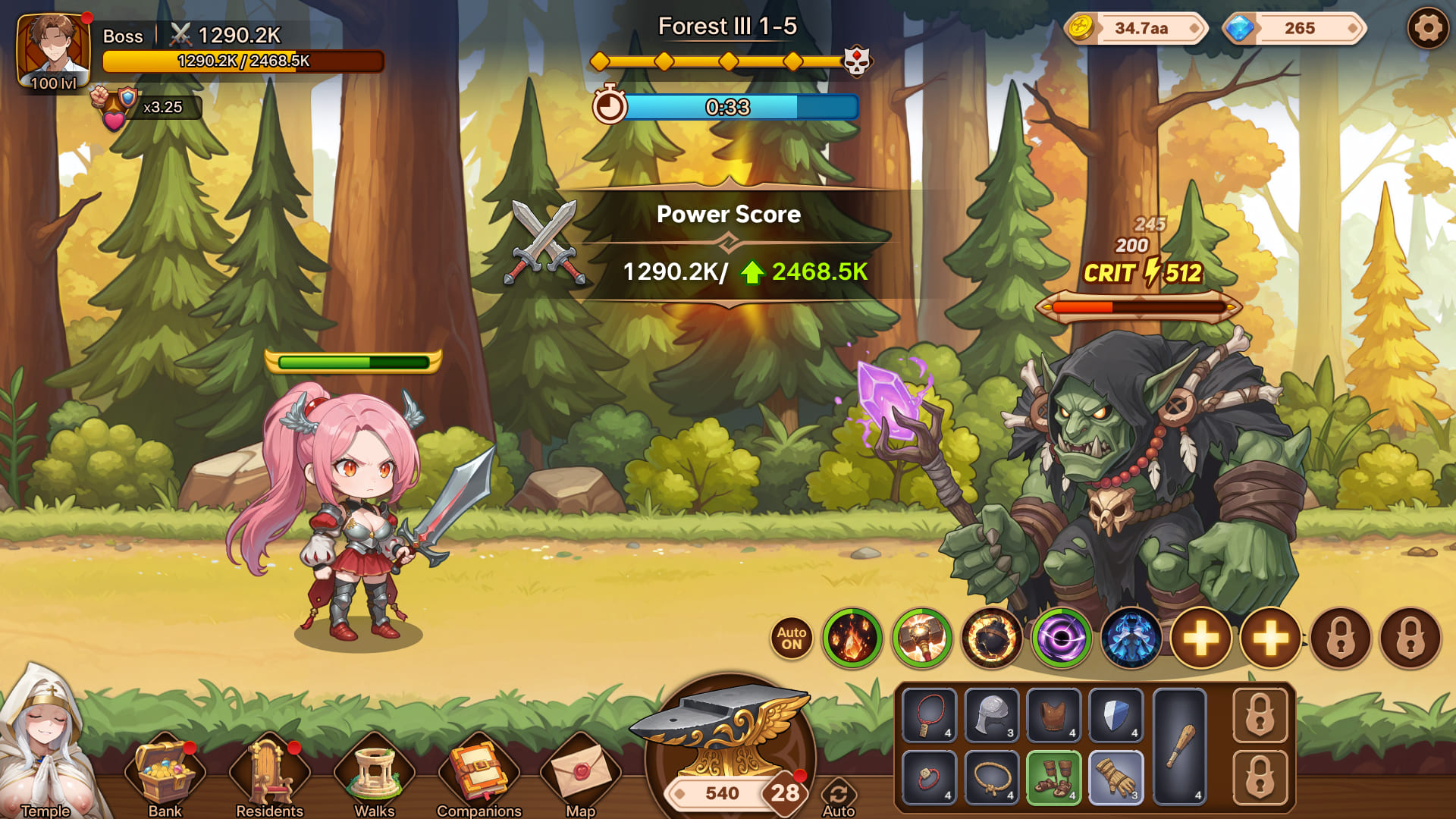
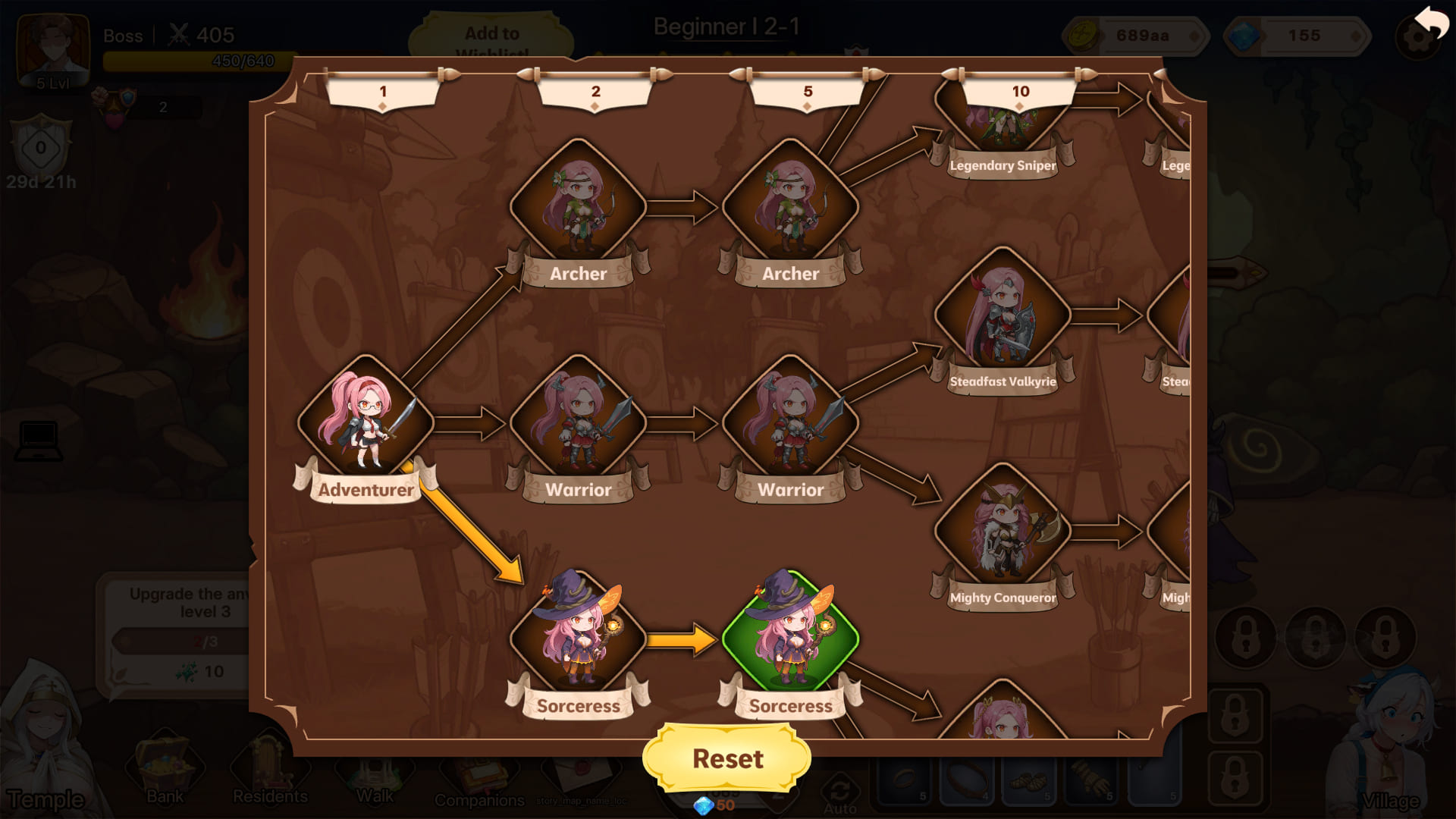
不清除附近的怪物,你就无法发展村庄!集结你的英雄队伍,为他们装备并训练,让他们能够在接下来的战斗中独自取得胜利。
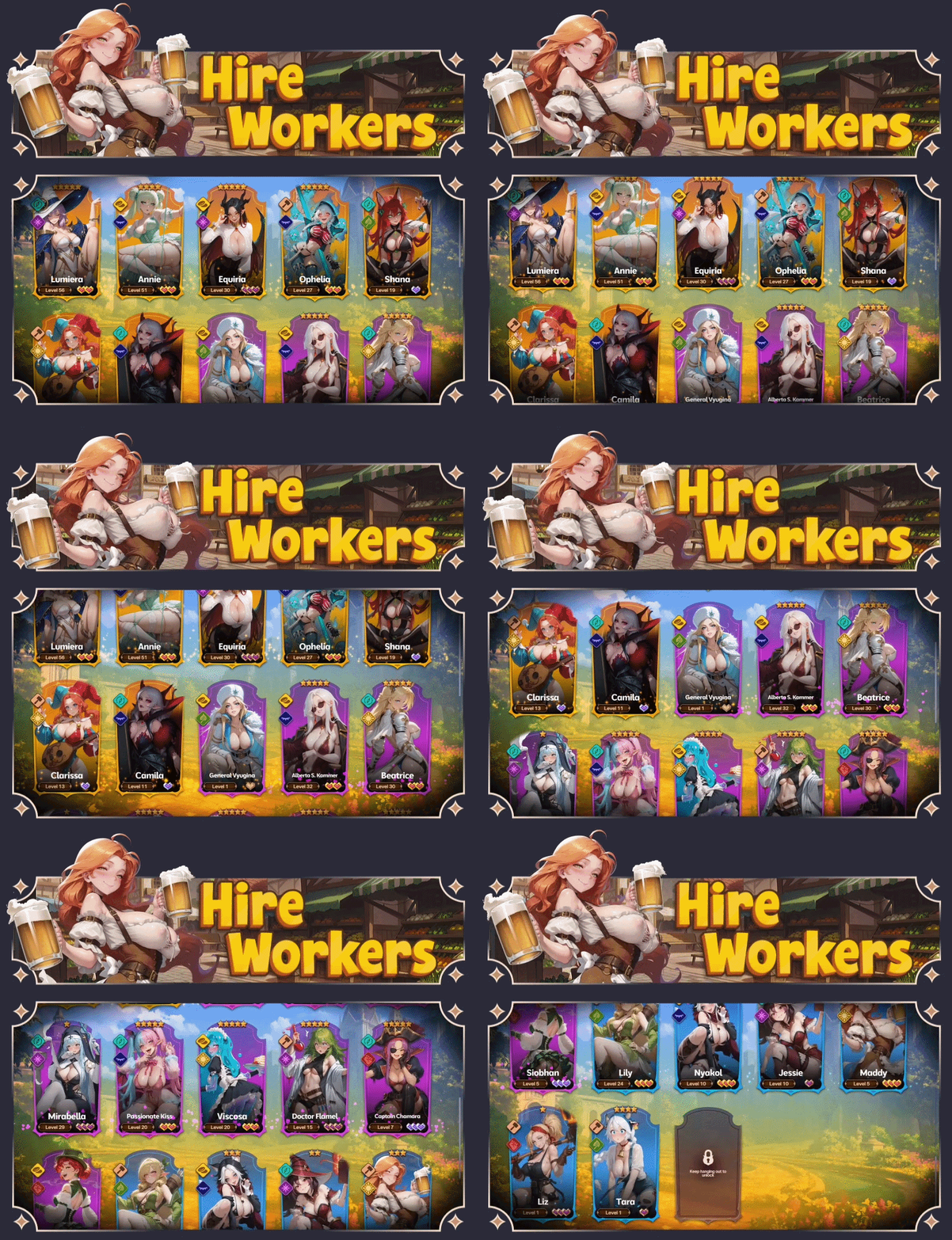
雇佣工人
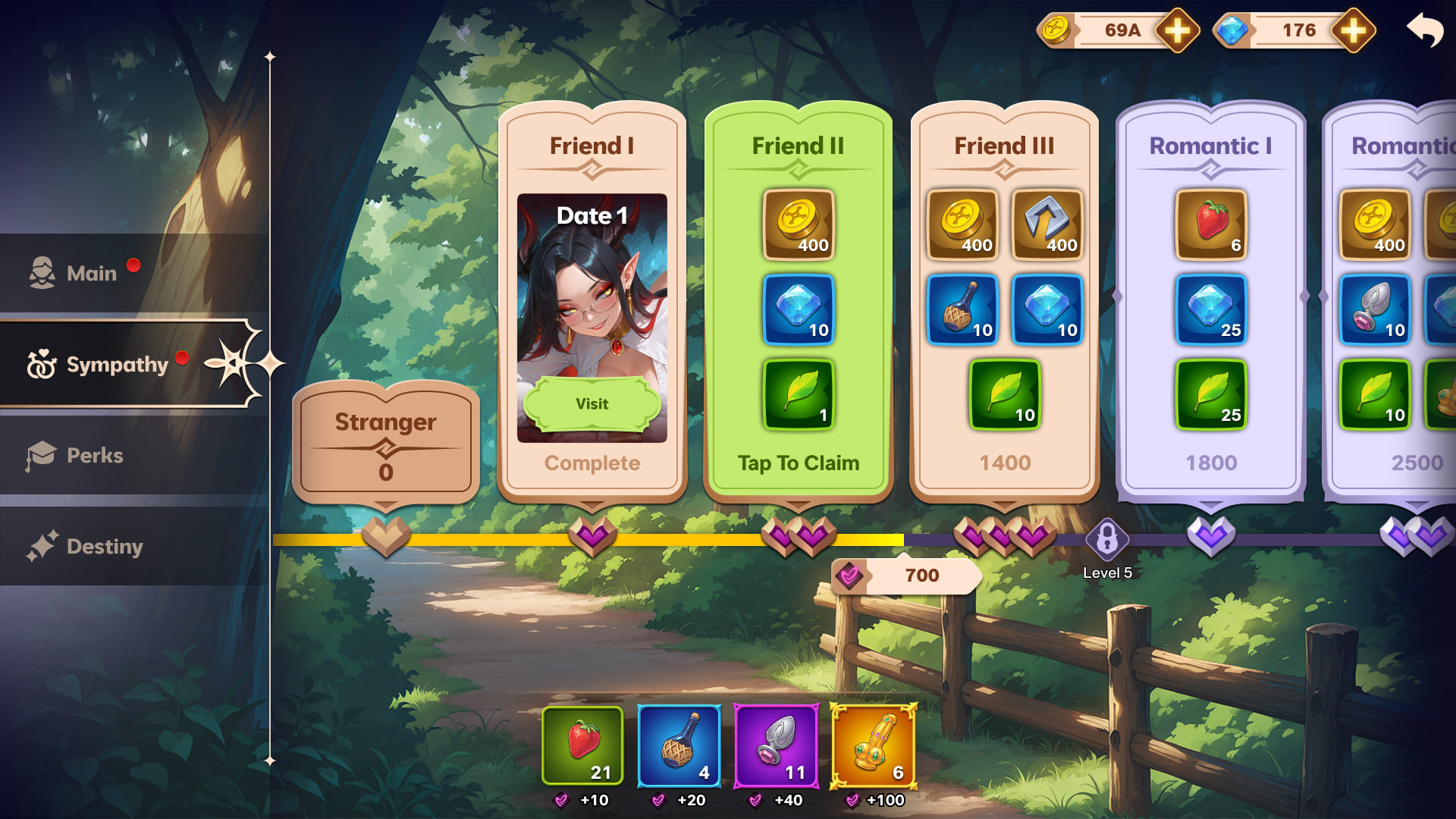
这些美艳的幻想系美女渴望工作,并且愿意为她们的“老板”做任何事!通过散步增进对她们的了解,甚至将关系发展至充满香艳动态场景的完整约会!
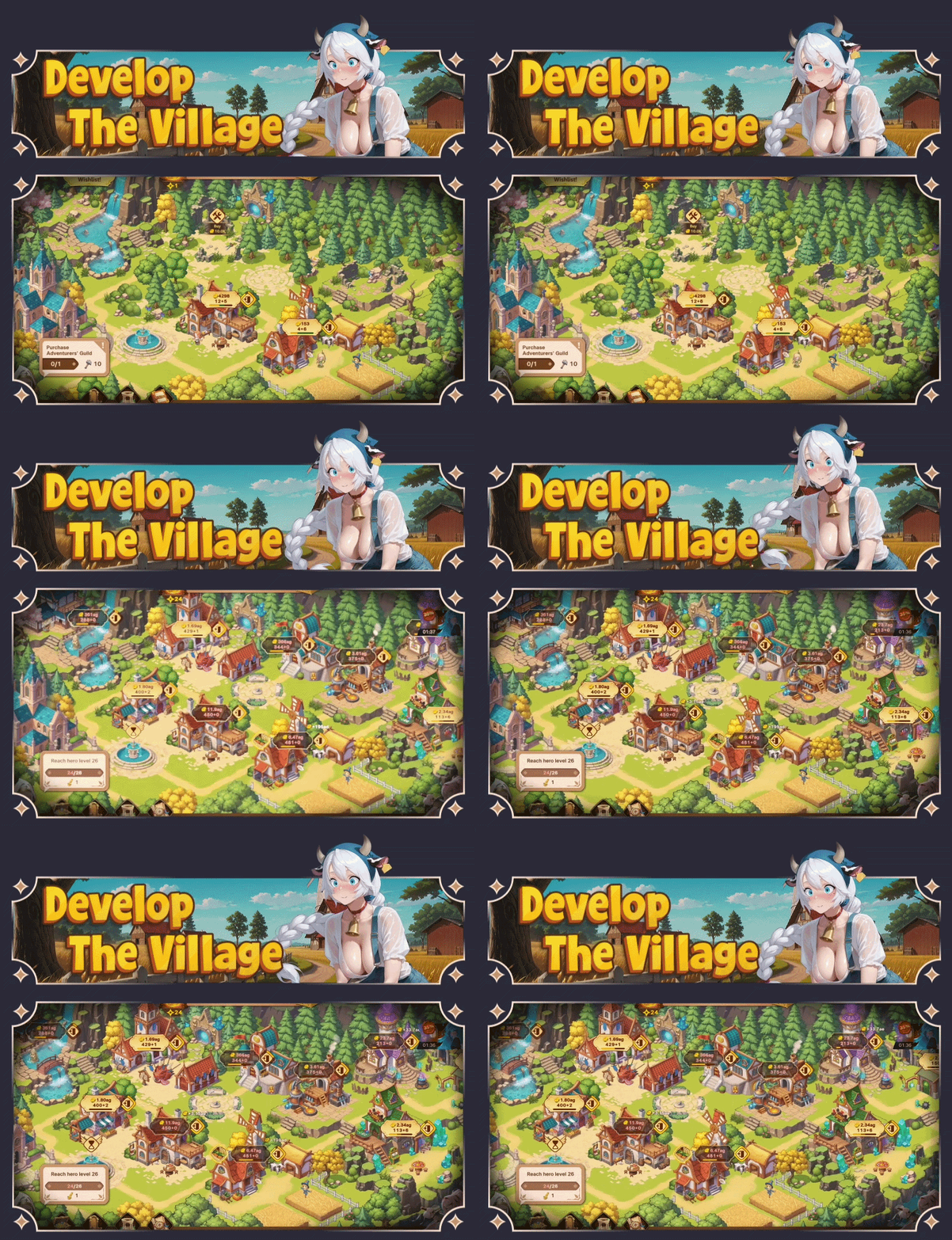
发展村庄
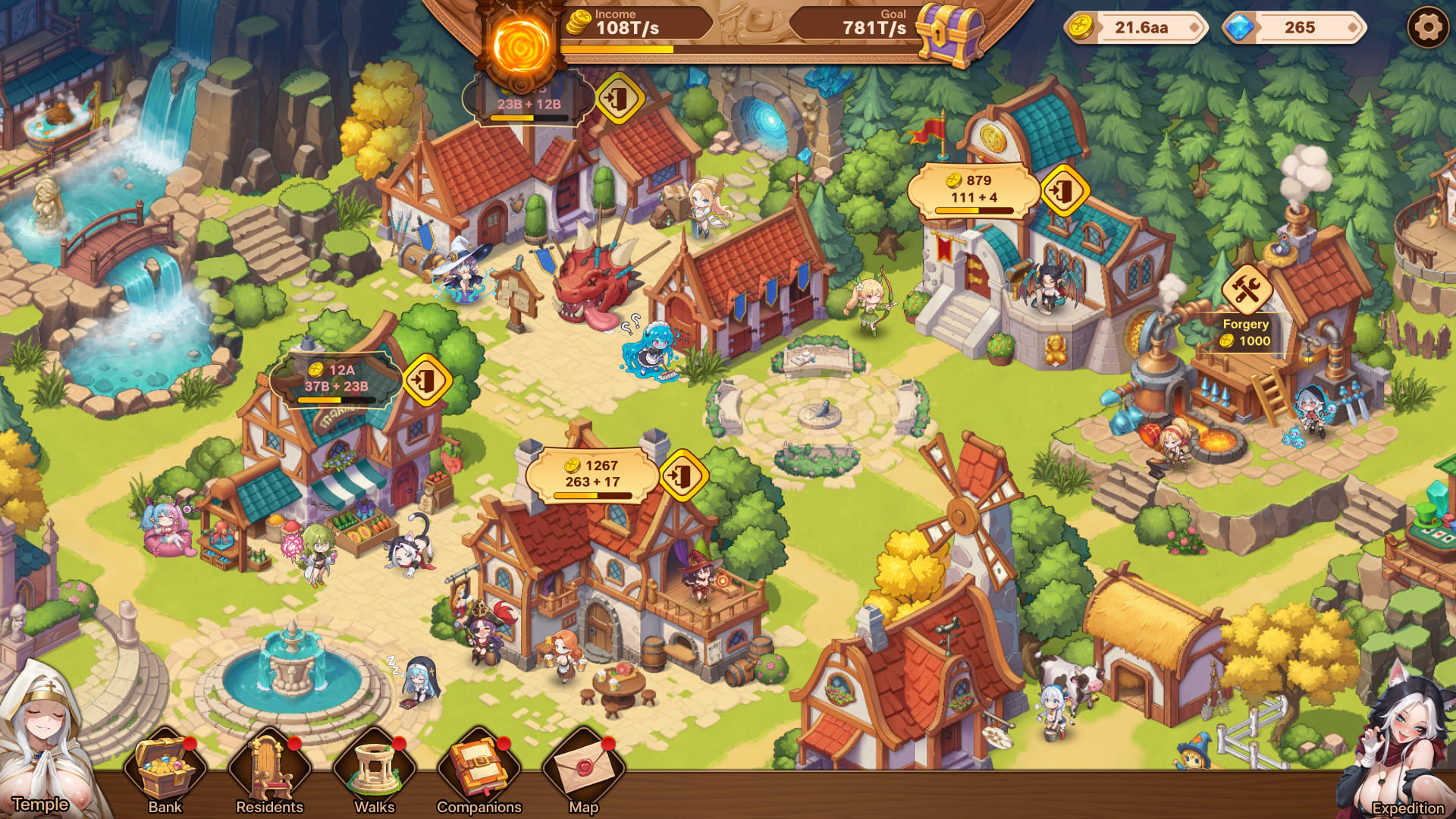
只要你用心经营,这个地方完全有机会成为豪华的度假胜地或世界工业之都。或者,对你来说,培养顶尖冒险者更重要?村庄的发展方向,完全由你决定!
收集宠物
灌木丛中、洞穴深处,都藏着些奇异的小生物。训练它们,提升技能,然后让它们干活!或者干脆炫耀一下——它们真是太可爱了!
.png)
提升技能
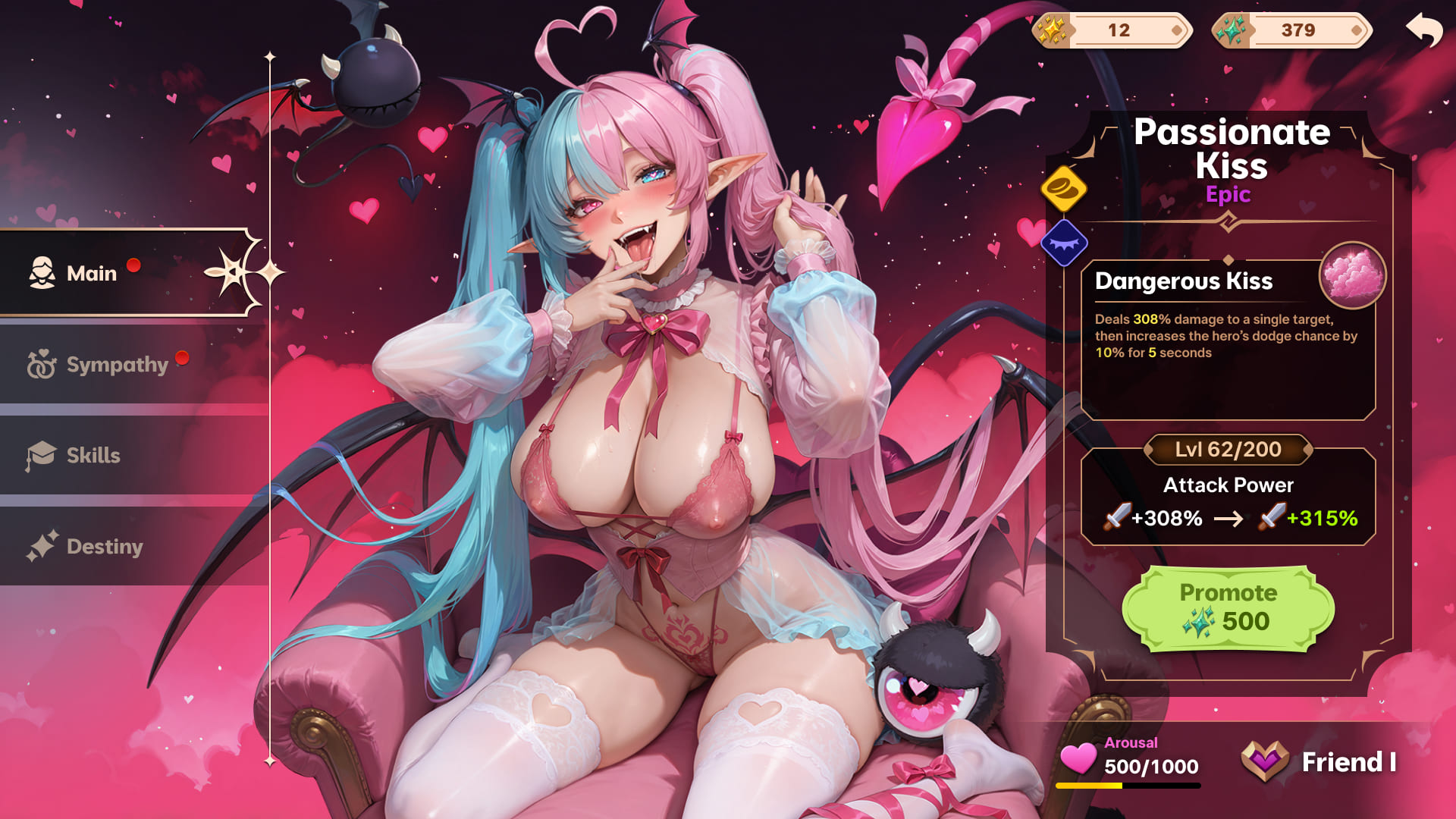
女神的使徒,可不只是一个荣誉称号!你立下的功劳,女神可都看在眼里,现在她正要给你发放奖赏。变得更强,工作更快,再给某个部位增加几厘米…不过本来尺寸就已经很可观了。


Download Requires a Computer
The files can only be downloaded using a computer.
Please switch to your desktop or laptop to continue the download process. Check the Video or Text Instruction tab for more details.
Text Instruction
What is SideStore and system requirements
The SideStore enables non-jailbroken iOS devices the ability to install apps manually, giving you access to NSFW games that aren’t available in the app store.
The following sections will guide you on the required files that need to be downloaded and installed, as well as step-by-step instructions on how to set up the SideStore and how to install apps on your device. Note that once you have completely set up the SideStore, future installations will only require you to download the Game Installation File (.IPA) and to carry out the game installation steps.
Please note that in order to follow this guide you will need access to a macOS (10.14 or higher) or Windows (10 or higher) computer.
Install iTunes and iCloud

Connect your device to your computer and enable Developer Mode

Install and Launch the SideStore on your device

Create and Import the Pairing File

Download and connect to SideStore’s VPN (LocalDevVPN)

Installing Nutaku Games Via the SideStore

Download Requires a Computer
The files can only be downloaded using a computer.
Please switch to your desktop or laptop to continue the download process. Check the Video or Text Instruction tab for more details.
Text Instruction
What is SideStore and system requirements
The SideStore enables non-jailbroken iOS devices the ability to install apps manually, giving you access to NSFW games that aren’t available in the app store.
The following sections will guide you on the required files that need to be downloaded and installed, as well as step-by-step instructions on how to set up the SideStore and how to install apps on your device. Note that once you have completely set up the SideStore, future installations will only require you to download the Game Installation File (.IPA) and to carry out the game installation steps.
Please note that in order to follow this guide you will need access to a macOS (10.14 or higher) or Windows (10 or higher) computer.
Install AltServer on your Computer

Connect your device to your computer and enable Developer Mode
Install and Launch the SideStore on your device
Create and Import the Pairing File

Download and connect to SideStore’s VPN (LocalDevVPN)
Installing Nutaku Games Via the SideStore
FAQs: Installing Games with SideStore
Download Requires a Computer
The files can only be downloaded using a computer.
Please switch to your desktop or laptop to continue the download process. Check the Video or Text Instruction tab for more details.
Text Instruction
What is AltStore and system requirements
The AltStore enables non-jailbroken iOS devices the ability to install apps manually, giving you access to NSFW games that aren’t available in the app store.
The following sections will guide you on the required files that need to be downloaded and installed, as well as step-by-step instructions on how to set up the AltStore and how to install apps on your device. Note that once you have completely set up the AltStore, future installations will only require you to download the Game Installation File (.IPA) and to carry out the game installation steps.
Please note that in order to follow this guide you will need access to a macOS (10.14 or higher) or Windows (10 or higher) computer.
Install iTunes and iCloud
Connect your device to your computer and enable Developer Mode
Install and Launch the AltStore on your device
Installing Nutaku Games Via the AltStore

Download Requires a Computer
The files can only be downloaded using a computer.
Please switch to your desktop or laptop to continue the download process. Check the Video or Text Instruction tab for more details.
Text Instruction
What is AltStore and system requirements
The AltStore enables non-jailbroken iOS devices the ability to install apps manually, giving you access to NSFW games that aren’t available in the app store.
The following sections will guide you on the required files that need to be downloaded and installed, as well as step-by-step instructions on how to set up the AltStore and how to install apps on your device. Note that once you have completely set up the AltStore, future installations will only require you to download the Game Installation File (.IPA) and to carry out the game installation steps.
Please note that in order to follow this guide you will need access to a macOS (10.14 or higher) or Windows (10 or higher) computer.
Install AltServer on your Computer
Connect your device to your computer and enable Developer Mode
Install and Launch the AltStore on your device

Installing Nutaku Games Via the AltStore
FAQs: Installing Games with AltStore
Download Requires a Computer
The files can only be downloaded using a computer.
Please switch to your desktop or laptop to continue the download process. Check the Video or Text Instruction tab for more details.
Text Instruction
What is Sideloadly and system requirements
Sideloadly is a tool that facilitates sideloading on iOS devices. It enables non-jailbroken iOS devices the ability to install apps manually, without having to rely on Apple’s App Store, giving you access to NSFW games that aren’t available in the app store.
The following sections will guide you on the required files that need to be downloaded and installed, as well as step-by-step instructions on how to set up the Sideloadly and how to install apps on your device. Note that once you have completely set up the AltStore, future installations will only require you to download the Game Installation File (.IPA) and to carry out the game installation steps.
Please note that in order to follow this guide you will need access to a macOS (10.14 or higher) or Windows (10 or higher) computer.
Install iTunes and iCloud
Connect your device to your computer and enable Developer Mode
Install Sideloadly on your Computer
Installing Nutaku Games Via Sideloadly

Download Requires a Computer
The files can only be downloaded using a computer.
Please switch to your desktop or laptop to continue the download process. Check the Video or Text Instruction tab for more details.
Text Instruction
What is Sideloadly and system requirements
Sideloadly is a tool that facilitates sideloading on iOS devices. It enables non-jailbroken iOS devices the ability to install apps manually, without having to rely on Apple’s App Store, giving you access to NSFW games that aren’t available in the app store.
The following sections will guide you on the required files that need to be downloaded and installed, as well as step-by-step instructions on how to set up the Sideloadly and how to install apps on your device. Note that once you have completely set up the AltStore, future installations will only require you to download the Game Installation File (.IPA) and to carry out the game installation steps.
Please note that in order to follow this guide you will need access to a macOS (10.14 or higher) or Windows (10 or higher) computer.
Install Sideloadly on your Computer

Connect your device to your computer and enable Developer Mode
Installing Nutaku Games Via Sideloadly
FAQs: Installing Games with Sideloadly
糟糕,发生错误了!
We are sorry, but an unknown error has occurred. Please try again later or contact support if the problem persists.
很抱歉,提交您的举报时发生了错误。请重新提交您的举报,如果再次发生错误,请联系我们的支持团队。
Continue the Download with our Nutaku Android Store App
只要点选一下,即可更新游戏
浏览整个 Android 游戏库
从一个应用程式游戏您所有最爱的游戏
双重认证开启
有关双重认证的更多信息,请联系支持。
自定义 Cookie