Wesentliche Cookies
Sie sind für das Funktionieren der Website erforderlich und können in unseren Systemen nicht ausgeschaltet werden, da sie die Hauptfunktionen der Website ermöglichen.


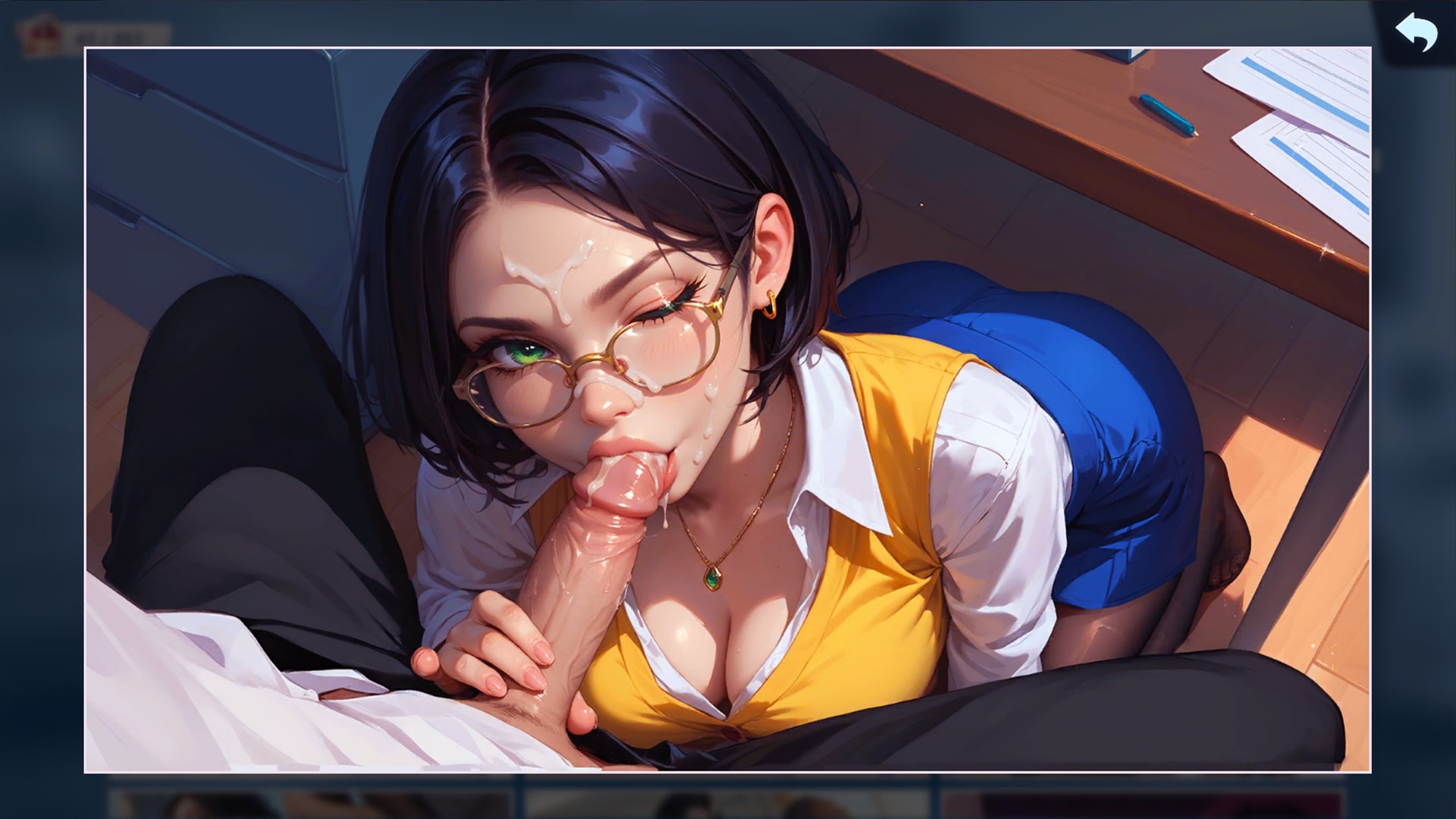
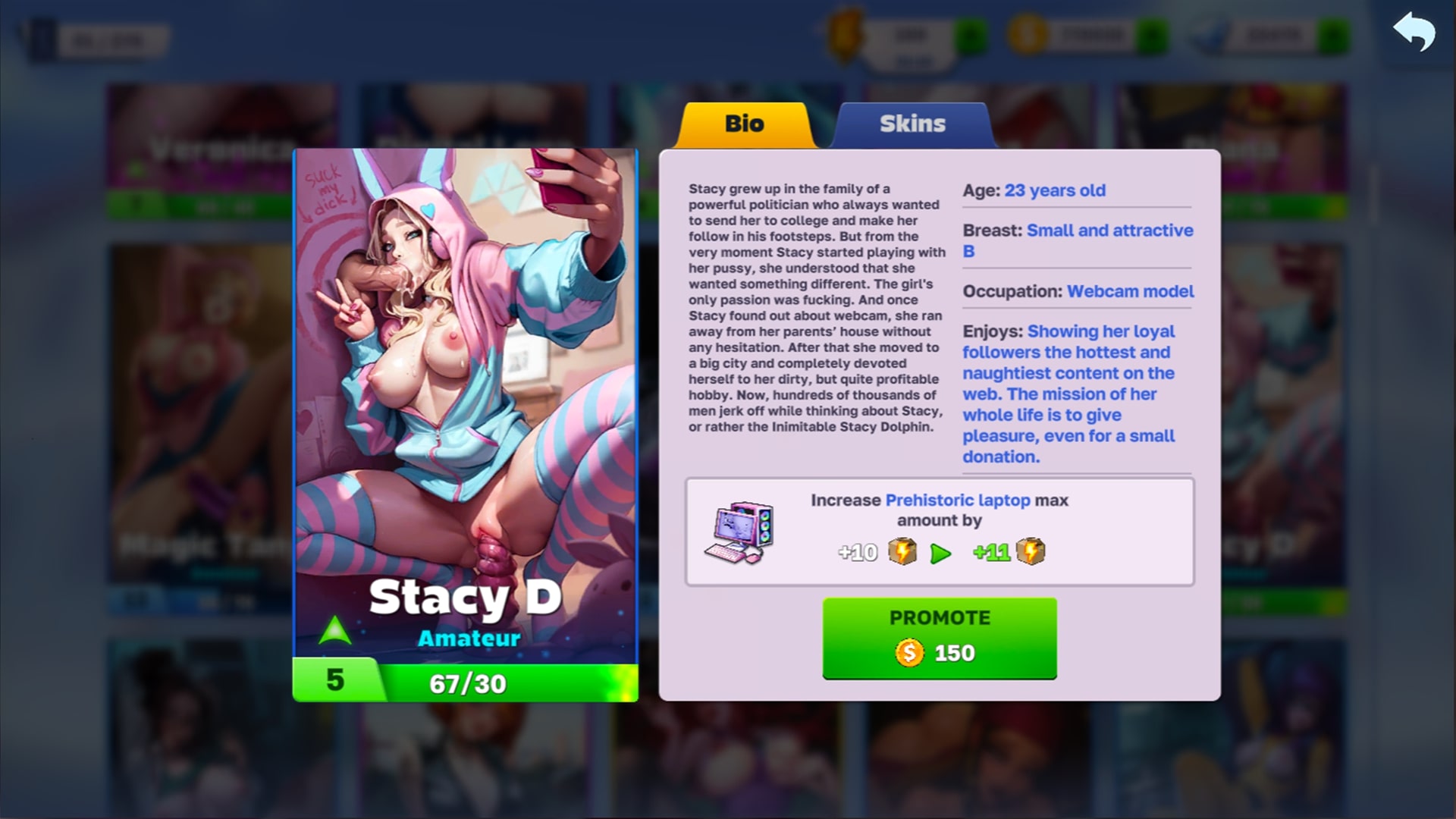
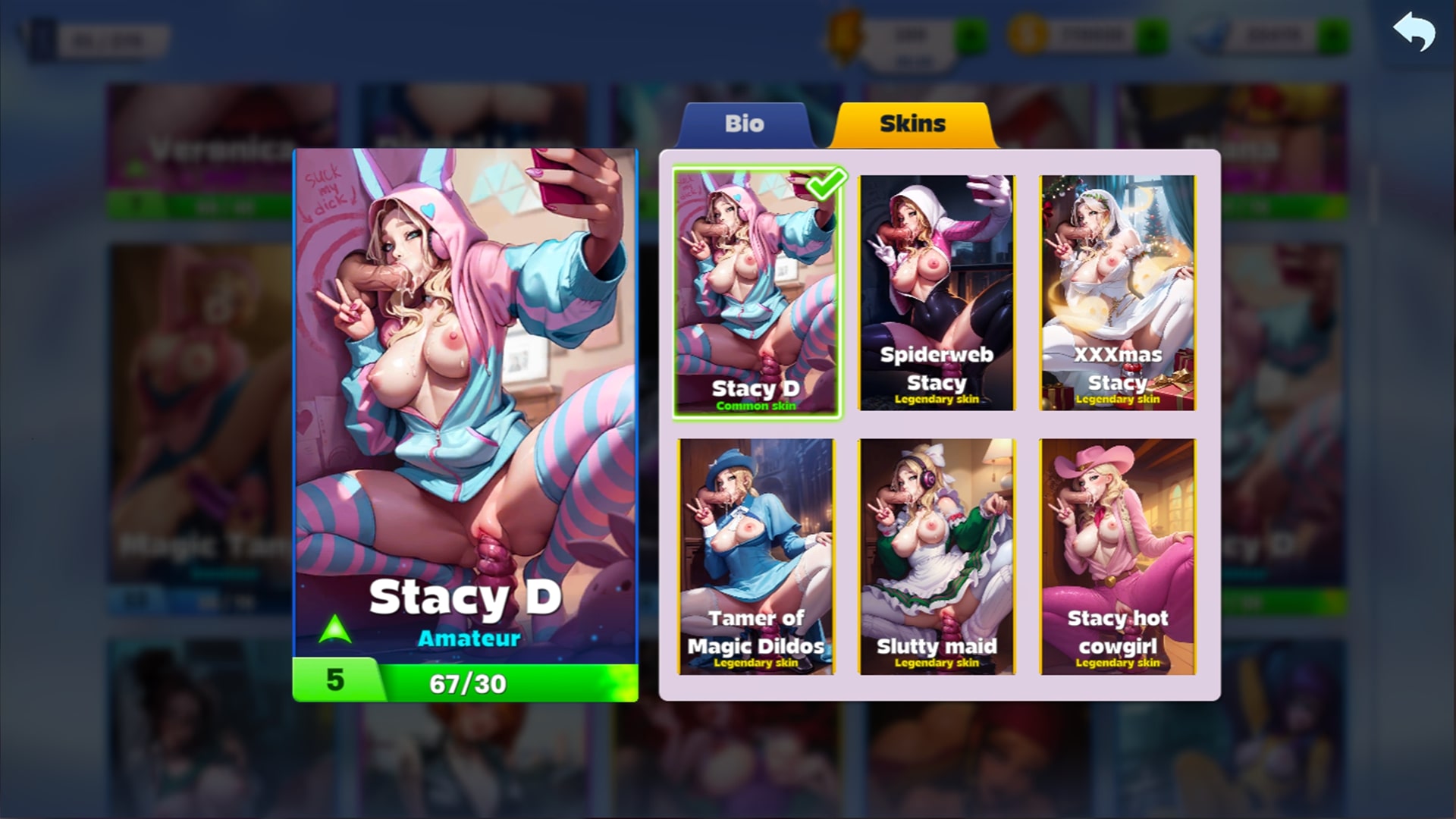
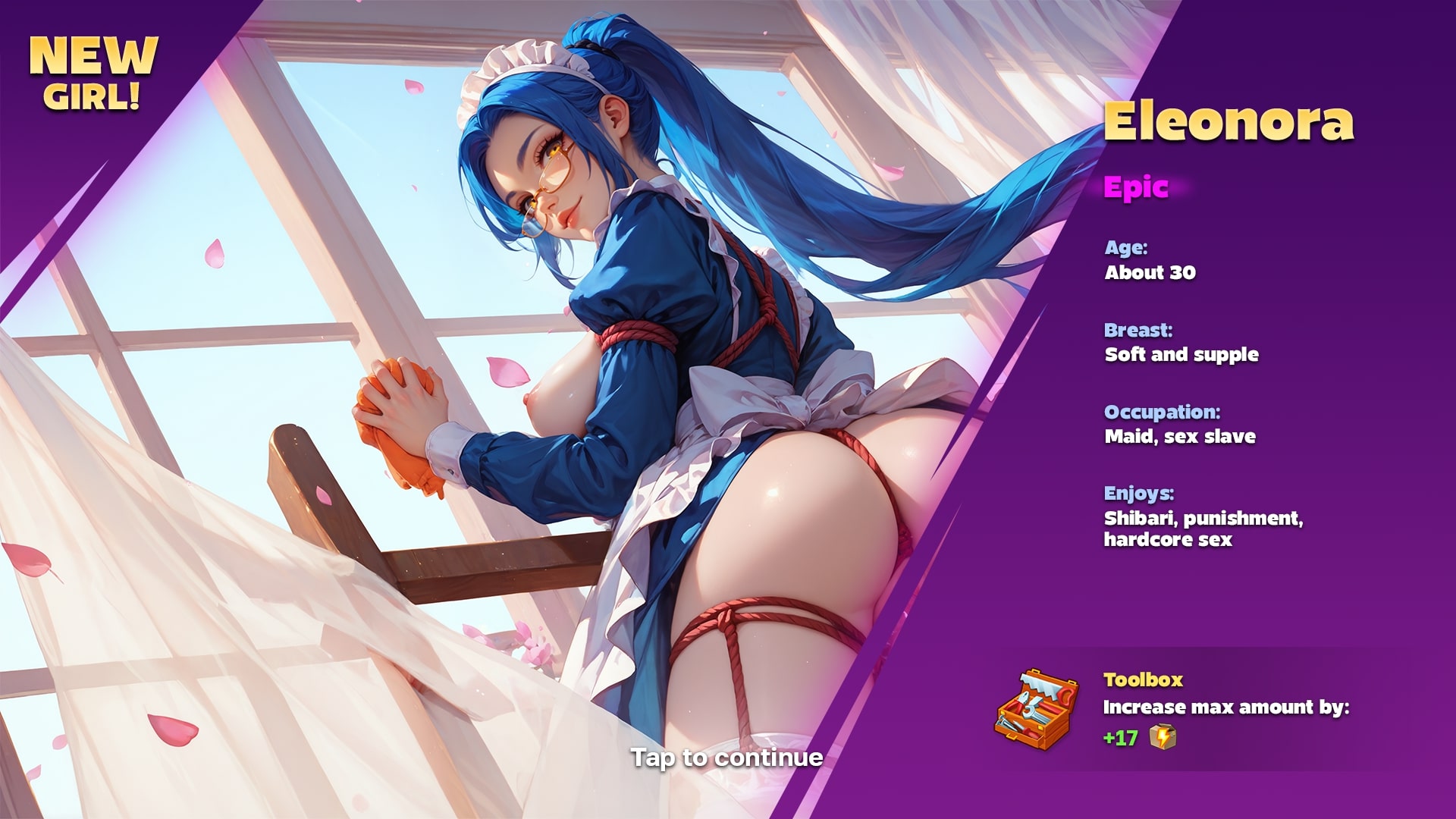
.jpg?t=1784817711 "Spielen casual Spiel - Horny Villa auf Nutaku")


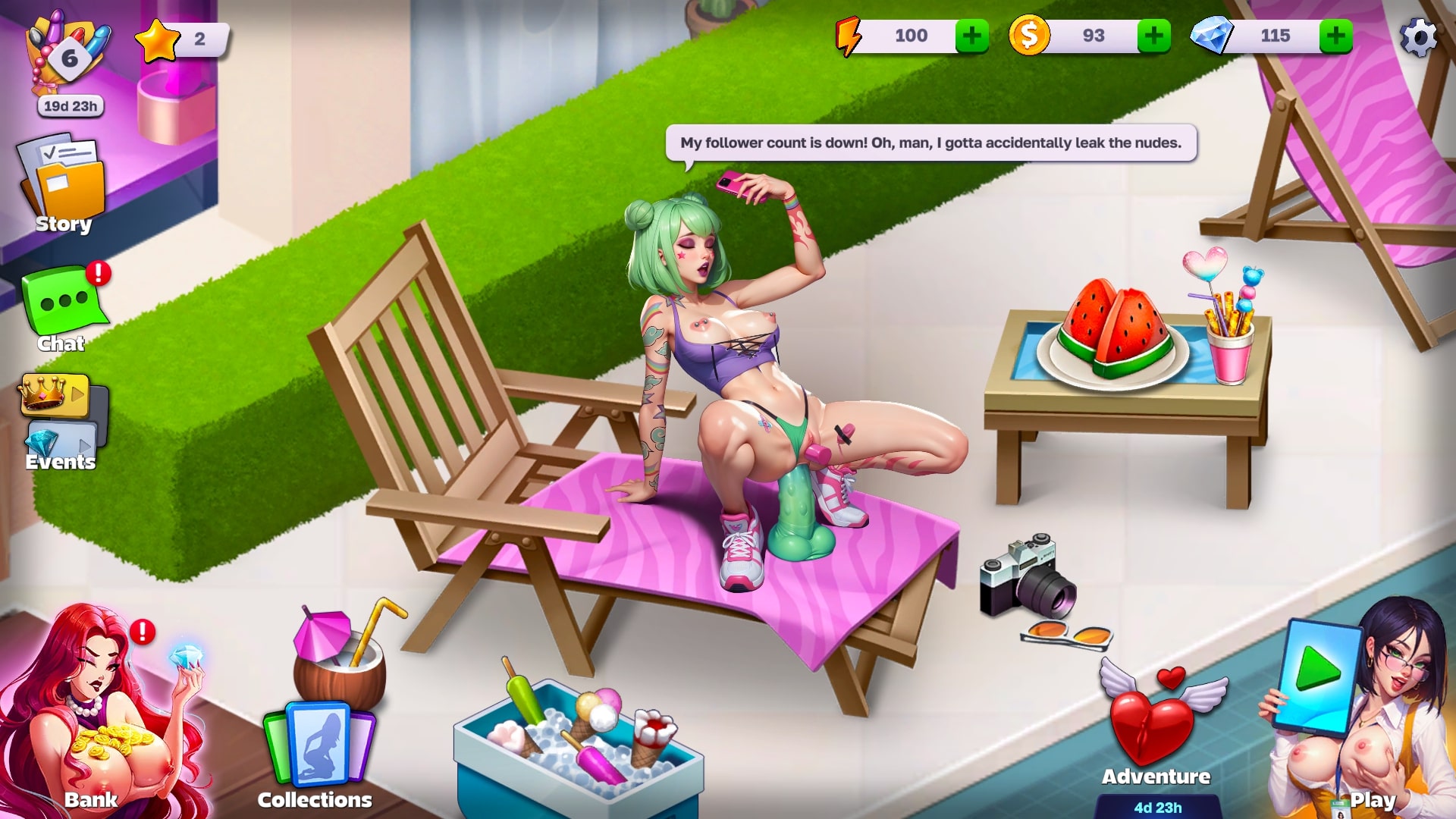
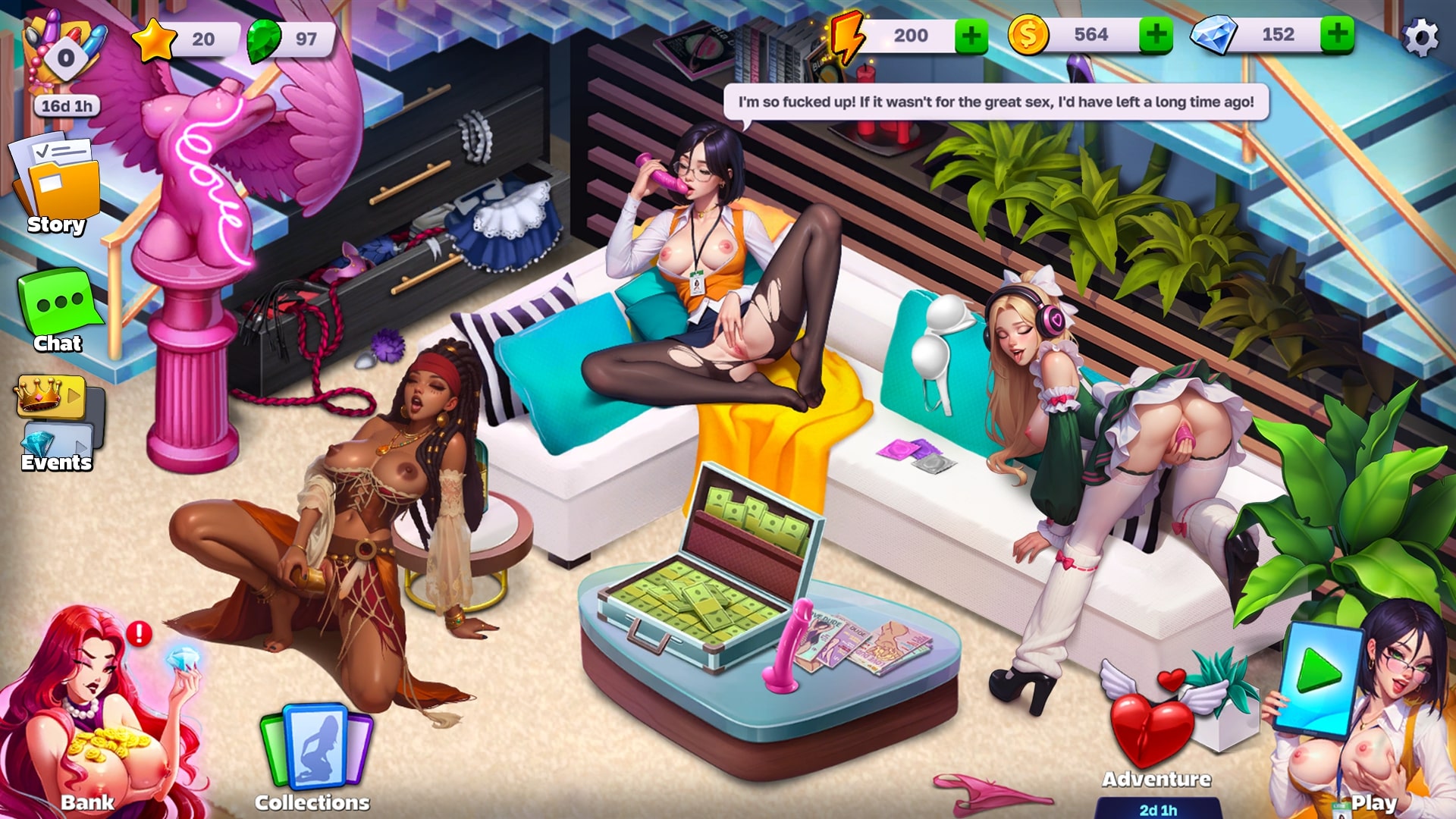
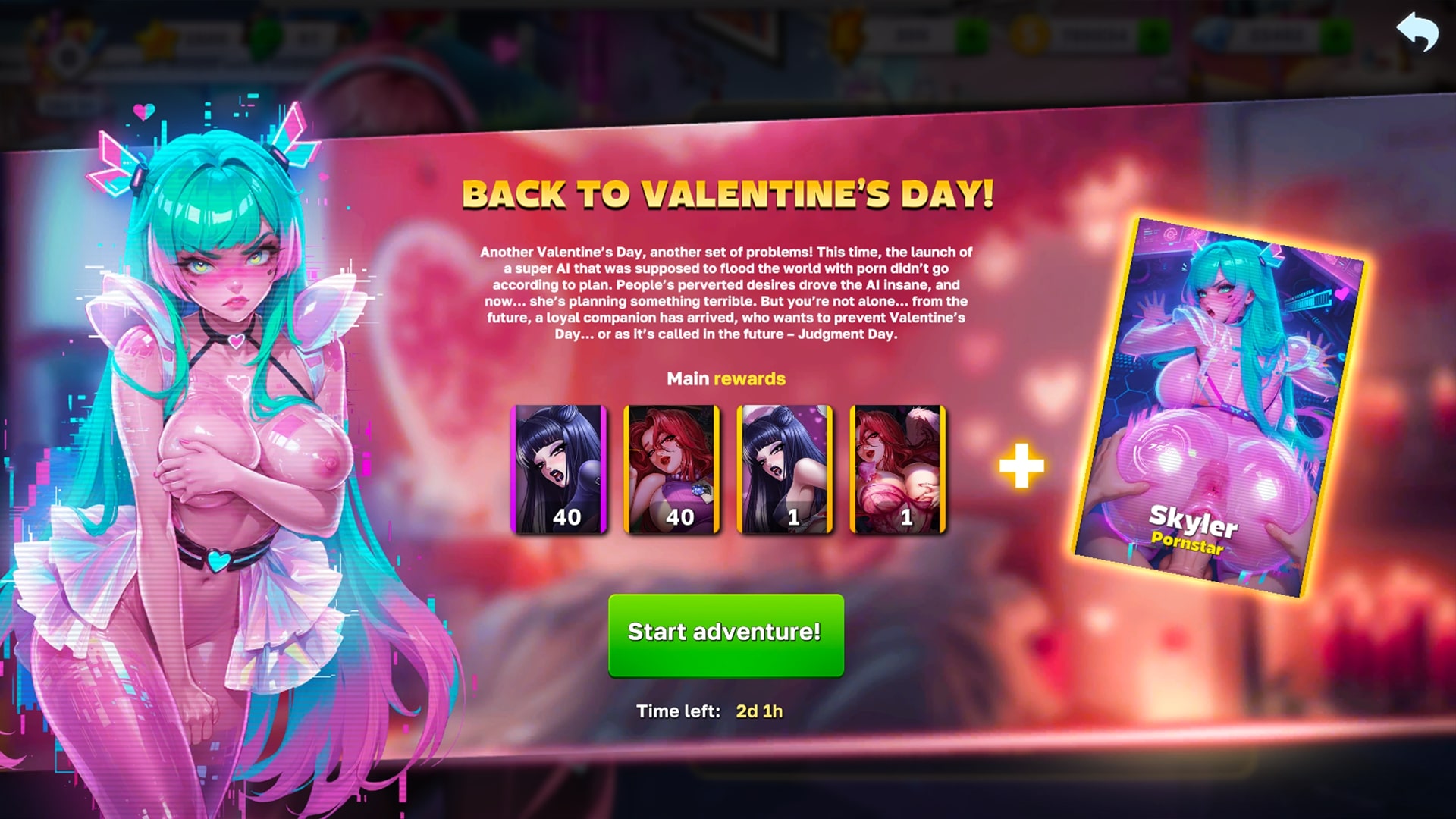
Eine neue sexy Ära bricht an, und du führst das Ganze an. Sag Lebwohl zu den langweiligen „Häschen“, denn jetzt dreht sich alles um die Mädels von Horny Villa!
Alles begann damit, dass du plötzlich eine heruntergekommene, alte Villa geerbt hast, die einst eine legendäre Location für wilden Sex und noch wildere Partys war. Jetzt liegt es an dir, sie in ihren ehemaligen Glanz zurückzuversetzen und daraus wieder ein ikonisches Symbol für sexuelle Fantasien und kinky Spaß zu machen! 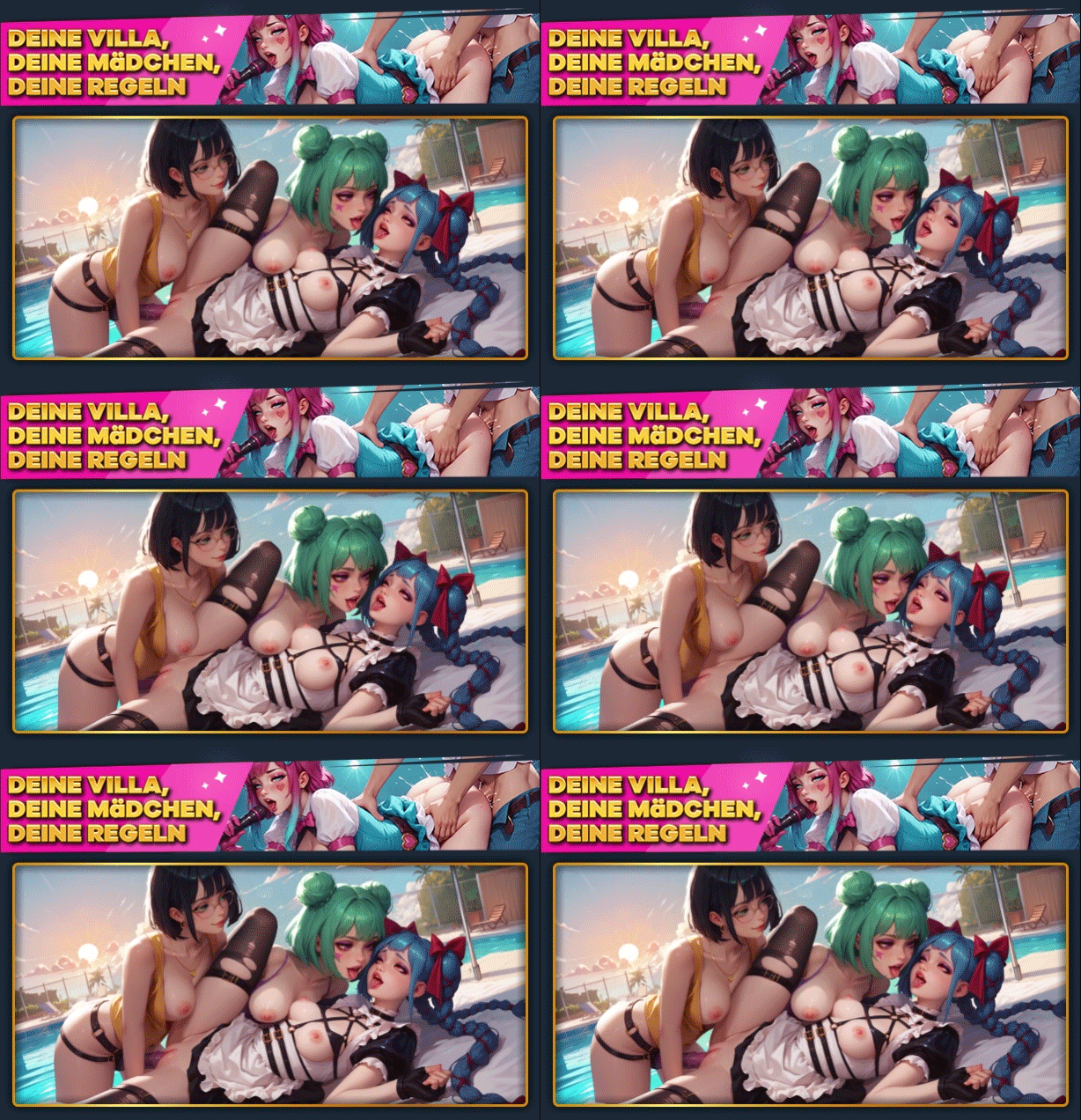
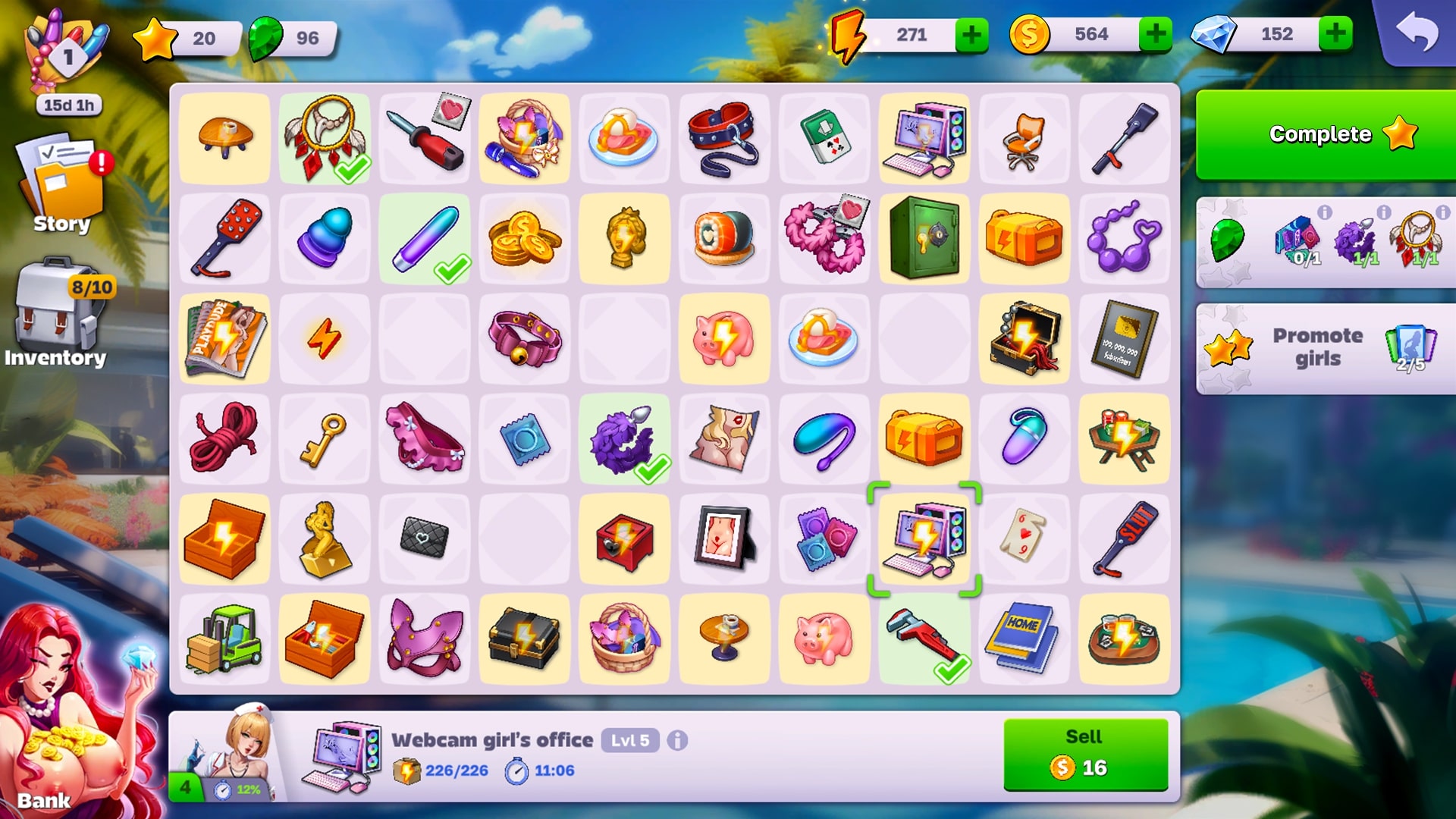
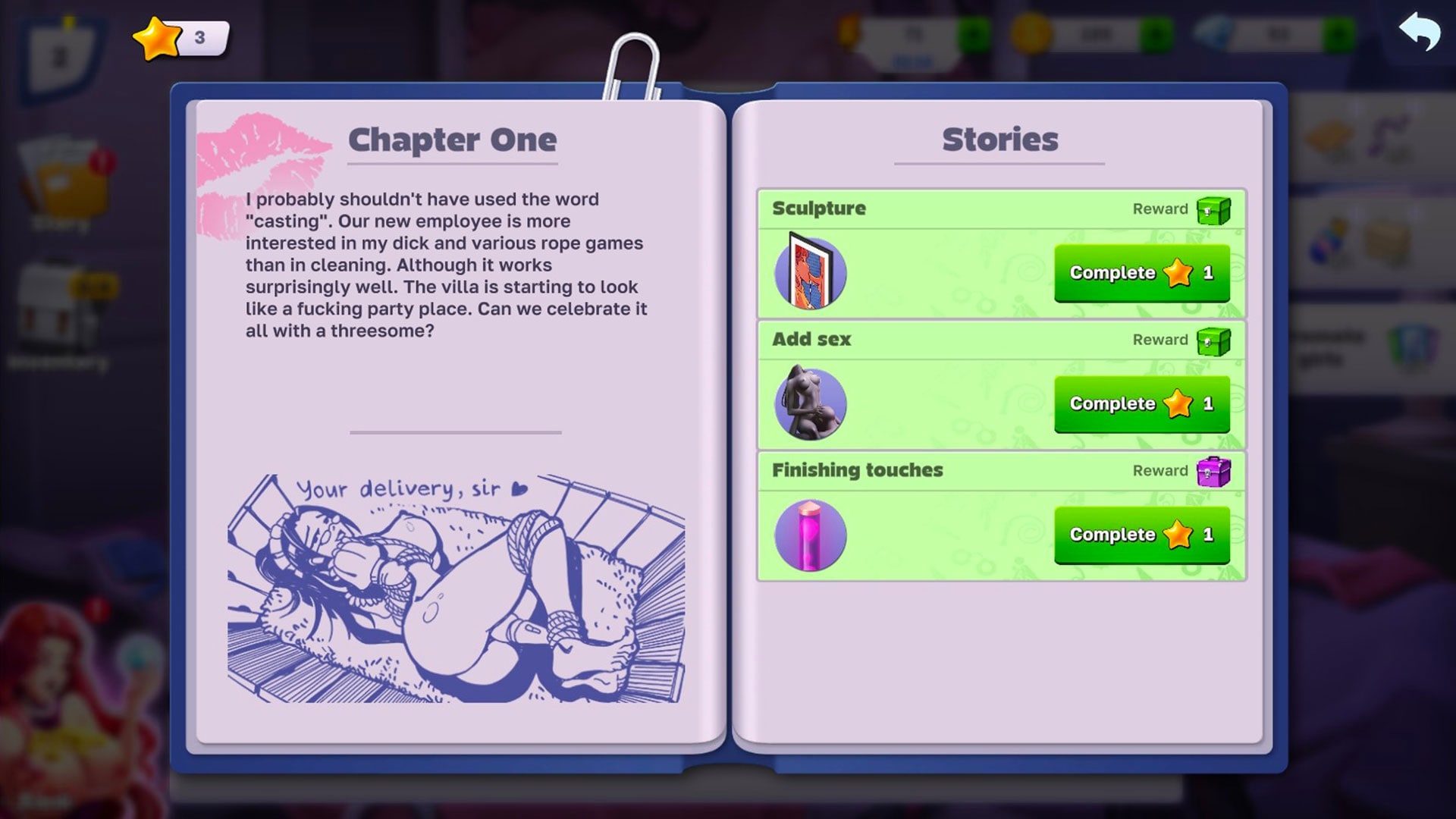
Merge, match und mingle dich durch die süchtig machenden Puzzle-Mechaniken von Horny Villa. Kombiniere gleiche Objekte, um neue, bessere Items freizuschalten. Merge weiter, verbessere weiter, schalte neue Locations frei und sieh zu, wie deine Villa zum heißesten Ort der Stadt wird! 
Klar müssen für die Ladies, die hierbleiben wollen, ein paar Regeln her, oder? Keine Prüden erlaubt! Sie müssen alles einsetzen, um dich zufrieden zu stellen. Du bist der Boss, du bestimmst, wo’s langgeht. 
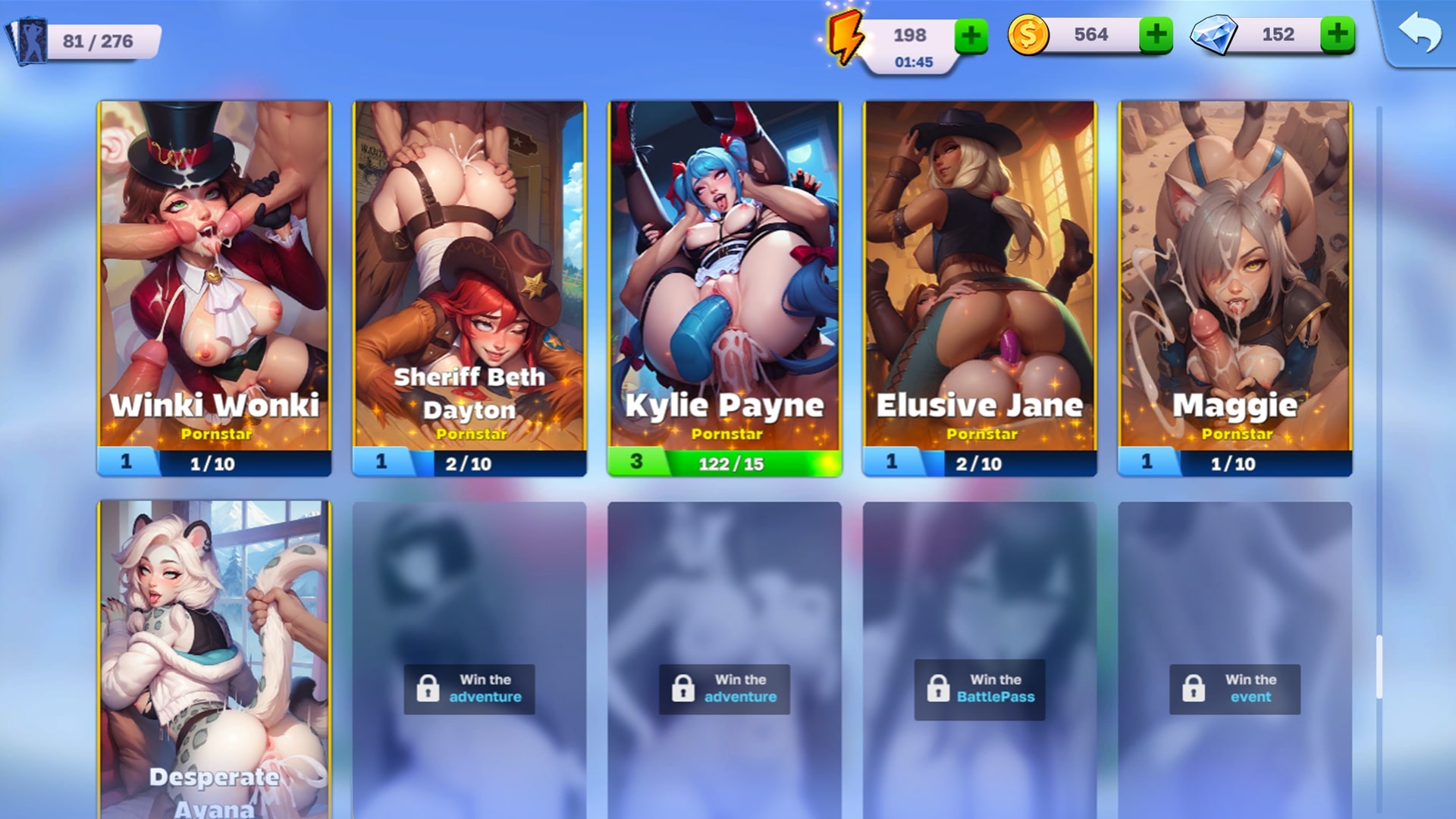
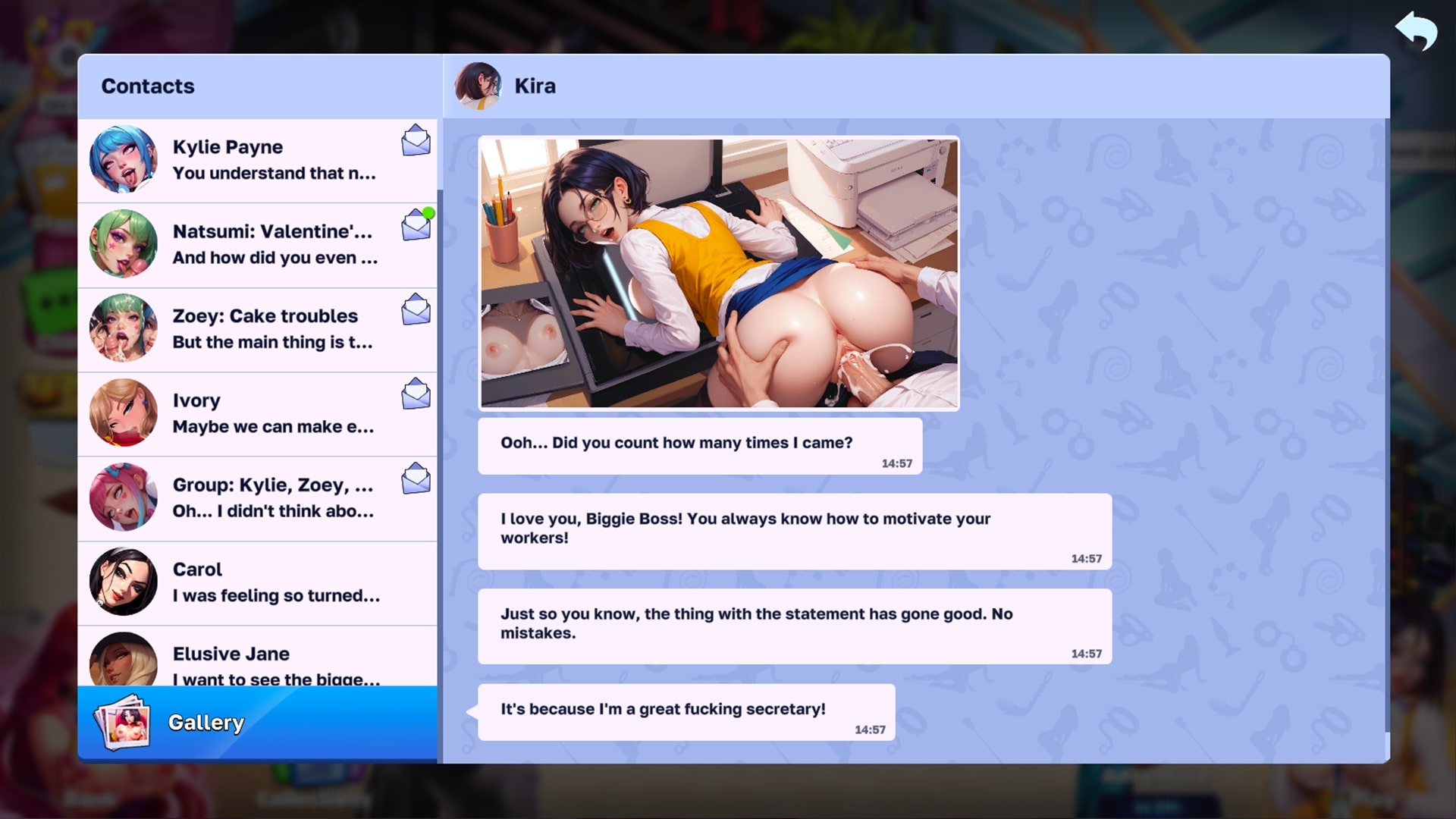
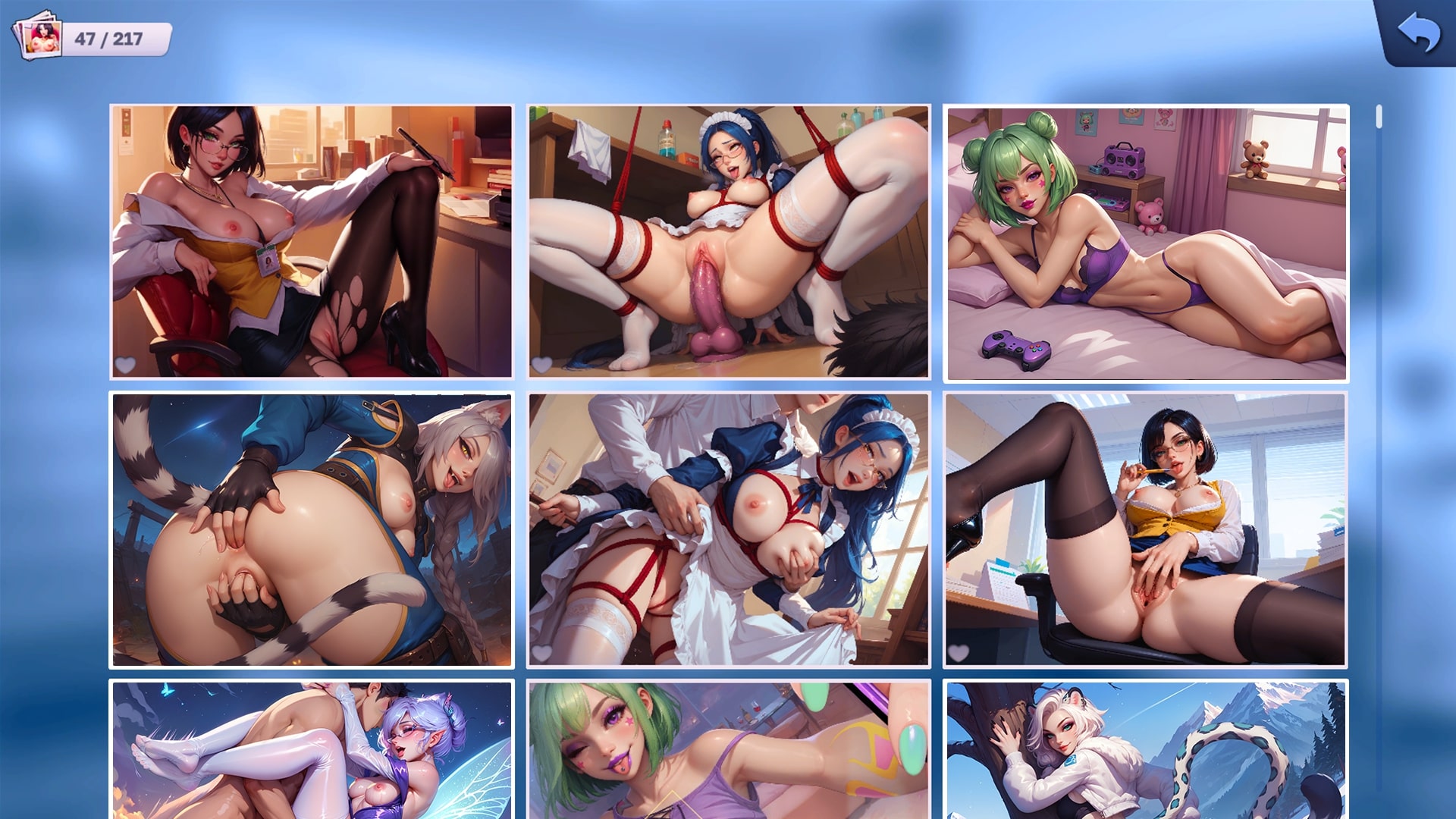
Der erotische Content und die H-Szenen sind wahrhaft königlich. Mit seinem epischen, hochqualitativen Artstyle bietet dieses Adult-Game jede Menge dampfender Szenen und verruchter Chats mit all den unartigen Mädels, die ein Teil deines Imperiums werden wollen!
Sex ist kein Spiel, also mach deine Lust zur Legende!
* Kostenlose Spiele können In-App-Käufe beinhalten.


Download Requires a Computer
The files can only be downloaded using a computer.
Please switch to your desktop or laptop to continue the download process. Check the Video or Text Instruction tab for more details.
Text Instruction
What is SideStore and system requirements
The SideStore enables non-jailbroken iOS devices the ability to install apps manually, giving you access to NSFW games that aren’t available in the app store.
The following sections will guide you on the required files that need to be downloaded and installed, as well as step-by-step instructions on how to set up the SideStore and how to install apps on your device. Note that once you have completely set up the SideStore, future installations will only require you to download the Game Installation File (.IPA) and to carry out the game installation steps.
Please note that in order to follow this guide you will need access to a macOS (10.14 or higher) or Windows (10 or higher) computer.
Install iTunes and iCloud

Connect your device to your computer and enable Developer Mode

Install and Launch the SideStore on your device

Create and Import the Pairing File

Download and connect to SideStore’s VPN (LocalDevVPN)

Installing Nutaku Games Via the SideStore

Download Requires a Computer
The files can only be downloaded using a computer.
Please switch to your desktop or laptop to continue the download process. Check the Video or Text Instruction tab for more details.
Text Instruction
What is SideStore and system requirements
The SideStore enables non-jailbroken iOS devices the ability to install apps manually, giving you access to NSFW games that aren’t available in the app store.
The following sections will guide you on the required files that need to be downloaded and installed, as well as step-by-step instructions on how to set up the SideStore and how to install apps on your device. Note that once you have completely set up the SideStore, future installations will only require you to download the Game Installation File (.IPA) and to carry out the game installation steps.
Please note that in order to follow this guide you will need access to a macOS (10.14 or higher) or Windows (10 or higher) computer.
Install AltServer on your Computer

Connect your device to your computer and enable Developer Mode
Install and Launch the SideStore on your device
Create and Import the Pairing File

Download and connect to SideStore’s VPN (LocalDevVPN)
Installing Nutaku Games Via the SideStore
FAQs: Installing Games with SideStore
Download Requires a Computer
The files can only be downloaded using a computer.
Please switch to your desktop or laptop to continue the download process. Check the Video or Text Instruction tab for more details.
Text Instruction
What is AltStore and system requirements
The AltStore enables non-jailbroken iOS devices the ability to install apps manually, giving you access to NSFW games that aren’t available in the app store.
The following sections will guide you on the required files that need to be downloaded and installed, as well as step-by-step instructions on how to set up the AltStore and how to install apps on your device. Note that once you have completely set up the AltStore, future installations will only require you to download the Game Installation File (.IPA) and to carry out the game installation steps.
Please note that in order to follow this guide you will need access to a macOS (10.14 or higher) or Windows (10 or higher) computer.
Install iTunes and iCloud
Connect your device to your computer and enable Developer Mode
Install and Launch the AltStore on your device
Installing Nutaku Games Via the AltStore

Download Requires a Computer
The files can only be downloaded using a computer.
Please switch to your desktop or laptop to continue the download process. Check the Video or Text Instruction tab for more details.
Text Instruction
What is AltStore and system requirements
The AltStore enables non-jailbroken iOS devices the ability to install apps manually, giving you access to NSFW games that aren’t available in the app store.
The following sections will guide you on the required files that need to be downloaded and installed, as well as step-by-step instructions on how to set up the AltStore and how to install apps on your device. Note that once you have completely set up the AltStore, future installations will only require you to download the Game Installation File (.IPA) and to carry out the game installation steps.
Please note that in order to follow this guide you will need access to a macOS (10.14 or higher) or Windows (10 or higher) computer.
Install AltServer on your Computer
Connect your device to your computer and enable Developer Mode
Install and Launch the AltStore on your device

Installing Nutaku Games Via the AltStore
FAQs: Installing Games with AltStore
Download Requires a Computer
The files can only be downloaded using a computer.
Please switch to your desktop or laptop to continue the download process. Check the Video or Text Instruction tab for more details.
Text Instruction
What is Sideloadly and system requirements
Sideloadly is a tool that facilitates sideloading on iOS devices. It enables non-jailbroken iOS devices the ability to install apps manually, without having to rely on Apple’s App Store, giving you access to NSFW games that aren’t available in the app store.
The following sections will guide you on the required files that need to be downloaded and installed, as well as step-by-step instructions on how to set up the Sideloadly and how to install apps on your device. Note that once you have completely set up the AltStore, future installations will only require you to download the Game Installation File (.IPA) and to carry out the game installation steps.
Please note that in order to follow this guide you will need access to a macOS (10.14 or higher) or Windows (10 or higher) computer.
Install iTunes and iCloud
Connect your device to your computer and enable Developer Mode
Install Sideloadly on your Computer
Installing Nutaku Games Via Sideloadly

Download Requires a Computer
The files can only be downloaded using a computer.
Please switch to your desktop or laptop to continue the download process. Check the Video or Text Instruction tab for more details.
Text Instruction
What is Sideloadly and system requirements
Sideloadly is a tool that facilitates sideloading on iOS devices. It enables non-jailbroken iOS devices the ability to install apps manually, without having to rely on Apple’s App Store, giving you access to NSFW games that aren’t available in the app store.
The following sections will guide you on the required files that need to be downloaded and installed, as well as step-by-step instructions on how to set up the Sideloadly and how to install apps on your device. Note that once you have completely set up the AltStore, future installations will only require you to download the Game Installation File (.IPA) and to carry out the game installation steps.
Please note that in order to follow this guide you will need access to a macOS (10.14 or higher) or Windows (10 or higher) computer.
Install Sideloadly on your Computer

Connect your device to your computer and enable Developer Mode
Installing Nutaku Games Via Sideloadly
FAQs: Installing Games with Sideloadly
Ups, irgendwas ging schief!
Es tut uns leid, aber es ist ein unbekannter Fehler aufgetreten. Bitte versuchen Sie es später noch einmal oder kontaktieren Sie den Support, wenn das Problem weiterhin besteht.
Es tut uns leid, aber es gab einen Fehler beim Einreichen deiner Meldung. Bitte sende deine Meldung erneut und wende dich an unser Support -Team.
Weiter zum Download mit unserer Nutaku Android Store App
Mit einem Tap alle Spiele aktualisieren
Browse die gesamte Bibliothek fur Android Spiele
Alle bevorzugten Spiele von einer App spielen
UPS..., FEHLER BEIM HERUNTERLADENDeine Spieldateien stehen zur Zeit nicht zum Download bereit.Bitte aktualisiere die Seite und versuche es spater noch einmal.
Wenn das Problem weiterhin besteht, kontaktiere bitte den Kundenservice
UPS..., FEHLER BEIM HERUNTERLADENDatei nicht gefunden.Bitte aktualisiere die Seite und versuche es spater noch einmal.
Wenn das Problem weiterhin besteht, kontaktiere bitte den Kundenservice
Zwei-Faktor-Authentifizierung aktiviert
Weitere Informationen zur Zwei-Faktor-Authentifizierung erhälst du Kontaktunterstützung.
Anpassen von Cookies