
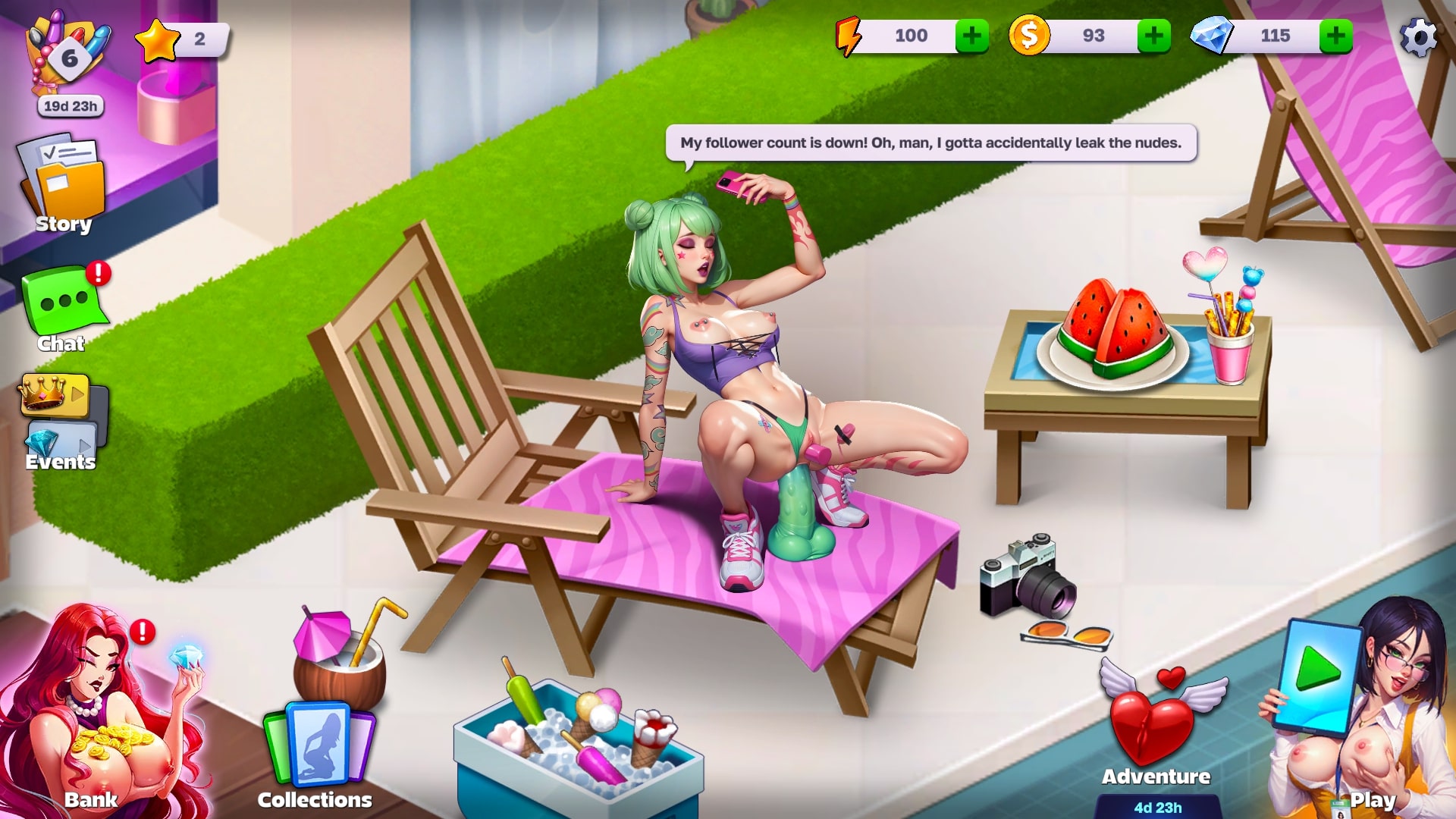
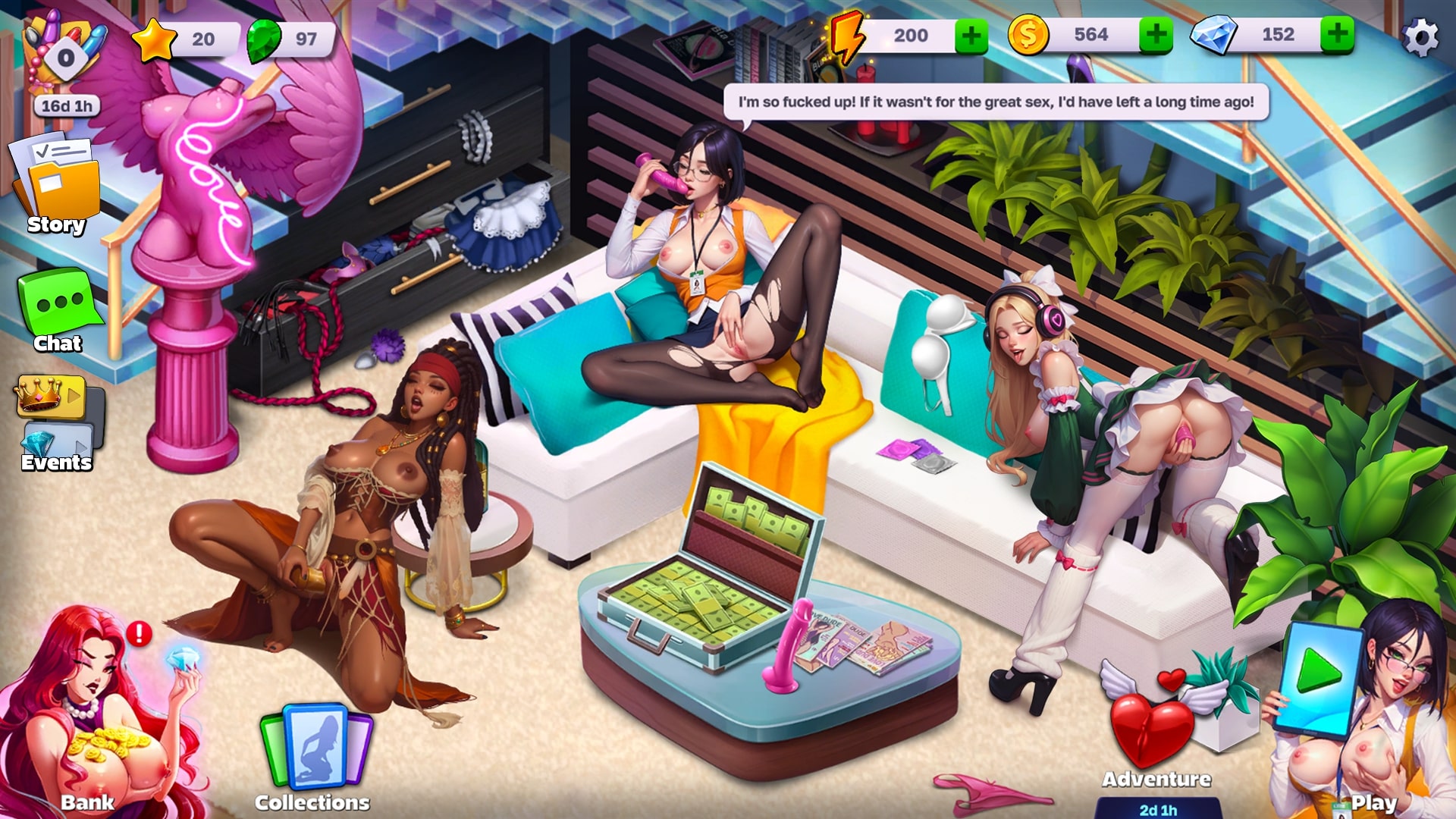
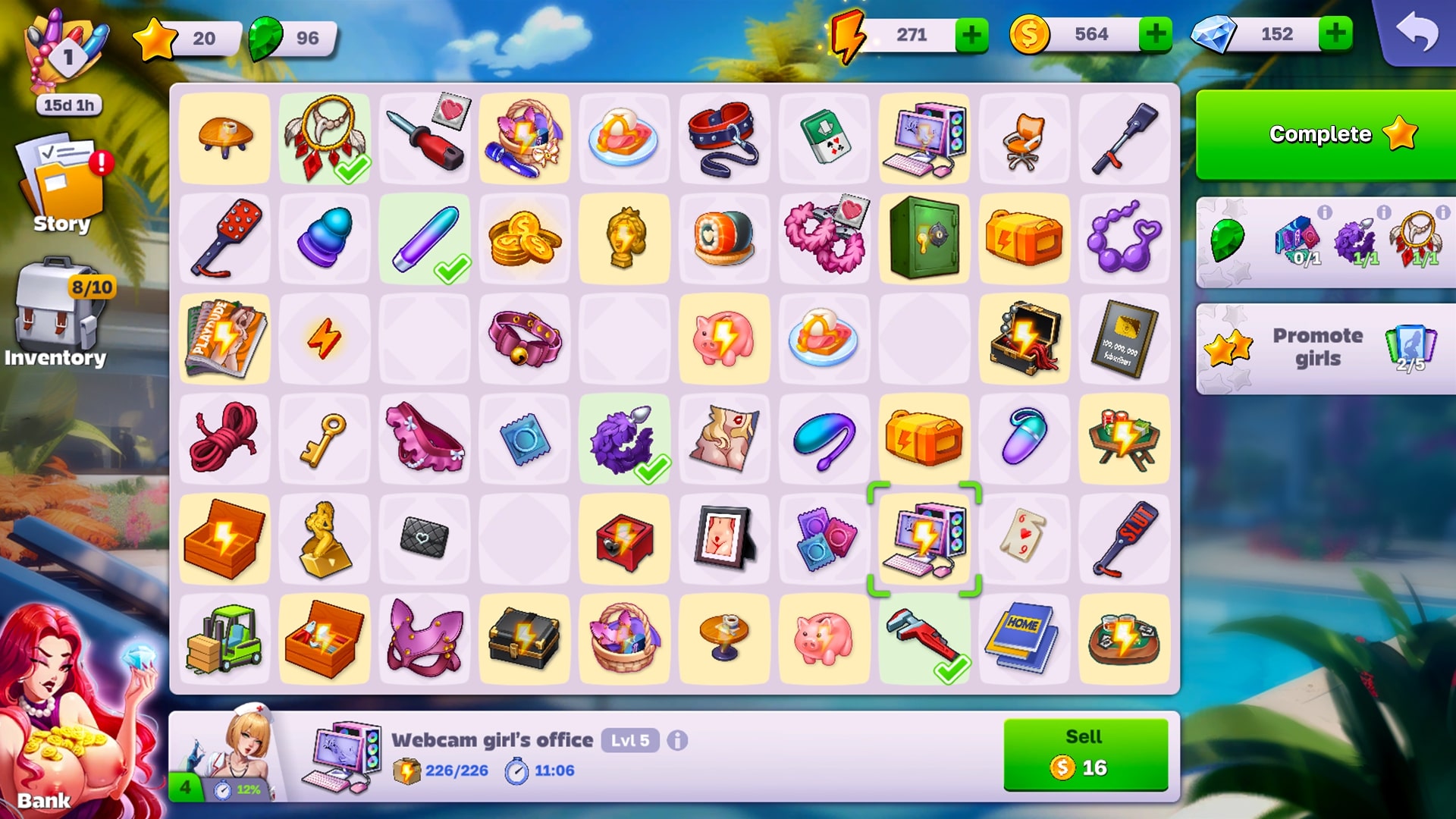
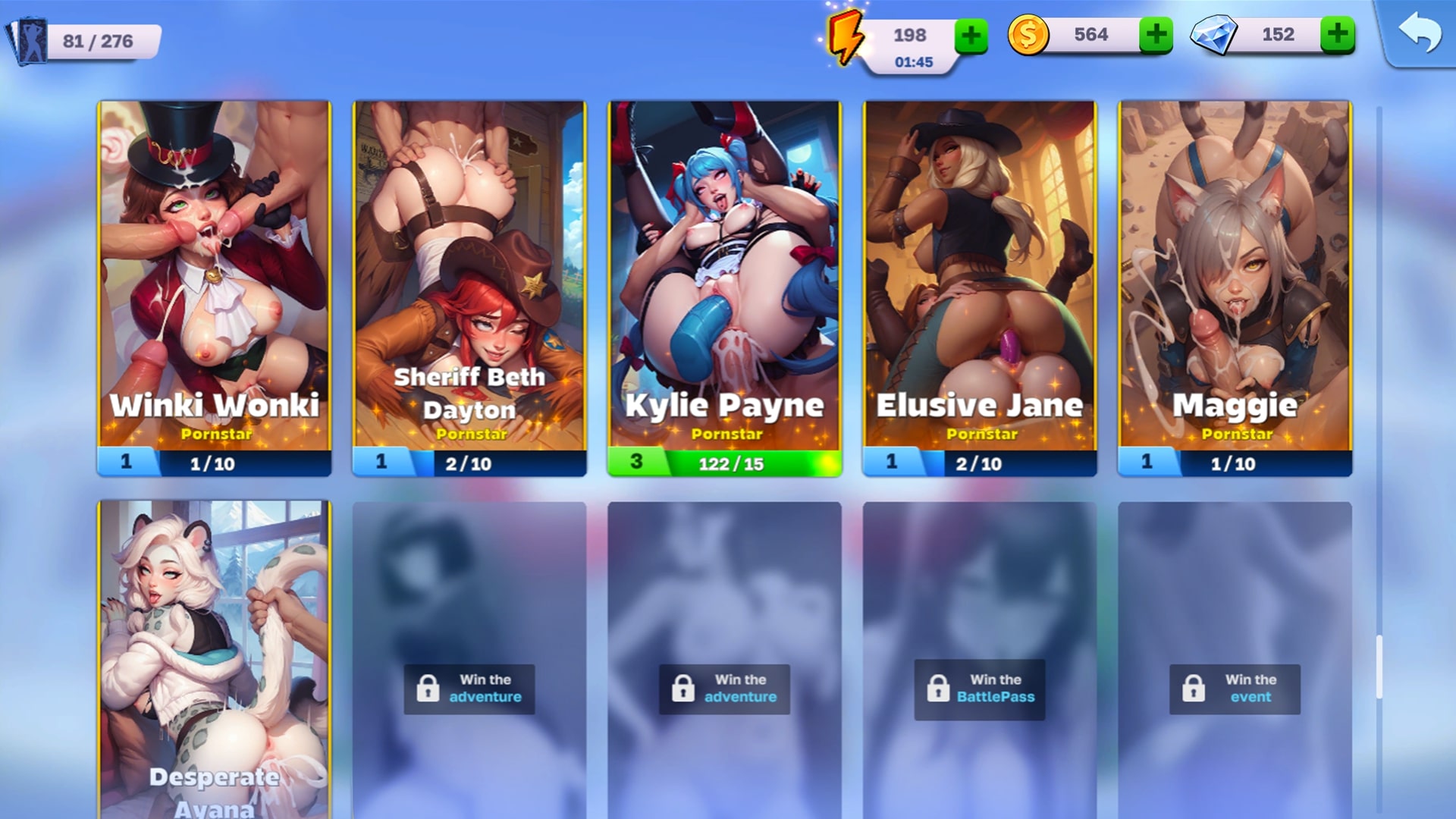
.jpg?t=1778746664 "玩 casual 遊戲 - Horny Villa 在 Nutaku")


必要的 Cookie
這些 Cookie 對網站的正常運行至關重要,無法被關閉,因為它們提供了網站的核心功能


Download Requires a Computer
The files can only be downloaded using a computer.
Please switch to your desktop or laptop to continue the download process. Check the Video or Text Instruction tab for more details.
Text Instruction
What is SideStore and system requirements
The SideStore enables non-jailbroken iOS devices the ability to install apps manually, giving you access to NSFW games that aren’t available in the app store.
The following sections will guide you on the required files that need to be downloaded and installed, as well as step-by-step instructions on how to set up the SideStore and how to install apps on your device. Note that once you have completely set up the SideStore, future installations will only require you to download the Game Installation File (.IPA) and to carry out the game installation steps.
Please note that in order to follow this guide you will need access to a macOS (10.14 or higher) or Windows (10 or higher) computer.
Install iTunes and iCloud

Connect your device to your computer and enable Developer Mode

Install and Launch the SideStore on your device

Create and Import the Pairing File

Download and connect to SideStore’s VPN (LocalDevVPN)

Installing Nutaku Games Via the SideStore

Download Requires a Computer
The files can only be downloaded using a computer.
Please switch to your desktop or laptop to continue the download process. Check the Video or Text Instruction tab for more details.
Text Instruction
What is SideStore and system requirements
The SideStore enables non-jailbroken iOS devices the ability to install apps manually, giving you access to NSFW games that aren’t available in the app store.
The following sections will guide you on the required files that need to be downloaded and installed, as well as step-by-step instructions on how to set up the SideStore and how to install apps on your device. Note that once you have completely set up the SideStore, future installations will only require you to download the Game Installation File (.IPA) and to carry out the game installation steps.
Please note that in order to follow this guide you will need access to a macOS (10.14 or higher) or Windows (10 or higher) computer.
Install AltServer on your Computer

Connect your device to your computer and enable Developer Mode
Install and Launch the SideStore on your device
Create and Import the Pairing File

Download and connect to SideStore’s VPN (LocalDevVPN)
Installing Nutaku Games Via the SideStore
FAQs: Installing Games with SideStore
Download Requires a Computer
The files can only be downloaded using a computer.
Please switch to your desktop or laptop to continue the download process. Check the Video or Text Instruction tab for more details.
Text Instruction
What is AltStore and system requirements
The AltStore enables non-jailbroken iOS devices the ability to install apps manually, giving you access to NSFW games that aren’t available in the app store.
The following sections will guide you on the required files that need to be downloaded and installed, as well as step-by-step instructions on how to set up the AltStore and how to install apps on your device. Note that once you have completely set up the AltStore, future installations will only require you to download the Game Installation File (.IPA) and to carry out the game installation steps.
Please note that in order to follow this guide you will need access to a macOS (10.14 or higher) or Windows (10 or higher) computer.
Install iTunes and iCloud
Connect your device to your computer and enable Developer Mode
Install and Launch the AltStore on your device
Installing Nutaku Games Via the AltStore

Download Requires a Computer
The files can only be downloaded using a computer.
Please switch to your desktop or laptop to continue the download process. Check the Video or Text Instruction tab for more details.
Text Instruction
What is AltStore and system requirements
The AltStore enables non-jailbroken iOS devices the ability to install apps manually, giving you access to NSFW games that aren’t available in the app store.
The following sections will guide you on the required files that need to be downloaded and installed, as well as step-by-step instructions on how to set up the AltStore and how to install apps on your device. Note that once you have completely set up the AltStore, future installations will only require you to download the Game Installation File (.IPA) and to carry out the game installation steps.
Please note that in order to follow this guide you will need access to a macOS (10.14 or higher) or Windows (10 or higher) computer.
Install AltServer on your Computer
Connect your device to your computer and enable Developer Mode
Install and Launch the AltStore on your device

Installing Nutaku Games Via the AltStore
FAQs: Installing Games with AltStore
Download Requires a Computer
The files can only be downloaded using a computer.
Please switch to your desktop or laptop to continue the download process. Check the Video or Text Instruction tab for more details.
Text Instruction
What is Sideloadly and system requirements
Sideloadly is a tool that facilitates sideloading on iOS devices. It enables non-jailbroken iOS devices the ability to install apps manually, without having to rely on Apple’s App Store, giving you access to NSFW games that aren’t available in the app store.
The following sections will guide you on the required files that need to be downloaded and installed, as well as step-by-step instructions on how to set up the Sideloadly and how to install apps on your device. Note that once you have completely set up the AltStore, future installations will only require you to download the Game Installation File (.IPA) and to carry out the game installation steps.
Please note that in order to follow this guide you will need access to a macOS (10.14 or higher) or Windows (10 or higher) computer.
Install iTunes and iCloud
Connect your device to your computer and enable Developer Mode
Install Sideloadly on your Computer
Installing Nutaku Games Via Sideloadly

Download Requires a Computer
The files can only be downloaded using a computer.
Please switch to your desktop or laptop to continue the download process. Check the Video or Text Instruction tab for more details.
Text Instruction
What is Sideloadly and system requirements
Sideloadly is a tool that facilitates sideloading on iOS devices. It enables non-jailbroken iOS devices the ability to install apps manually, without having to rely on Apple’s App Store, giving you access to NSFW games that aren’t available in the app store.
The following sections will guide you on the required files that need to be downloaded and installed, as well as step-by-step instructions on how to set up the Sideloadly and how to install apps on your device. Note that once you have completely set up the AltStore, future installations will only require you to download the Game Installation File (.IPA) and to carry out the game installation steps.
Please note that in order to follow this guide you will need access to a macOS (10.14 or higher) or Windows (10 or higher) computer.
Install Sideloadly on your Computer

Connect your device to your computer and enable Developer Mode
Installing Nutaku Games Via Sideloadly
FAQs: Installing Games with Sideloadly
糟糕,發生錯誤了!
很抱歉,系統發生了未知錯誤。請稍後重試,或如果該問題仍然存在,請 聯絡支援人員。
很抱歉,提交您的舉報時發生了錯誤。請重新提交您的舉報,如果再次發生錯誤,請聯繫我們的支持團隊。
Continue the Download with our Nutaku Android Store App
只要點選一下,即可更新遊戲
瀏覽整個 Android 遊戲庫
從一個應用程式遊戲您所有最愛的遊戲
雙重認證開啟
有關雙重認證的更多信息,請聯繫支持。
自訂 Cookie