Wesentliche Cookies
Sie sind für das Funktionieren der Website erforderlich und können in unseren Systemen nicht ausgeschaltet werden, da sie die Hauptfunktionen der Website ermöglichen.


Spieleherausgeber: Nifcor Games
Entwickler: Nifcor Games
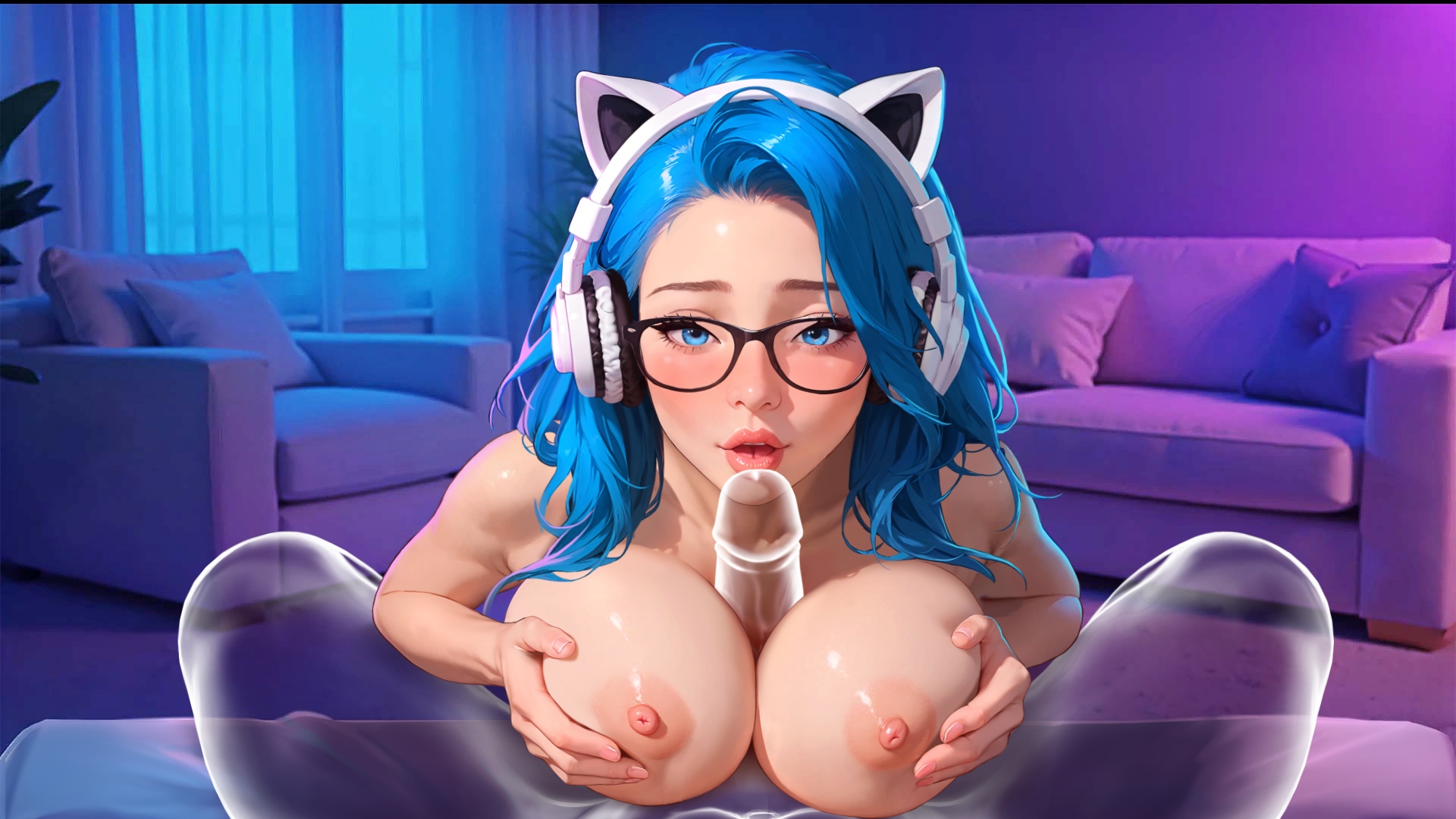
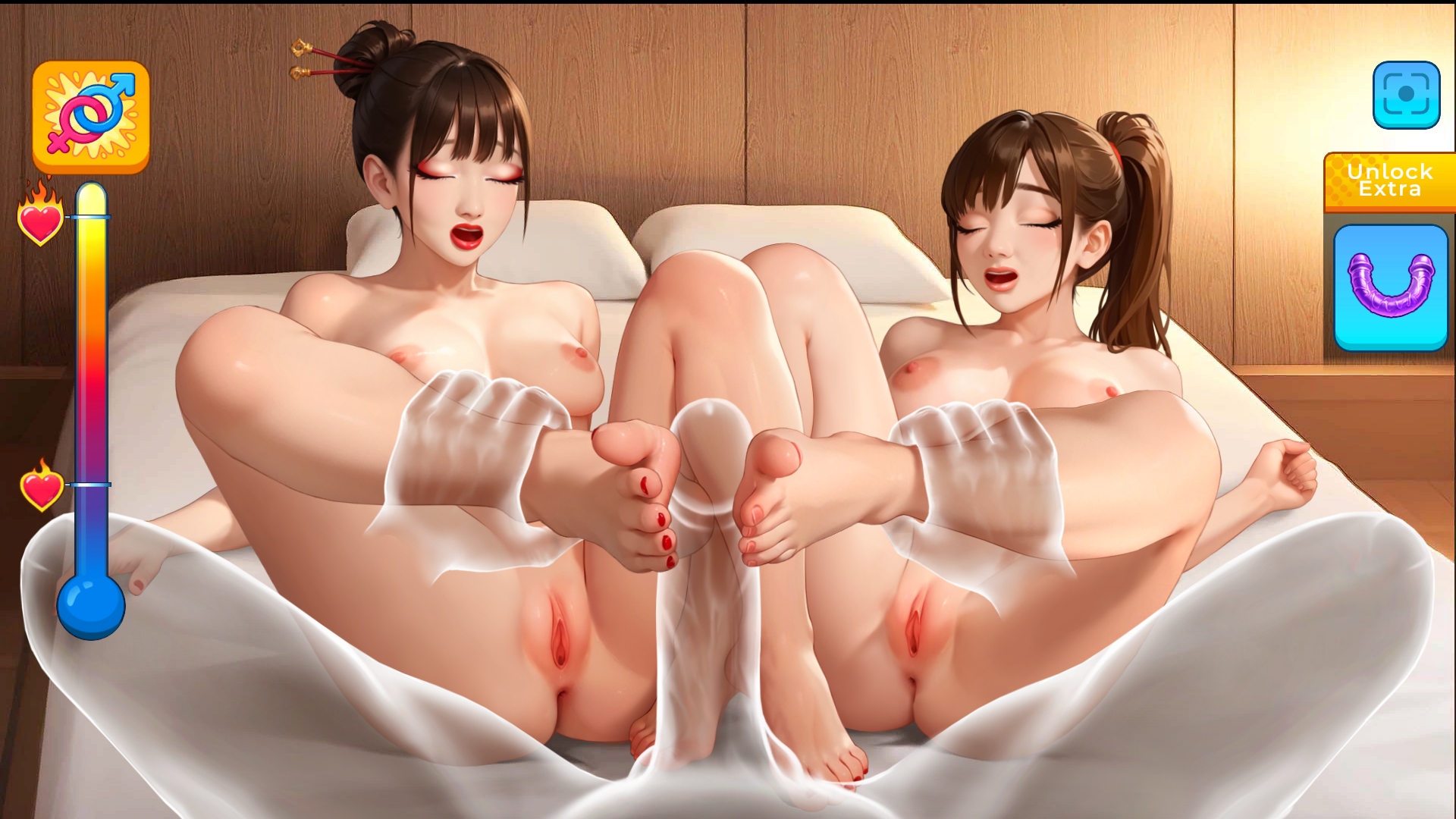
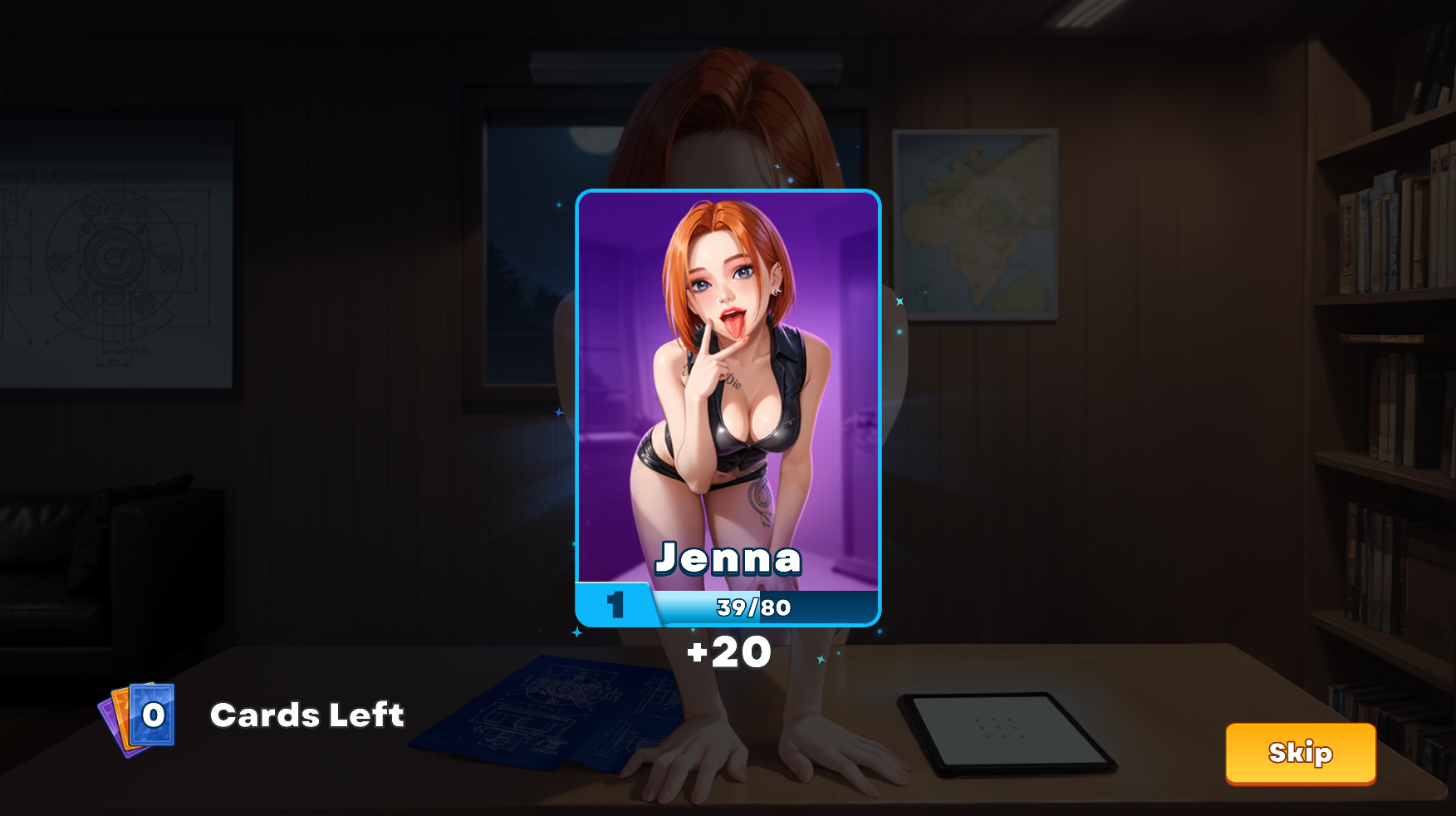
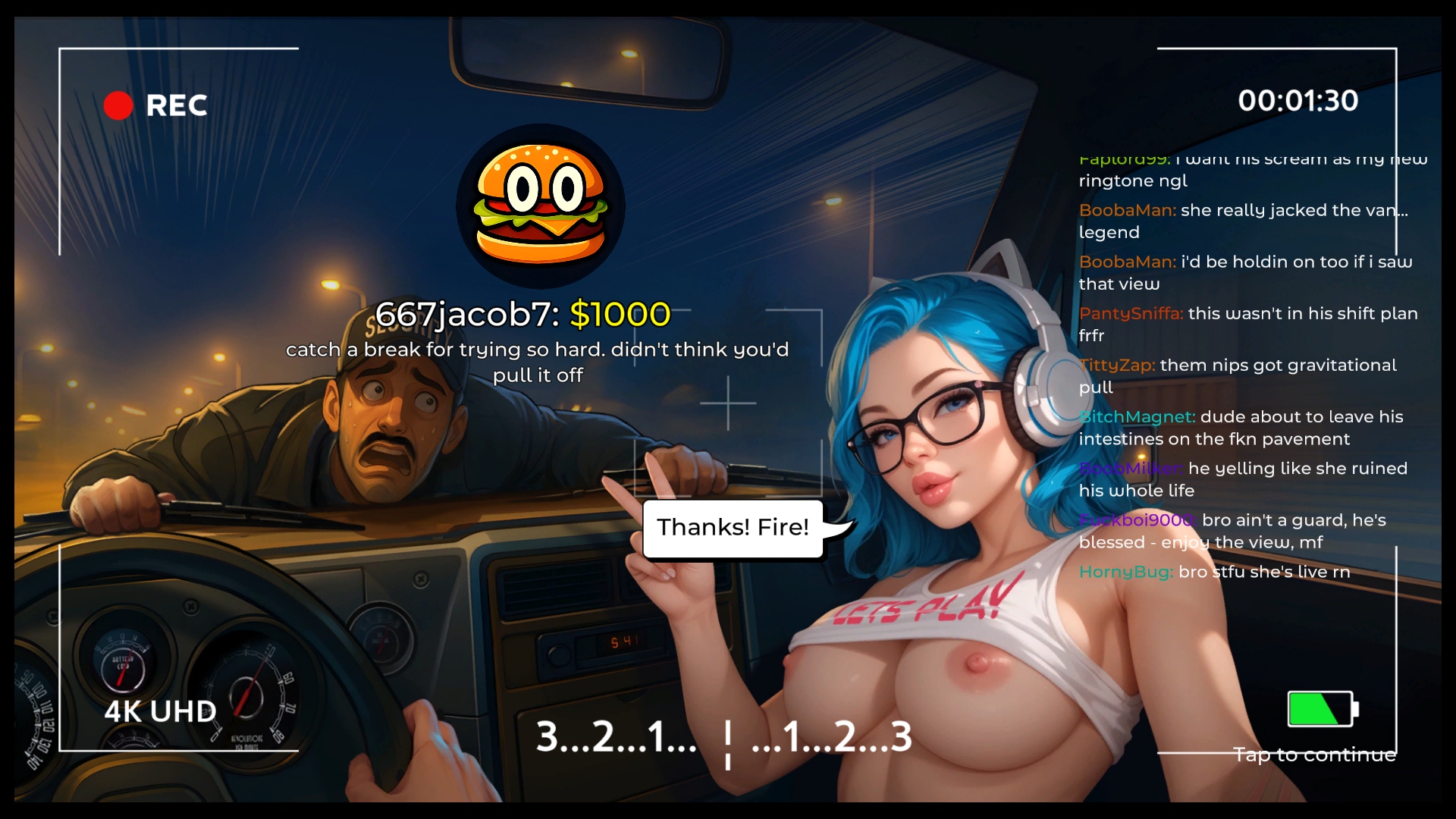











INTERAKTIVE SEXSZENEN
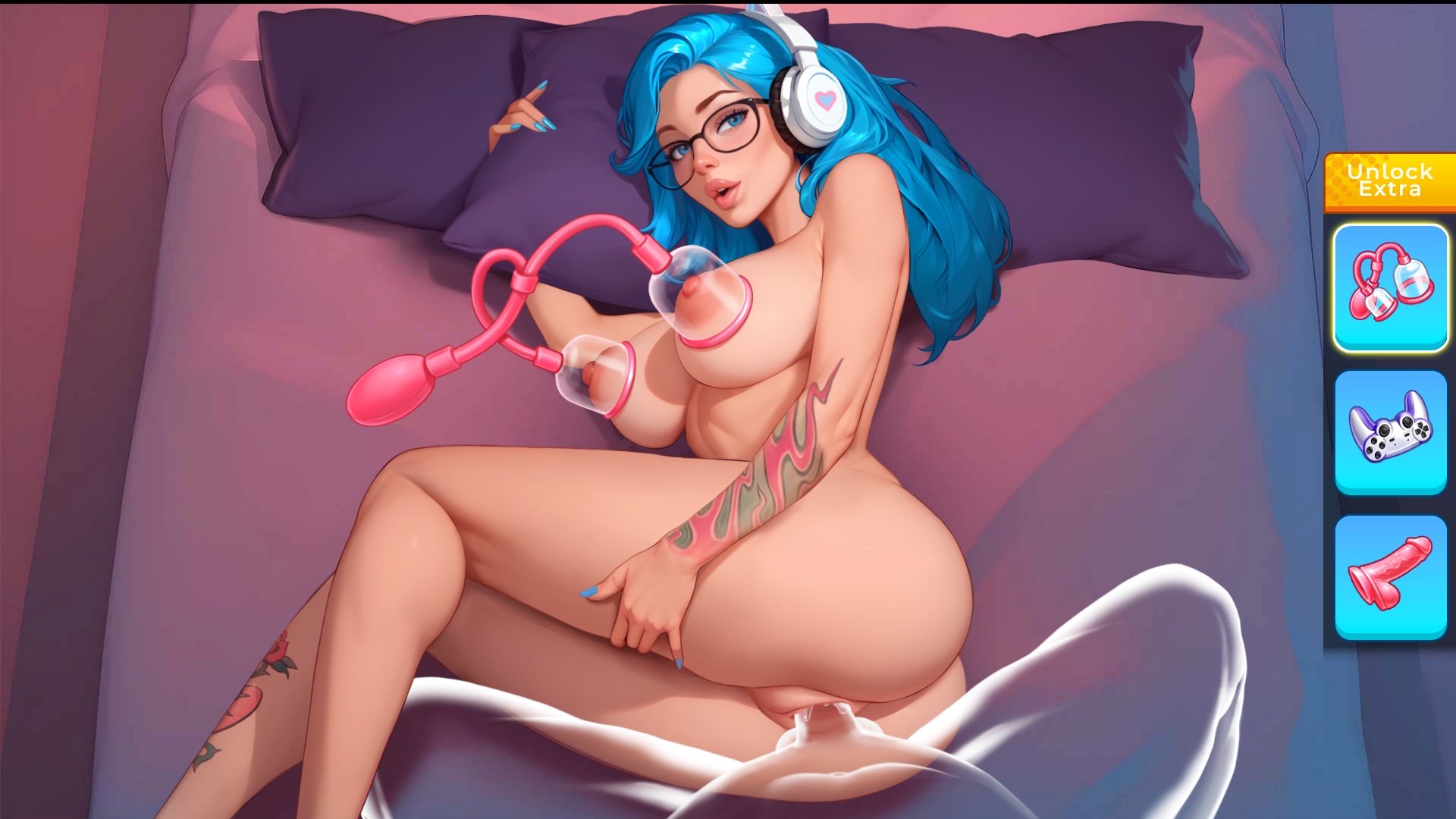
Schau nicht nur zu – übernimm die Kontrolle. Die Mädchen reagieren auf deine Berührungen und Handlungen: Erforsche ihre erogenen Zonen, nutze Spielzeuge und entscheide, wie du sie zum Höhepunkt bringst. Alles hängt von deiner Fantasie und Kontrolle ab.

STIL UND ANIMATION
Das Spiel ist stilvoll gestaltet: detaillierte Heldinnen, lebendige Comic-Panels und flüssige Animationen, die die Szenen aus der Ich-Perspektive lebendig und realistisch machen.

SPANNENDE GESCHICHTE
Krimi, Action, Komödie und Detektiv-Elemente verschmelzen in einer Handlung. Jedes Kapitel hat unerwartete Wendungen.

VERSCHIEDENE MÄDCHEN
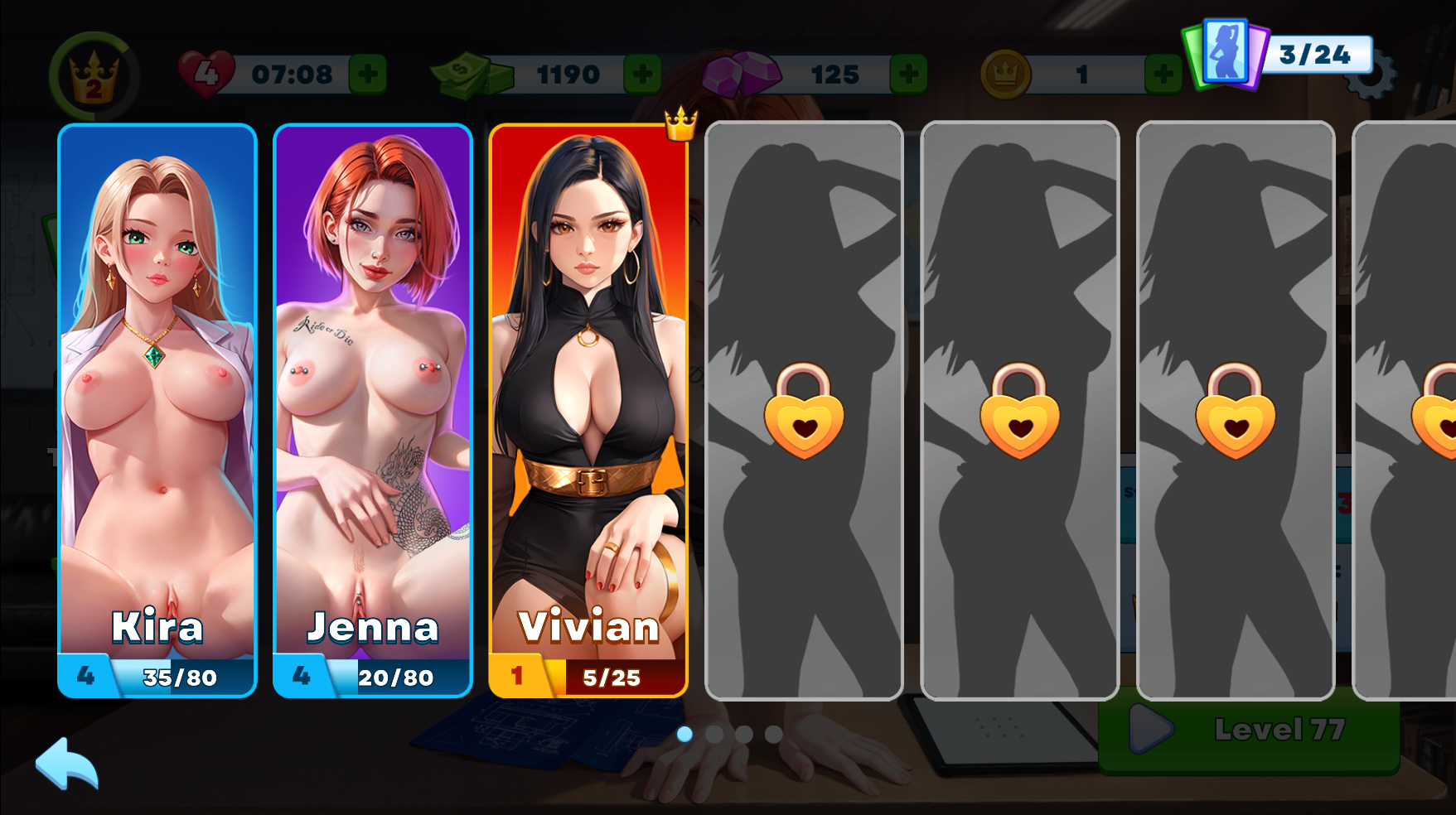
Sammle, verbessere und baue Beziehungen zu sexy Heldinnen auf – jede mit ihrem eigenen Charakter und ihren schmutzigen Wünschen.

EINFACHES GAMEPLAY
Einfache Steuerung und klare Mechanik: Genieße einfach die Geschichte, die Szenen und die Entscheidungen ohne unnötige Komplexität.

-9aa.avif?t=1784823919)


Download Requires a Computer
The files can only be downloaded using a computer.
Please switch to your desktop or laptop to continue the download process. Check the Video or Text Instruction tab for more details.
Text Instruction
What is SideStore and system requirements
The SideStore enables non-jailbroken iOS devices the ability to install apps manually, giving you access to NSFW games that aren’t available in the app store.
The following sections will guide you on the required files that need to be downloaded and installed, as well as step-by-step instructions on how to set up the SideStore and how to install apps on your device. Note that once you have completely set up the SideStore, future installations will only require you to download the Game Installation File (.IPA) and to carry out the game installation steps.
Please note that in order to follow this guide you will need access to a macOS (10.14 or higher) or Windows (10 or higher) computer.
Install iTunes and iCloud

Connect your device to your computer and enable Developer Mode

Install and Launch the SideStore on your device

Create and Import the Pairing File

Download and connect to SideStore’s VPN (LocalDevVPN)

Installing Nutaku Games Via the SideStore

Download Requires a Computer
The files can only be downloaded using a computer.
Please switch to your desktop or laptop to continue the download process. Check the Video or Text Instruction tab for more details.
Text Instruction
What is SideStore and system requirements
The SideStore enables non-jailbroken iOS devices the ability to install apps manually, giving you access to NSFW games that aren’t available in the app store.
The following sections will guide you on the required files that need to be downloaded and installed, as well as step-by-step instructions on how to set up the SideStore and how to install apps on your device. Note that once you have completely set up the SideStore, future installations will only require you to download the Game Installation File (.IPA) and to carry out the game installation steps.
Please note that in order to follow this guide you will need access to a macOS (10.14 or higher) or Windows (10 or higher) computer.
Install AltServer on your Computer

Connect your device to your computer and enable Developer Mode
Install and Launch the SideStore on your device
Create and Import the Pairing File

Download and connect to SideStore’s VPN (LocalDevVPN)
Installing Nutaku Games Via the SideStore
FAQs: Installing Games with SideStore
Download Requires a Computer
The files can only be downloaded using a computer.
Please switch to your desktop or laptop to continue the download process. Check the Video or Text Instruction tab for more details.
Text Instruction
What is AltStore and system requirements
The AltStore enables non-jailbroken iOS devices the ability to install apps manually, giving you access to NSFW games that aren’t available in the app store.
The following sections will guide you on the required files that need to be downloaded and installed, as well as step-by-step instructions on how to set up the AltStore and how to install apps on your device. Note that once you have completely set up the AltStore, future installations will only require you to download the Game Installation File (.IPA) and to carry out the game installation steps.
Please note that in order to follow this guide you will need access to a macOS (10.14 or higher) or Windows (10 or higher) computer.
Install iTunes and iCloud
Connect your device to your computer and enable Developer Mode
Install and Launch the AltStore on your device
Installing Nutaku Games Via the AltStore

Download Requires a Computer
The files can only be downloaded using a computer.
Please switch to your desktop or laptop to continue the download process. Check the Video or Text Instruction tab for more details.
Text Instruction
What is AltStore and system requirements
The AltStore enables non-jailbroken iOS devices the ability to install apps manually, giving you access to NSFW games that aren’t available in the app store.
The following sections will guide you on the required files that need to be downloaded and installed, as well as step-by-step instructions on how to set up the AltStore and how to install apps on your device. Note that once you have completely set up the AltStore, future installations will only require you to download the Game Installation File (.IPA) and to carry out the game installation steps.
Please note that in order to follow this guide you will need access to a macOS (10.14 or higher) or Windows (10 or higher) computer.
Install AltServer on your Computer
Connect your device to your computer and enable Developer Mode
Install and Launch the AltStore on your device

Installing Nutaku Games Via the AltStore
FAQs: Installing Games with AltStore
Download Requires a Computer
The files can only be downloaded using a computer.
Please switch to your desktop or laptop to continue the download process. Check the Video or Text Instruction tab for more details.
Text Instruction
What is Sideloadly and system requirements
Sideloadly is a tool that facilitates sideloading on iOS devices. It enables non-jailbroken iOS devices the ability to install apps manually, without having to rely on Apple’s App Store, giving you access to NSFW games that aren’t available in the app store.
The following sections will guide you on the required files that need to be downloaded and installed, as well as step-by-step instructions on how to set up the Sideloadly and how to install apps on your device. Note that once you have completely set up the AltStore, future installations will only require you to download the Game Installation File (.IPA) and to carry out the game installation steps.
Please note that in order to follow this guide you will need access to a macOS (10.14 or higher) or Windows (10 or higher) computer.
Install iTunes and iCloud
Connect your device to your computer and enable Developer Mode
Install Sideloadly on your Computer
Installing Nutaku Games Via Sideloadly

Download Requires a Computer
The files can only be downloaded using a computer.
Please switch to your desktop or laptop to continue the download process. Check the Video or Text Instruction tab for more details.
Text Instruction
What is Sideloadly and system requirements
Sideloadly is a tool that facilitates sideloading on iOS devices. It enables non-jailbroken iOS devices the ability to install apps manually, without having to rely on Apple’s App Store, giving you access to NSFW games that aren’t available in the app store.
The following sections will guide you on the required files that need to be downloaded and installed, as well as step-by-step instructions on how to set up the Sideloadly and how to install apps on your device. Note that once you have completely set up the AltStore, future installations will only require you to download the Game Installation File (.IPA) and to carry out the game installation steps.
Please note that in order to follow this guide you will need access to a macOS (10.14 or higher) or Windows (10 or higher) computer.
Install Sideloadly on your Computer

Connect your device to your computer and enable Developer Mode
Installing Nutaku Games Via Sideloadly
FAQs: Installing Games with Sideloadly
Ups, irgendwas ging schief!
Es tut uns leid, aber es ist ein unbekannter Fehler aufgetreten. Bitte versuchen Sie es später noch einmal oder kontaktieren Sie den Support, wenn das Problem weiterhin besteht.
Es tut uns leid, aber es gab einen Fehler beim Einreichen deiner Meldung. Bitte sende deine Meldung erneut und wende dich an unser Support -Team.
Ein moderner Browser mit WebGL 2.0-Unterstützung und einer stabilen Internetverbindung.
Android 5.1 oder höher. 2 GB RAM empfohlen.

Weiter zum Download mit unserer Nutaku Android Store App
Mit einem Tap alle Spiele aktualisieren
Browse die gesamte Bibliothek fur Android Spiele
Alle bevorzugten Spiele von einer App spielen
UPS..., FEHLER BEIM HERUNTERLADENDeine Spieldateien stehen zur Zeit nicht zum Download bereit.Bitte aktualisiere die Seite und versuche es spater noch einmal.
Wenn das Problem weiterhin besteht, kontaktiere bitte den Kundenservice
UPS..., FEHLER BEIM HERUNTERLADENDatei nicht gefunden.Bitte aktualisiere die Seite und versuche es spater noch einmal.
Wenn das Problem weiterhin besteht, kontaktiere bitte den Kundenservice
Anmeldung nicht erfolgrieich, da diese E -Mail -Adresse bereits einem anderen Nutaku -Konto zugeordnet ist
Es scheint, dass du kürzlich die E -Mail für dein xvideos -Konto geändert hast, das auch deinem xvideos Powered by Nutaku -Konto zugeordnet ist.
Diese neue E -Mail -Adresse ist bereits mit einem anderen Nutaku -Konto verknüpft und kann nicht auf xvideos.nutaku.net verwendet werden, da zwei Konten nicht die gleiche E -Mail -Adresse haben können. Aus diesem Grund kannst du dich derzeit nicht mit deinem neuen E -Mail auf der Website anmelden.
Um sich erneut anzumelden und auf Ihr Konto zuzugreifen, gehen Sie bitte zu xvideos und ändern Sie Ihre E -Mail -Adresse in eine andere.
Alternativ kannst du dich an unser Support -Team wenden, um Unterstützung zu erhalten.
Zwei-Faktor-Authentifizierung aktiviert
Weitere Informationen zur Zwei-Faktor-Authentifizierung findest du in den XVIDEOS-FAQ oder Kontaktunterstützung.
Anpassen von Cookies